4
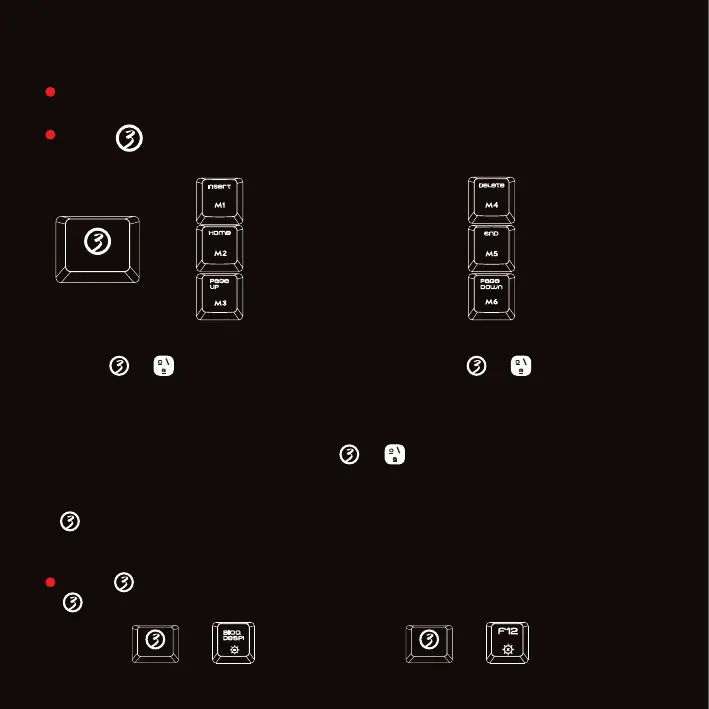
Press + 1 to 6 keys to set the lighting effect
Creating a custom backlit mode
Press +” ” to enter custom mode. Press again +” ” to start setting:
now, 4 LED indicators will flash. At this point, certain keys would be already
backlit: you can now select these and any other keys to start setting their
lighting on/off. Press your selected keys 1-8 times to launch and choose
one of its 8 available colors. Press +” ” to save custom mode
104 single different LED colors can be launched and chosen by pressing
+ Space bar: now, just hit on the keyboard width your preferred color
to choose and save it, or press Space bar to choose and save rainbow mode
Press 3 times to reveal on each keystroke a LED effect
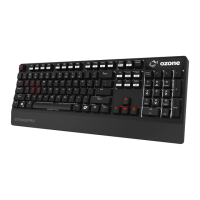
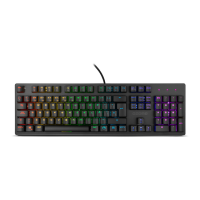
Fully 105 mechanical switched gaming keyboard with RGB back-lighting.
+
STRIKEBACK KEY FUNCTIONS
Press + “BLOQ DESPL” to change side surrounding LED mode and
+ “F12” to change volume button LED modes.
A. The trial of light
B. Breathing
C. Normally ON
A. Go with the stream
B. Clouds fly
C. Winding paths
A. Ripple graff
B. Pass without trace
C. Fast run without trace
A. Flowers blooming
B. Swift action
C. Snow winter jasmine
A. Hurricane
B. Accumulate
C. Digital times
A. Both ways
B. Surmount
C. Fast and the Furious
+ +



 To Next Page