iLok Usage Guide for Pro Tools 7.0 — 9/28/05 15
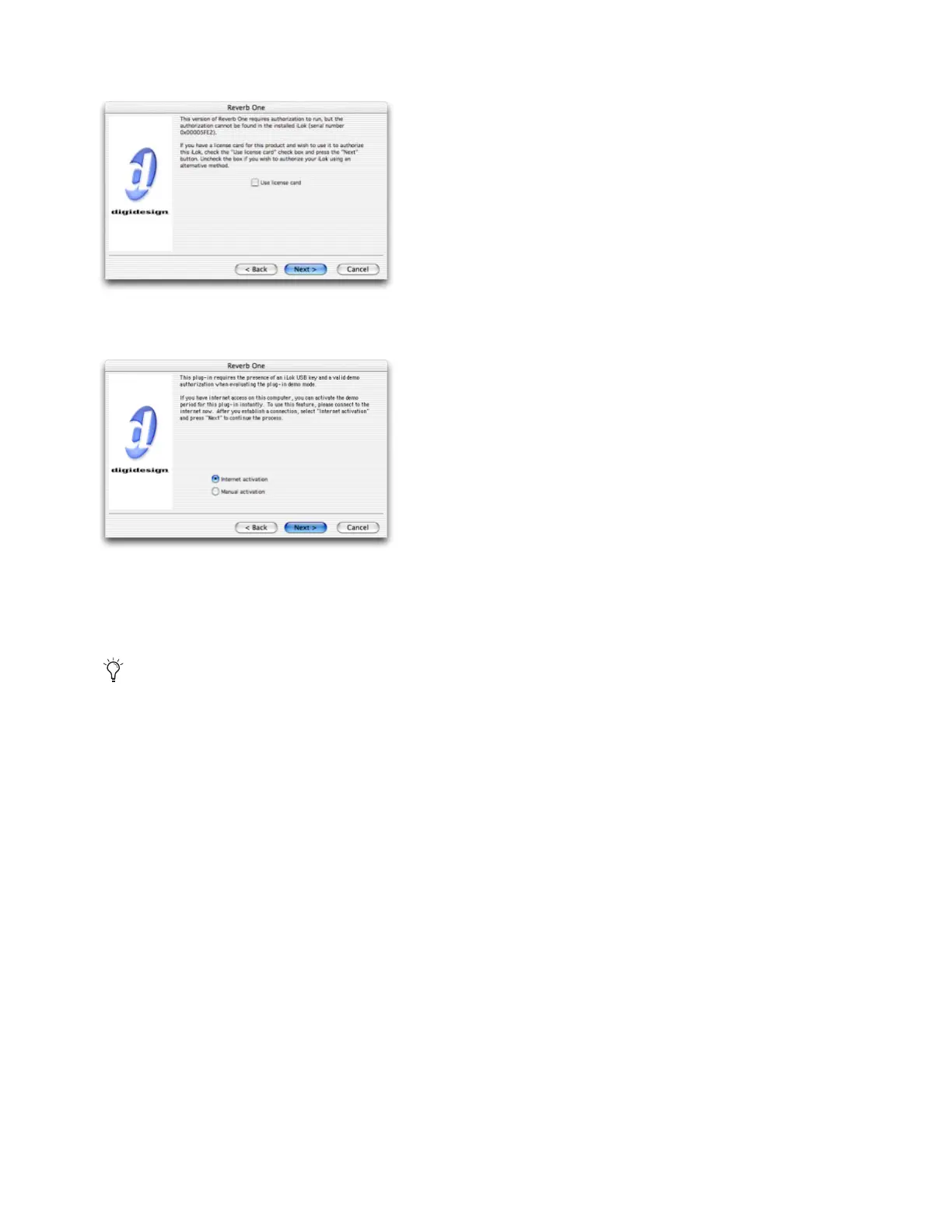
5 Deselect Use License Card and click Next.
6 Select Internet activation, and click Next.
.
You will be automatically connected to the Web page for this plug-in at Digidesign’s DigiStore.
7 On the plug-ins page, select the kind of license you want to buy for the plug-in or software option by choosing the appro-
priate option from the pop-up menu:
2-Day Rental License License expires two days after it is first downloaded to the iLok.
14-Day Rental License License expires 14 days after it is first downloaded to the iLok.
31-Day Rental License License expires 31 days after it is first downloaded to the iLok.
Full License License never expires.
8 Follow the on-screen instructions to enter your billing information, and click Submit Order to finalize the purchase.
When the download is complete, you are ready to use the plug-in or software option with its new license.
License card dialog
Internet Activation dialog
Not all of these options will be available for every plug-in or software option.



 To Next Page