iLok Usage Guide for Pro Tools 7.0 — 9/28/05
3
3
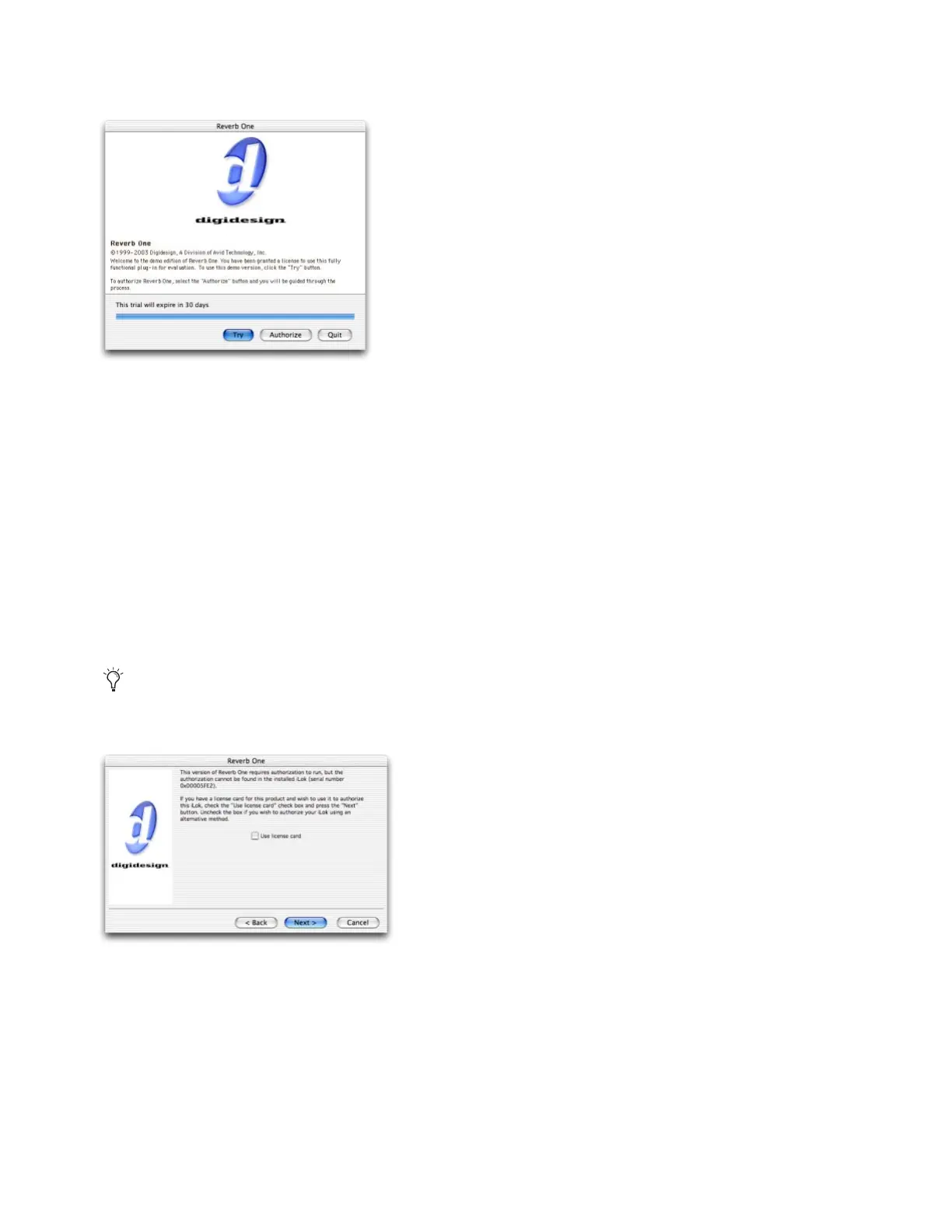
When you are prompted to try or authorize the plug-in, click Try. (If you click Quit, the trial period will not begin, and
Pro Tools will continue to launch.)
When Pro Tools has launched, you are ready to use your plug-in in demo mode.
Downloading a Demo License
When you load a plug-in requiring a demo license and no demo license is present, you can download the demo license di-
rectly to your iLok.
To download a demo license and activate demo mode for a plug-in:
1
Insert the iLok USB Smart Key into an available USB port on your computer.
2
Make sure your computer is connected to the Internet.
3
Launch Pro Tools.
4
When you are prompted to try or authorize the plug-in, click Try.
5
Deselect Use License Card and click Next.
Authorization dialog
If you are not prompted to try the plug-in, quit Pro Tools and repeat the above steps, but without the iLok in the USB port.
Pro Tools should then prompt you to insert the iLok and authorize the plug-in.
License card dialog



 To Next Page