iLok Usage Guide for Pro Tools 7.0 — 9/28/05
8
2
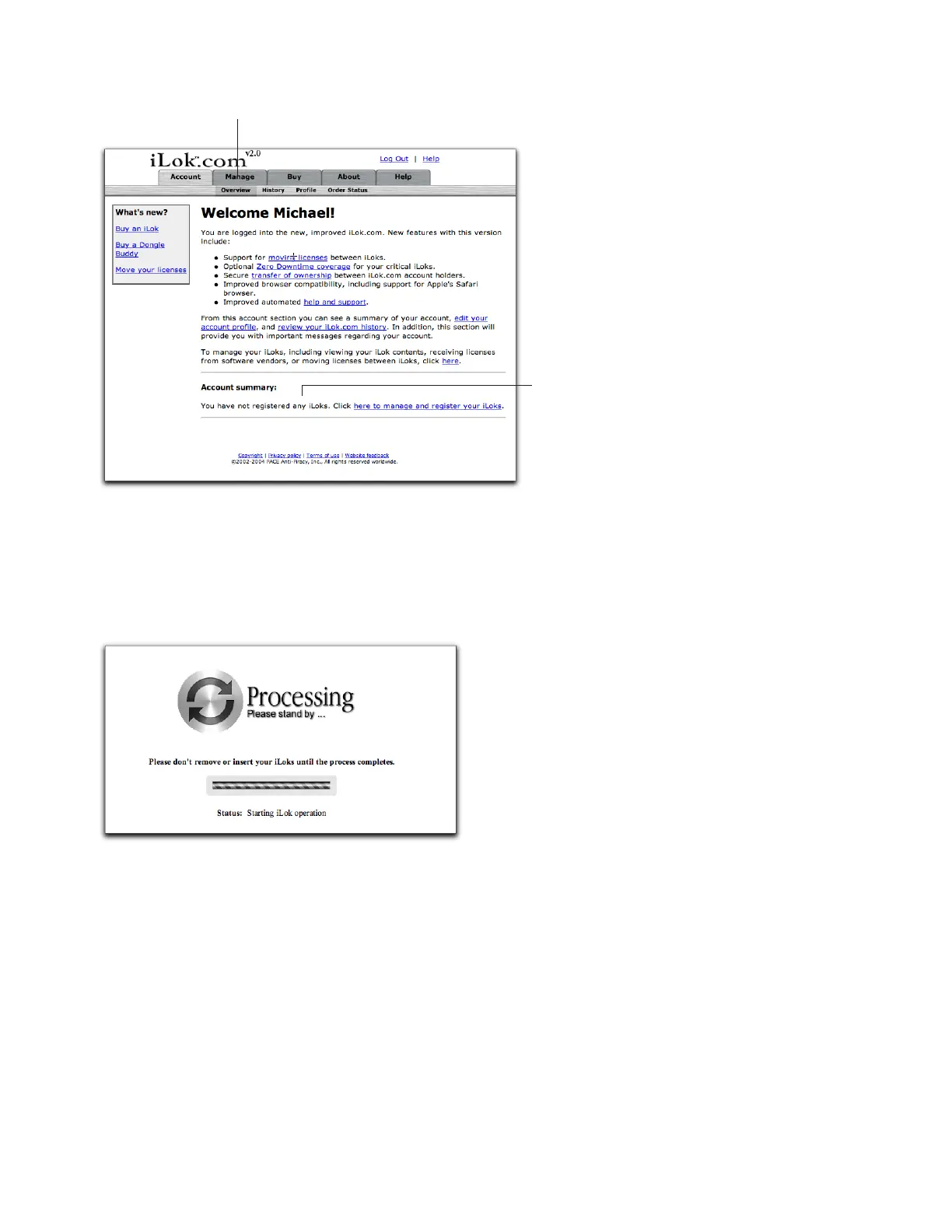
On the Welcome page, click the Manage tab.
3
Insert the iLok you want to register into a USB port on your computer.
4
Click Synchronize.
iLok.com displays a progress bar as it reads the serial number of the iLok (this may take some time). When it is finished, the
New iLoks Found! page appears.
iLok.com Welcome! page (one iLok registered)
Synchronizing an iLok (iLok.com)
Manage tab
Message indicating no iLoks
are registered in your account



 To Next Page