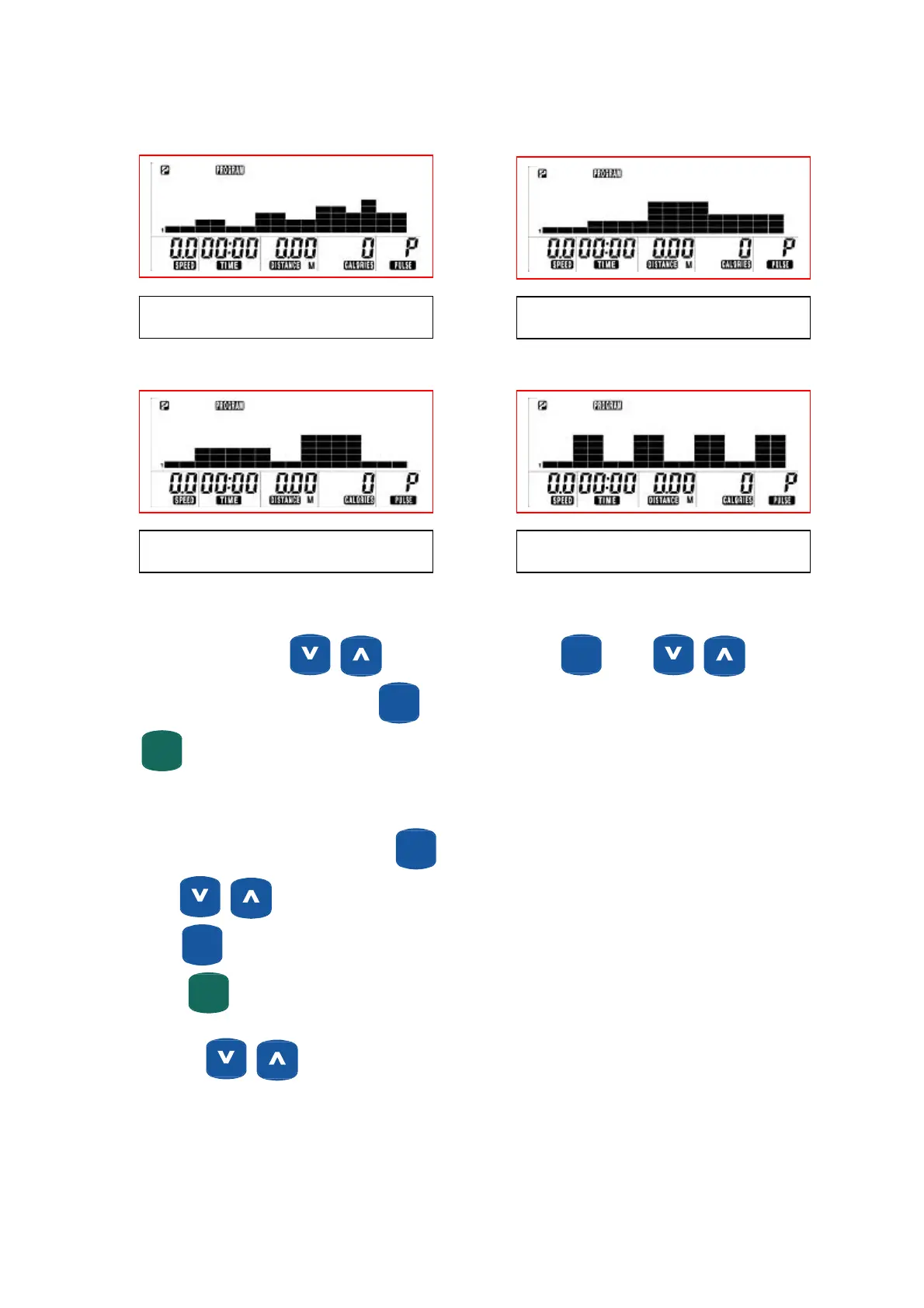
Profile #9
Profile #10
Profile #11 Profile #12
Selecting a Program
Turn on the power, press to select program then press
ENTER
(MODE)
. Press to
select one of above 12 profile then press
ENTER
(MODE)
.
START
(PAUSE)
QUICKQUICK
can be pressed to start workout if parameters will not be user set.
Setting Parameters For Program Profile.
Select required program (P1-P12) then press
ENTER
(MODE)
. 1
St
parameter “Time” will flash so value can be adjusted
using
Press
ENTER
(MODE)
to save value & move to next parameter to be adjusted. Continue through all desired parameters,
press
START
(PAUSE)
QUICKQUICK
to begin workout.
Note: Use
buttons to adjust resistance levels, at any time during workout.
25


 To Next Page