27
PLEASE NOTE: For your safety the wheelchair is equipped with a charger safety lockout that
will not allow the wheelchair to operate while the charger plug is plugged in.
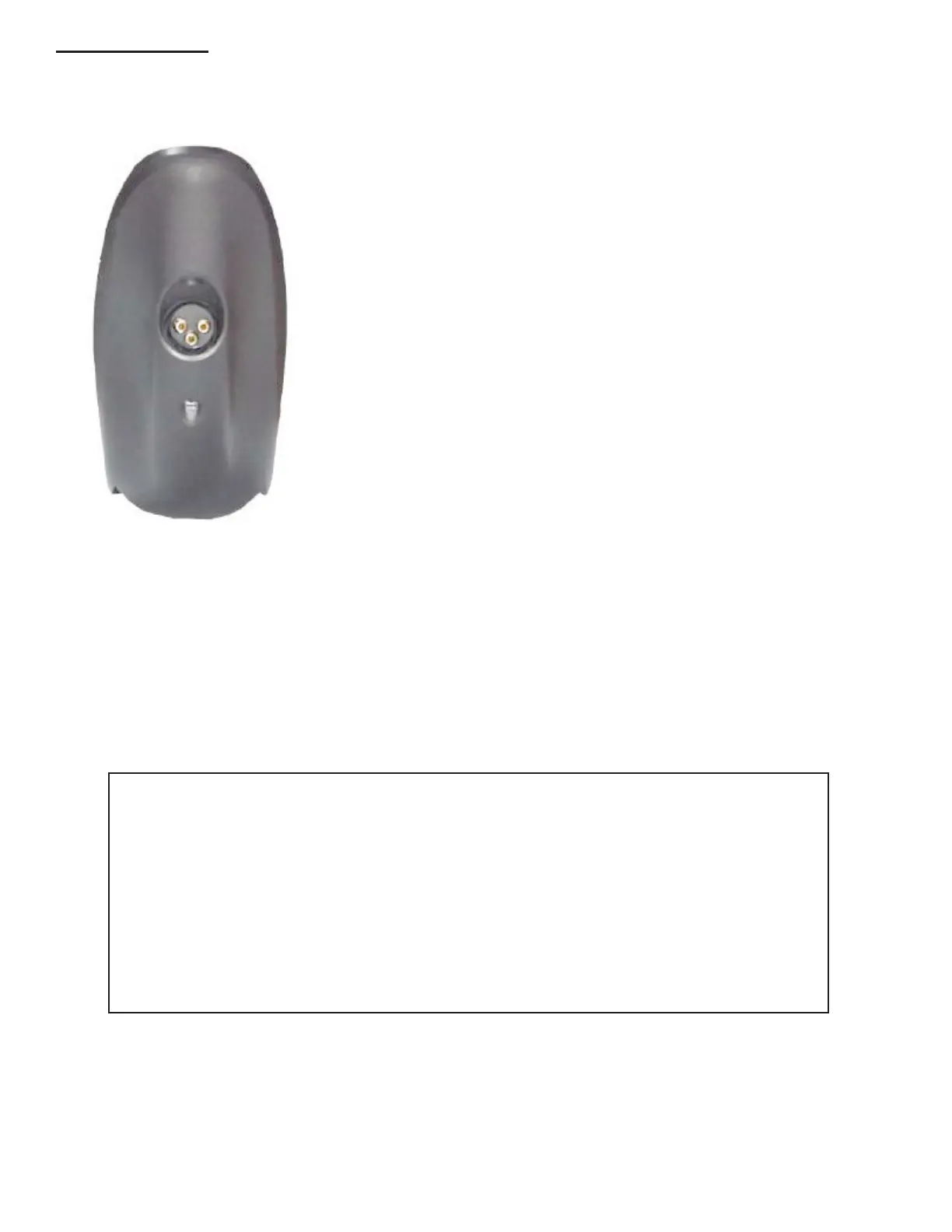
Plug the battery charger into the charging socket located at the
front of the Shark Joystick Console then into a properly wired wall
outlet.
The Shark Information Gauge on top of the joystick console will
indicate the system is being charged by cycling between a left-to-
right 'chase' and displaying the current battery state-of-charge.
Driving is prevented (inhibited) while the system is being
charged.
Once the Information Gauge displays a 'full' battery charge (all
LED's are lit), the battery charger plug may be removed, rst from
the wall outlet then from the joystick console.
NOTE: If SHARK is turned off, or goes into sleep while charging, charging will continue.
The light on the front of the charger indicate the following:
“POWER ON” is red and indicates AC Power is connected to the charger.
“CHARGING” is yellow and indicates proper connection to the batteries.
“CHARGED” is green and indicates the battery has reached full charge.
The charger can be left on without any time limit..



 To Next Page