BOSS 4.5, RF, P3 & P4 OWNERS MANUAL 15
3. BATTERY INDICATOR. The battery Indicator displays the true state-of-battery-charge, includ-
ing notifi cation of when the battery desperately requires charging. The true status is most accurate only while
you are driving.
• Any green LED's lit indicates well-charged batteries.
• If only yellow and red LED's are lit, the batteries are moderately charged.
They must be recharge before undertaking a long trip. To prolong the life of the batteries they should
be recharged at this point.
• If only red LED's remain lit the batteries are running out of charge. Recharge as soon as possible.
Frequently driving down to the red will reduce the life of the batteries.
4. THROTTLE CONTROL JOYSTICK LEVER. The joystick mounted on the top of the control
panel is both the throttle and direction control lever (Push Slowly). Pushing the joystick with your thumb in
the direction of the horn button on the control faceplate will make the wheelchair go forward or backward
accordingly. Pushing the joystick in slightly will makes the wheelchair begin to move. The further you depress
the joystick, the faster the wheelchair moves. The top speed set by the Tortoise/Hare buttons is reached by
fully depressing the joystick. Completely releasing the joystick will stop power to the motor, activate the
brakes, and you will come to a complete stop. For faster stops in forward, pull the joystick into reverse until
the unit stops moving, then release the joystick.
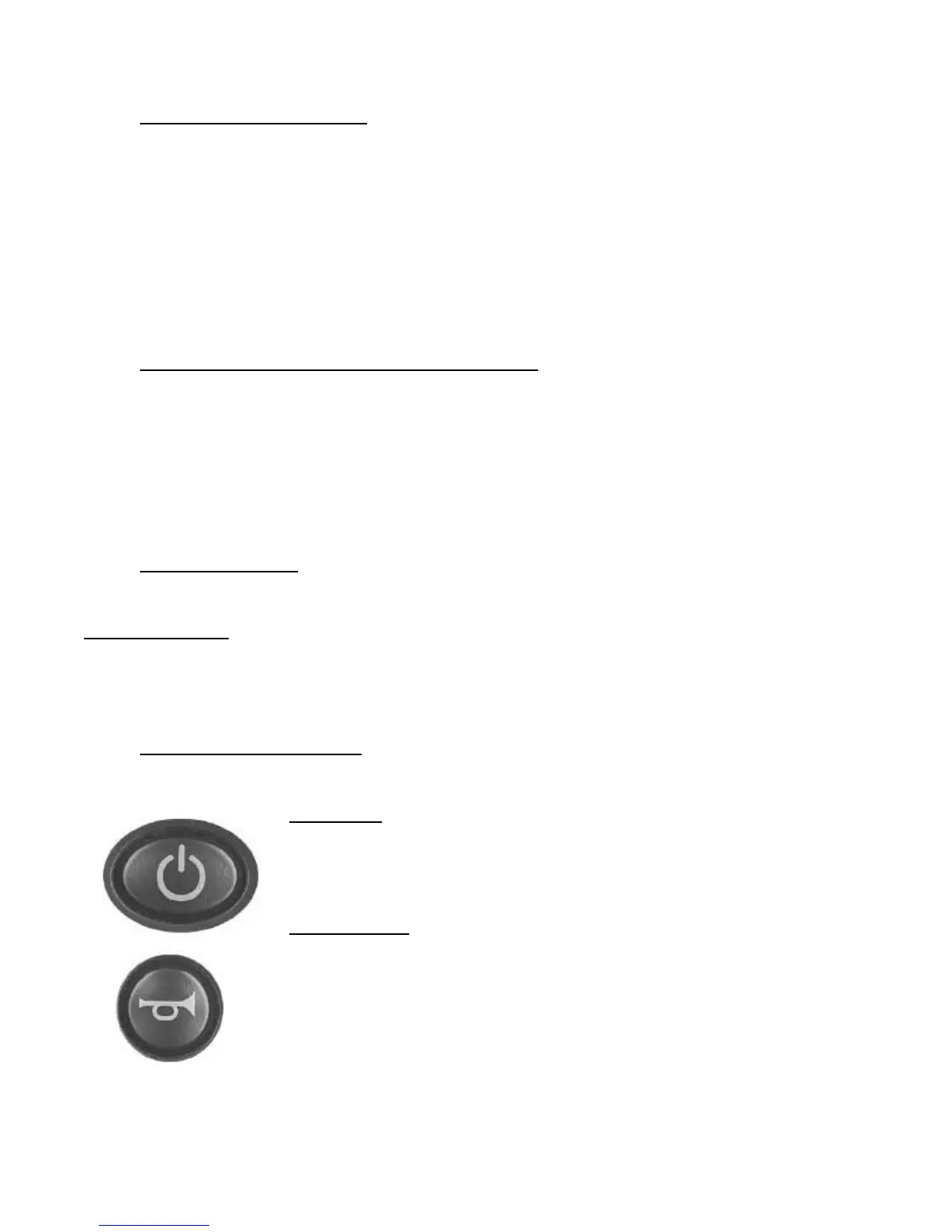
5. HORN BUTTON
Your unit also comes equipped with a built in horn, activated by depressing the horn button.
PLEASE NOTE: Should the joystick / brake control system not stop the unit, turning the power switch
off will engage all brakes and stop the unit abruptly. This backup system should only be used in the unlikely
event that the primary brake control is disabled, as the quick stop could CAUSE YOU TO SLIDE OFF THE
WHEELCHAIR. Remember to wear your lap belt.
6. LOCKING THE SHARK Most SHARKs are supplied with a factory programmed LOCK Feature
that prevents unauthorized people from turning the SHARK on.
TO LOCK:
While the power is ON, press and hold the Power button for 4 seconds. The horn
will sound a short beep and all LED's will fl ash briefl y. The powerchair will then
turn off.
TO UNLOCK:
While the SHARK is locked, press the Power button to turn the SHARK on.
All LED's will fl ash briefl y. The LED's will then perform a right-to-left "chase".
Press the Horn button twice before the timer completes its pass (approximately 10
seconds). The current state-of-charge will then be displayed and SHARK may be
operated normally.
Note: If the user does not press the Horn button twice within the time limit, the Horn
will sound a short beep and SHARK will turn itself off. The unlock sequence must
be completed successfully before the SHARK will drive again normally.
Operating the Power Wheelchair



 To Next Page