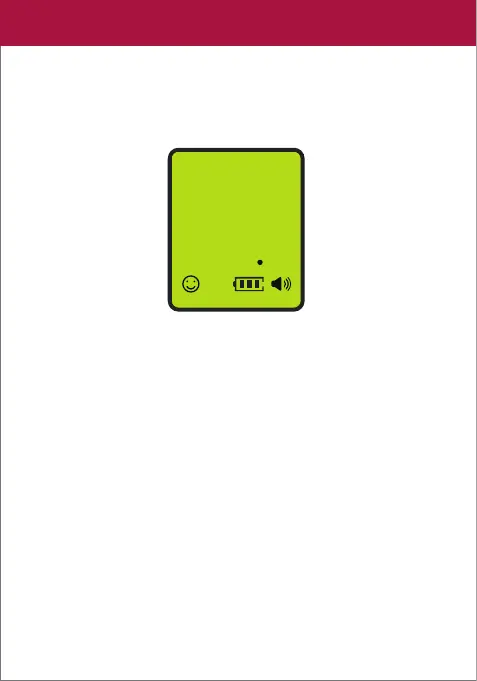
3. Press the TRIGGER to take a measurement.
After 1 second, a beep will be heard and the thermometer
will display a temperature reading.
4. Upon measuring the body temperature, the backlight color
of the LCD display will be based on the test result. Refer to the
Fever Alert System section for more information.
Notes:
• It is important to hold the thermometer and the forehead
steady during measurements.
• For children under 3 years of age, it is recommended to measure
three times and take the average reading as the final result.
• You can similarly measure the temperature of a hot surface or
liquid just by changing the temperature mode setting. Refer
to the Changing Modes section for further information.
98
6
01
Body
°F
LCD
07


 To Next Page