12
The pager allows you to delete either a single
message or all messages at any one time. Only
read and unlocked messages can be deleted.
Selective Delete
Select the message you want to delete by pressing
the READ button to scroll through the memory.
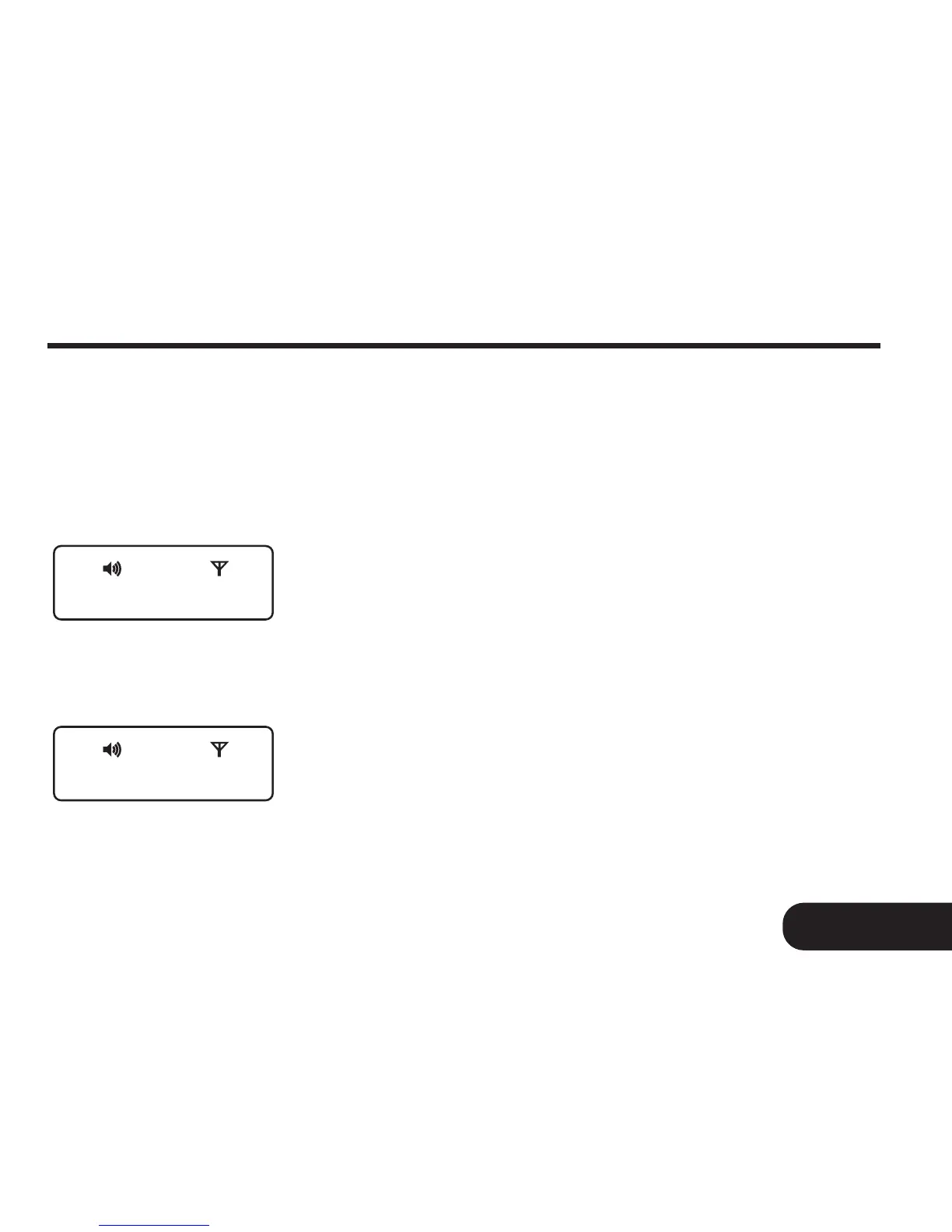
Press the FUNCTION button twice on the
desired message screen to display “CLEAR? ”
prompt (Fig.12a).
Press the READ button to delete the message.
The display will show the prompt “CLEARED ” to
indicate message has been deleted (Fig. 12b).
17
12. Deleting Your Message
Deleting Your Message
CLEAR ?
CLEARED
Fig. 12a
Fig. 12b



 To Next Page