18
Deleting Your Message
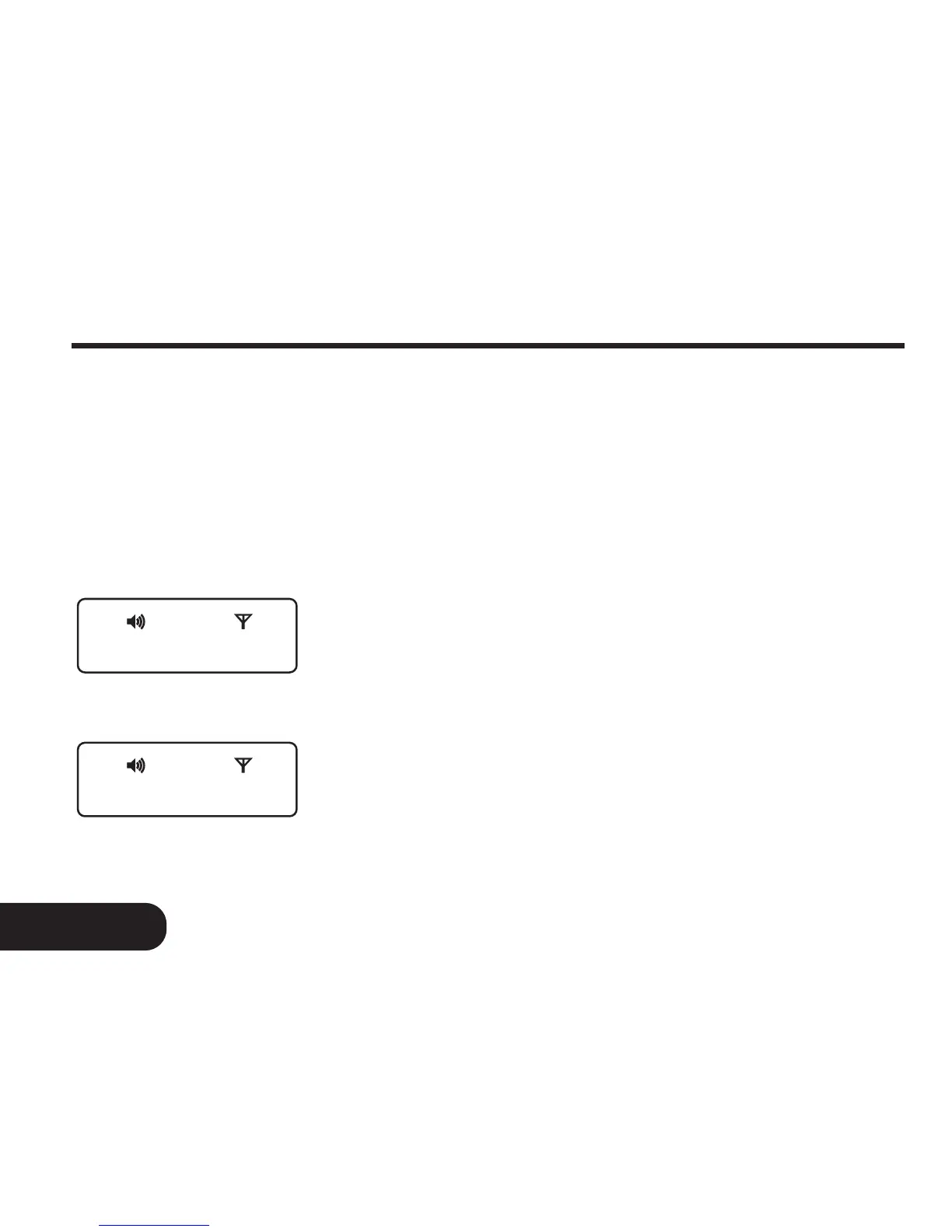
CLEAR ALL ?
ALL CLEARED
Fig. 12c
Fig. 12d
Clear All
The page will allow “CLEAR ALL” function only
if it receives more than one message. In the
standby screen, press the FUNCTION button
and hold for more than 2 seconds to enter into
the function menu mode.
Press the FUNCTION button to scroll through
the menu prompt until “CLEAR ALL? ” prompt is
displayed (Fig.12c).
Press the READ button to delete all read and
unlocked messages. The pager will display “ALL
CLEARED ” to indicate all messages have been
deleted (Fig. 12d).



 To Next Page