19
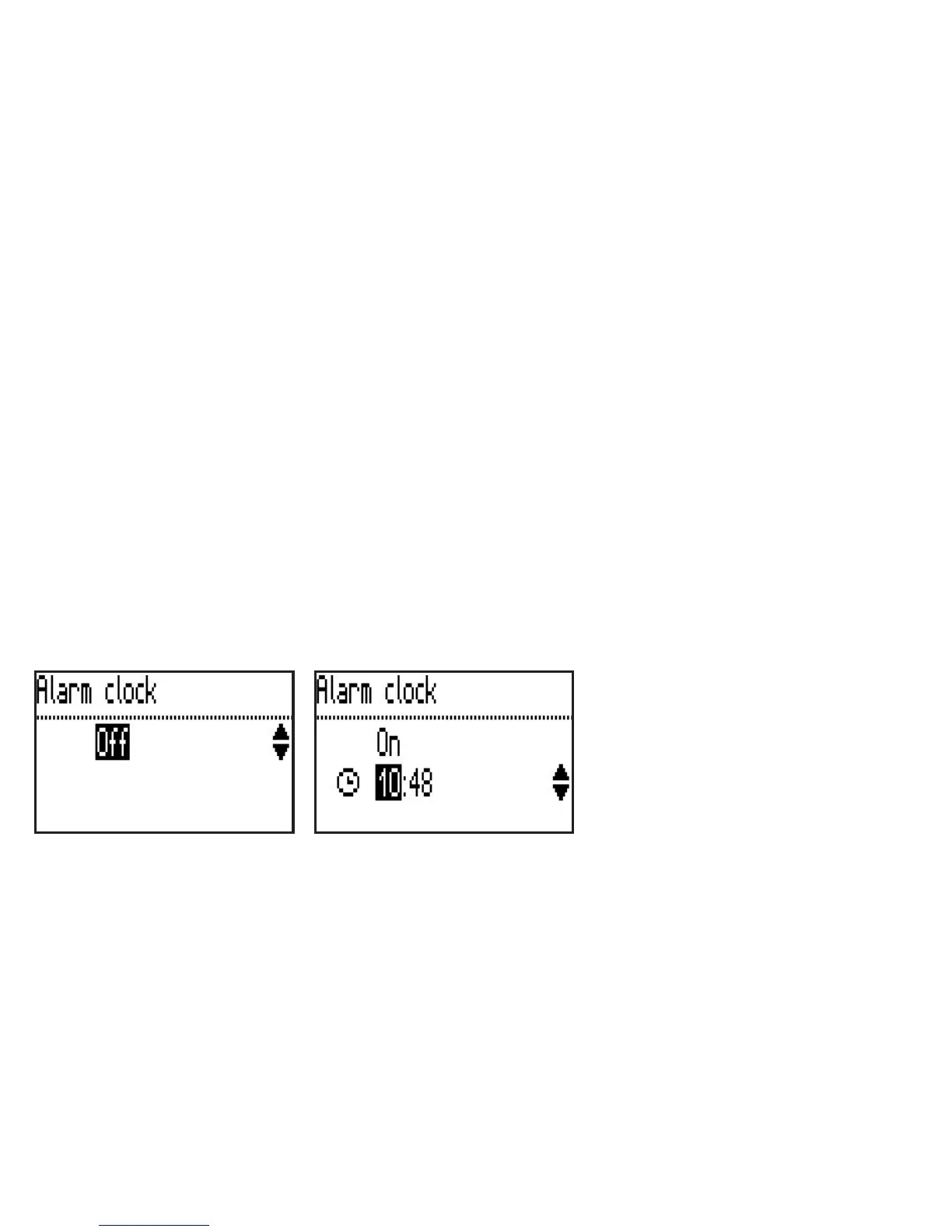
Alarm clock
Initial position: stand-by mode
• Press <OK> and the menu item Read latest message will be displayed
• Choose the menu item Alarm clock using the <bottom> key
• Again press <OK>
Switching the alarm on and off and setting the time the alarm will go off
Initial position: menu item Alarm clock
• Press the <bottom> key in order to select the menu ‘On/Off’
• Switch to setting the time using the <OK> key
• Set the time using the <top> or <bottom> keys
• Save the time the alarm is to go off by pressing the <OK> key once more



 To Next Page