3.2.2 MODELS WITH AERAULIC PROBE IN [Cod. 1]
Function STANDBY:
If the device is OFF, and the fireplace is OFF
The device starts automatically the state ON
Modality FUNCTIONING
Function MANUAL: advice signal MAN
The fan is at the maximum speed independently by the fireplace’s temperature
Function AUTOMATIC: advice signal AUT
The fan starts functioning when the air temperature is hot
Function PROPORTIONAL: advice signal PROP
The fan increases automatically its speed according to the temperature read by the probe.
The led L5 indicates the fan activation state
Function SECURITY:
If the probe’s temperature is high, the fan is off and the modality is MANUAL
The device starts the PROPORTIONAL modality initially waiting 10 seconds.
After security, if the functioning conditions are the same, the device goes back to the previous
modality
Function ALARM:
If the temperature read by the probe is higher than in the fireplace
The acoustic signal is activated;
the fan works at the maximum speed to diminish the over–heating ;
the signal could be deactivated for 5 minutes pushing a button;
After 5 minutes if there’s is again conditions of alarm, it is activated again.
3.3 FAILURE OR ALARM SIGNALS
The controller has the signal failure of the probe [Cod=1]
Blinking message for the failure signal:
Lo : indicates a low temperature (temperature under 0°C): Probe open/disconnected
Hi: indicates a high temperature (temperature over 180°C) :Probe in short circuit
4.0 MANUAL FOR THE INSTALLER
All the following procedures have to be made by experienced and qualified personal because wrong
parameters’ changing could make the product not adequate for a good functioning
4.1 SECONDARY Menu
It allows to modify the functioning parameters of the controller.
To enter the MENU push together buttons P2 and P3 for about 5 seconds
To visualise the parameters use button P2 or P3
To show the parameter’s value push the button P4
To modify the parameter’s value push buttons P2 or P3
To visualise again the parameters’ list and memorise push button P4
To exit and memorise wait for about 5 seconds
Parameters are described in the following table
4.1.1 Calibrations/Setting out
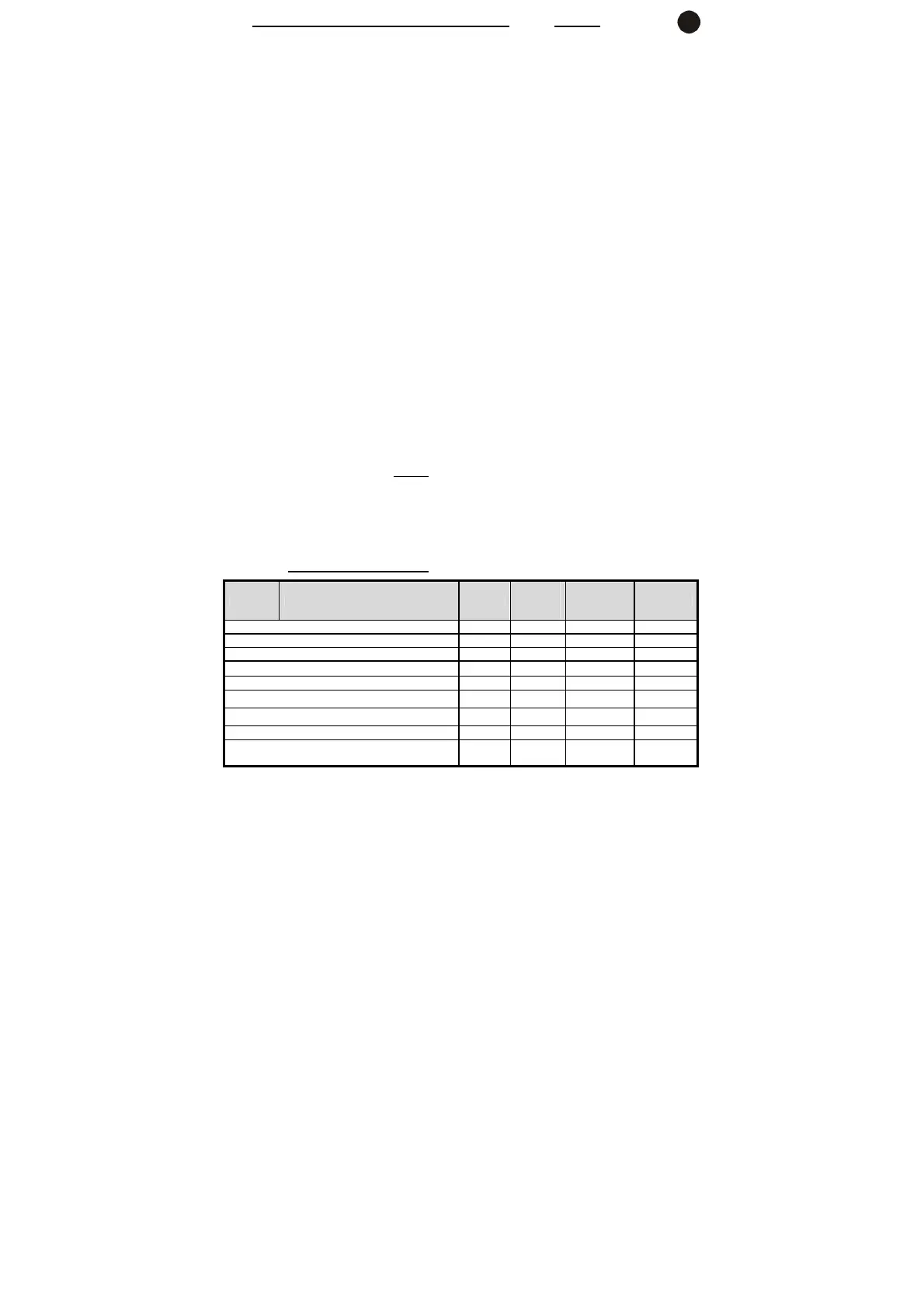
Table 1 Parameters SECONDARY Menu Symbol
Product
00252001
4
Product
002520016
Range
Temperature activation Fan [°C]
SEt 45 45
40 … 99
Temperature activation Alarm [°C]
tAL 130 130
100 … 180
Temperature activation security [°C]
tSi 100 100
80 … 140
Activation function SECURITY
SiC
1 [on] 1 [on] 0 … 1
Activation function STANDBY
Stb
1 [on] 1 [on] 0 … 1
Fan speed [for P01]
UUE 30 35
00 … 99
Fan speed [for P09]
UEn 70 70
00 … 99
Regulation interval for proportional modality [°C]
DEL 45 45
20 … 50
Setting out code IN Probe
1= Probe 2= Thermostat
Cod 1 2
1 … 2
GB


 To Next Page