8
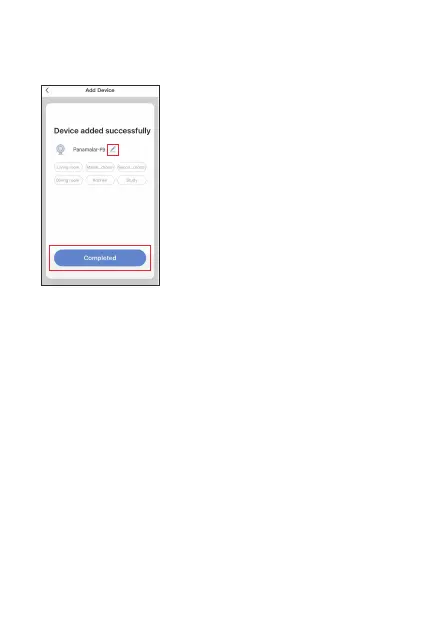
5. The camera is added successfully, you can change the device
nickname in this interface.
Open the“Amazon Alexa”App, click“Home”button;
Select “Skills”on menu bar that pops up on the left.
How to connect with Amazon Echo Show to control
your camera
Step 1
Step 2
Step 3
Step 4
Search“Smart Life”App on the search box. Then click
“Enable”to activate the App, and log in your account.
Click“Authorize”for the connection between Amazon
Alexa and Smart Life App. Once the Smart Life App has been
linked successfully, then back to“Home”interface.
Now you can use your Echo Show to voice control your
camera like“Alexa, show me the living room”



 To Next Page