3
Description
Name Smart Camera
F9
DC 5V ± 10%
2.0MP
1/2.7″CMOS
71*67*130mm/170.6g
WEP/ WPA/ WPA2
2.4GHz WiFi Only (IEEE802.11/b/g/n)
Support MicroSD Card (Max 64G)/Cloud
Storage
Model
Power
Pixel
Image Sensor
Size & Weight
Wireless Encryption
Network
Storage
Reset: Press and hold the reset button for 7 seconds to reset the
camera. (if you have modified settings, the device will return to
factory defaults)
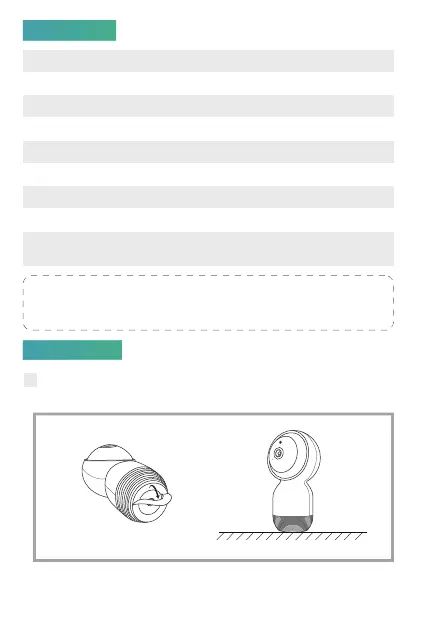
1 Remove the paster of the Anti-slip Pad attached on the bottom of
the camera, then put the camera on a clean surface.
安装
Installation



 To Next Page