EasyManua.ls Logo

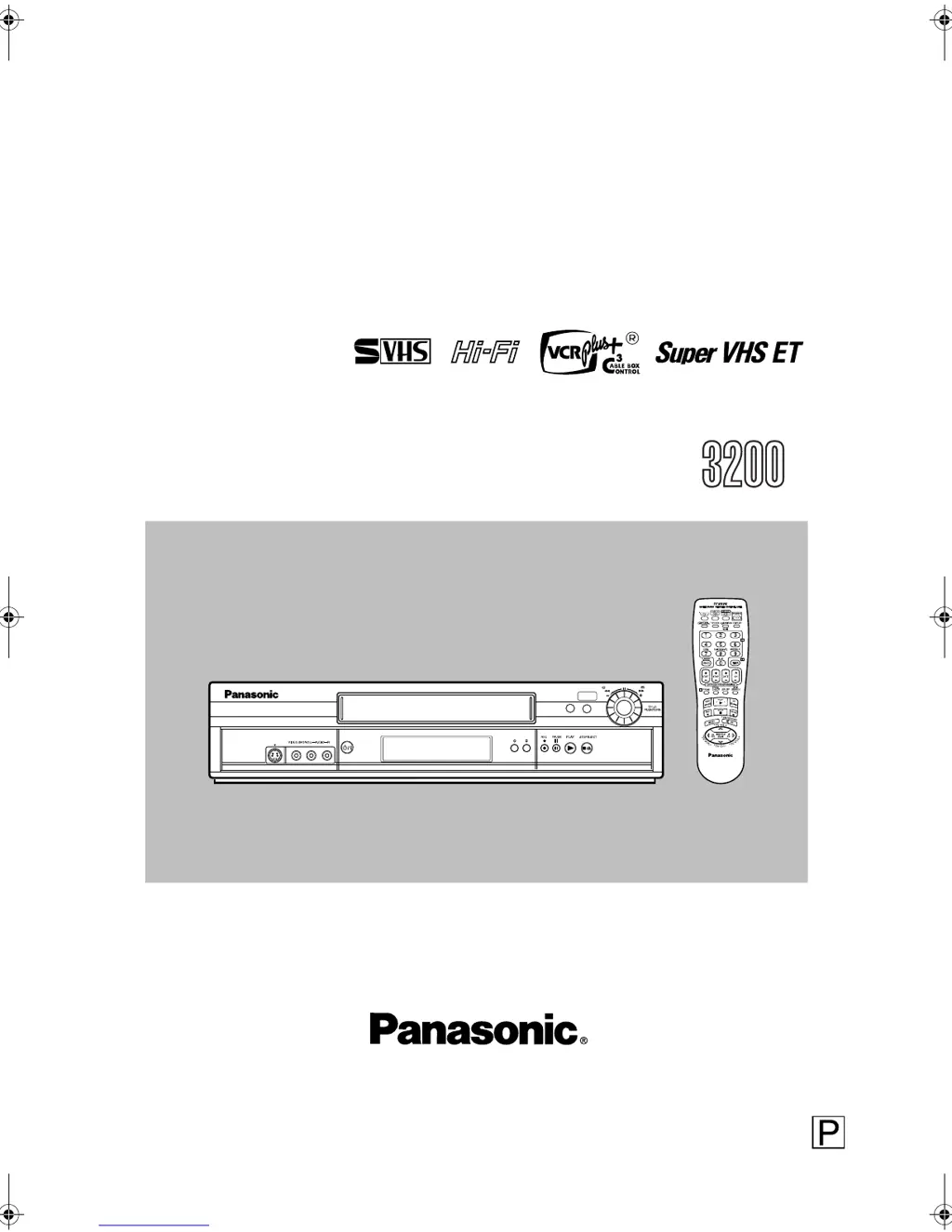
Panasonic AG-3200 - User Manual

Panasonic AG-3200
24 pages
Print Icon
To Next Page IconTo Next Page
Loading...
Page 1 June 11, 2002 10:22 am
Operating
Instructions
Video Cassette Recorder
AG- P
Before attempting to connect, operate or adjust this product, please read these instructions completely.
Printed in China
VQT0A13
0702MNV
f
ff
f
PJ
f
ff
f
BJ
LPT0714-001A
REW
FF
REC LINK
24HR QUICK
PROGRAM
S-VIDEO
POWER
INSERT
A.DUB
AG-3200P-EN.fm Page 1 Tuesday, June 11, 2002 10:29 AM

Questions and Answers

  • R
    Randall BellAug 15, 2025
    What to do if timer recording will not work on Panasonic VCR?
    • S
      Steven WilsonAug 15, 2025
      If your Panasonic VCR's timer recording isn't working, ensure the clock and timer program are set correctly. Also, press TIMER to engage the timer, so '#' appears on the display panel. If problems persist, redo the setup procedures, compensating for any guide channel and VCR or cable box channel number mismatches.
  • Z
    zwashingtonAug 18, 2025
    What to do if Panasonic AG-3200 VCR recording will not start?
    • S
      Samantha HoodAug 18, 2025
      If your Panasonic VCR isn't recording, make sure a cassette is loaded with its record safety tab intact. If the loaded cassette has the safety tab removed, either cover the hole with adhesive tape or use a cassette with an intact tab.
  • N
    nicholassimmonsAug 21, 2025
    Why is the clock incorrect on Panasonic AG-3200 after Auto or Semiauto Clock Set?
    • B
      buchananginaAug 21, 2025
      If the clock is incorrect on your Panasonic VCR even after performing Auto or Semiauto Clock Set, the clock setting data received from the host channel is incorrect. Select a different host channel during Semiauto Clock Set, or perform Manual Clock Set.
  • C
    Courtney HendricksAug 25, 2025
    Why is my Panasonic VCR remote not working?
    • B
      Brandon MasseyAug 25, 2025
      If your Panasonic VCR remote isn't working, first replace the batteries. If that doesn't solve the problem, the VCR might be in timer recording standby mode; press TIMER to disengage it. Finally, the remote control A/B code could be incorrect, so try resetting the A/B code.
  • M
    Mr. Eric Hall Jr.Aug 27, 2025
    How to fix Panasonic AG-3200 VCR if power will not come on?
    • D
      Darius SmithAug 27, 2025
      If your Panasonic VCR's power won't come on, check if the AC power cord is properly connected. If it is, the Child Lock function might be activated. To deactivate it, press and hold the POWER button for more than 10 seconds.
  • T
    Tracey SimonAug 30, 2025
    Why Panasonic VCR clock works, but the VCR’s power will not come on?
    • P
      piercechristopherAug 30, 2025
      If the clock works but the Panasonic VCR's power won't turn on, it might be in timer recording standby mode with “AUTO TIMER” set to “OFF”. Press TIMER to disengage the timer. Alternatively, the Child Lock function could be activated; press and hold POWER for over 10 seconds to release it.
  • J
    Joseph DaughertySep 2, 2025
    Why VCR Plus+ system does not work properly on Panasonic AG-3200 VCR after moving?
    • R
      Robert BrownSep 2, 2025
      If you've moved and your Panasonic VCR Plus+ system isn't working properly, it's likely that receivable stations in the new area are received on different channels than before. Re-perform the procedure in “Changing VCR Plus+® Setting.”
  • M
    michaelrichardsSep 5, 2025
    How to fix Panasonic VCR if tape is running but the picture will not appear?
    • S
      Shane AustinSep 5, 2025
      If the tape is running on your Panasonic VCR but there's no picture, and you're using an RF connection, check that your TV is set to channel 3 or 4. If you're using an AV or S-video connection, make sure your TV receiver is set to the correct AV mode.
  • M
    mrussellSep 8, 2025
    Why timer programing will not work on Panasonic AG-3200?
    • J
      johnlynchSep 8, 2025
      Timer programming cannot be performed on Panasonic VCR when timer recording is in progress. Wait until it finishes.
  • C
    Cynthia GriffinSep 12, 2025
    What to do if the channel cannot be changed on Panasonic AG-3200 VCR?
    • D
      Douglas WalkerSep 12, 2025
      If the channel on your Panasonic VCR cannot be changed, it's likely because recording is in progress. Press PAUSE to pause the recording, change the channel, and then press PLAY to resume recording.

Summary

CAUTIONS

Declaration of Conformity

IMPORTANT PRODUCT SAFETY INSTRUCTIONS

INSTALLATION

Instructions for connecting and setting up the VCR, including grounding and ventilation.

ANTENNA INSTALLATION INSTRUCTIONS

Guidelines for safely installing outdoor antennas and grounding systems.

USE

SERVICING

Procedures and precautions for product maintenance and repair by qualified personnel.

Buttons, Connectors and Indicators

Front Panel

Details of buttons and connectors located on the front of the VCR.

Rear Panel

Details of connectors and ports located on the rear of the VCR.

Remote

Overview of the remote control unit, its buttons, and functions.

Connections and Plug&Play Setting

Connect VCR to TV

Guidance on physically connecting the VCR to television sets using various cable types.

Perform Plug&Play setup

Instructions for the automatic setup process, including clock and channel configuration.

Set VCR channel

Procedure to select the VCR's output channel for RF connection.

Initial Settings

Language Setting

How to select the display language for menus and messages.

Clock Setting

Methods for setting the VCR's internal clock, including automatic and manual options.

Tuner Setting

Procedures for automatically or manually tuning TV channels for optimal reception.

Playback

Basic Playback

Step-by-step guide to loading a cassette and starting playback.

Playback Features

Details on advanced playback options like tracking adjustment and audio monitoring.

Recording

Accidental erasure prevention

Method to protect recorded tapes from accidental erasure by removing the safety tab.

Basic Recording

Steps for performing a standard recording of a selected program.

Recording Features

Advanced recording options such as ITR, tape speed selection, and S-VHS modes.

Timer Recording

Changing VCR Plus+ Setting

How to set guide channel numbers for VCR Plus+ programming.

VCR Plus+ Timer Programing

Instructions for programming recordings using VCR Plus+ codes from TV listings.

Express Timer Programing

Method for setting timer recordings directly using start and stop times.

24 HR Quick Programing

Procedure for programming recordings within the next 24 hours using the JOG dial.

Checking, canceling or changing program settings

How to review, cancel, or modify scheduled timer recordings.

Other Functions

Timer warning display

Notification system for upcoming timer recordings.

Checking tape position

How to view the current position on the inserted tape.

Changing display information

Options for customizing the information shown on the VCR's display panel.

Function settings

Access and modification of various operational settings like S-VHS ET and Picture Control.

Satellite Auto Recording

Child Lock

Multi-Brand Remote Control

TV Brand Setting

Steps to program the remote control for specific TV brands.

Cable Box or DBS Receiver Brand Setting

Instructions for programming the remote to operate cable boxes or DBS receivers.

Changing Remote Control Code

Procedure to modify remote control codes for VCR operation, enabling multi-VCR use.

Editing

Editing with Another VCR

Instructions for connecting and performing edits between two VCRs.

Audio Dubbing

Process for replacing the original audio track of a tape with a new soundtrack.

Insert Editing and AV Dubbing

Techniques for replacing video scenes and audio, or performing both simultaneously.

Specifications

GENERAL

General technical specifications like power requirements, dimensions, and operating conditions.

VIDEO;AUDIO

Specifications related to video signal, recording system, and audio frequency response.

TUNER

Details on the VCR's tuning system, channel coverage, and RF output.

TIMER

Information regarding the VCR's timer functions, clock reference, and program capacity.

ACCESSORIES

List of accessories provided with the VCR unit.

Troubleshooting

Power

Solutions for issues related to the VCR not powering on or functioning.

Playback

Troubleshooting steps for problems encountered during tape playback.

Recording

Solutions for issues preventing successful recording.

Timer Recording

Troubleshooting steps for problems with timer-programmed recordings.

Other Problems

Resolving miscellaneous issues not covered in other categories.

Panasonic AG-3200 Specifications

General IconGeneral
BrandPanasonic
ModelAG-3200
CategoryVCR
LanguageEnglish

Related product manuals