EasyManua.ls Logo

Panasonic CQ-C5400 - User Manual

Panasonic CQ-C5400
26 pages
Print Icon
To Next Page IconTo Next Page
Loading...
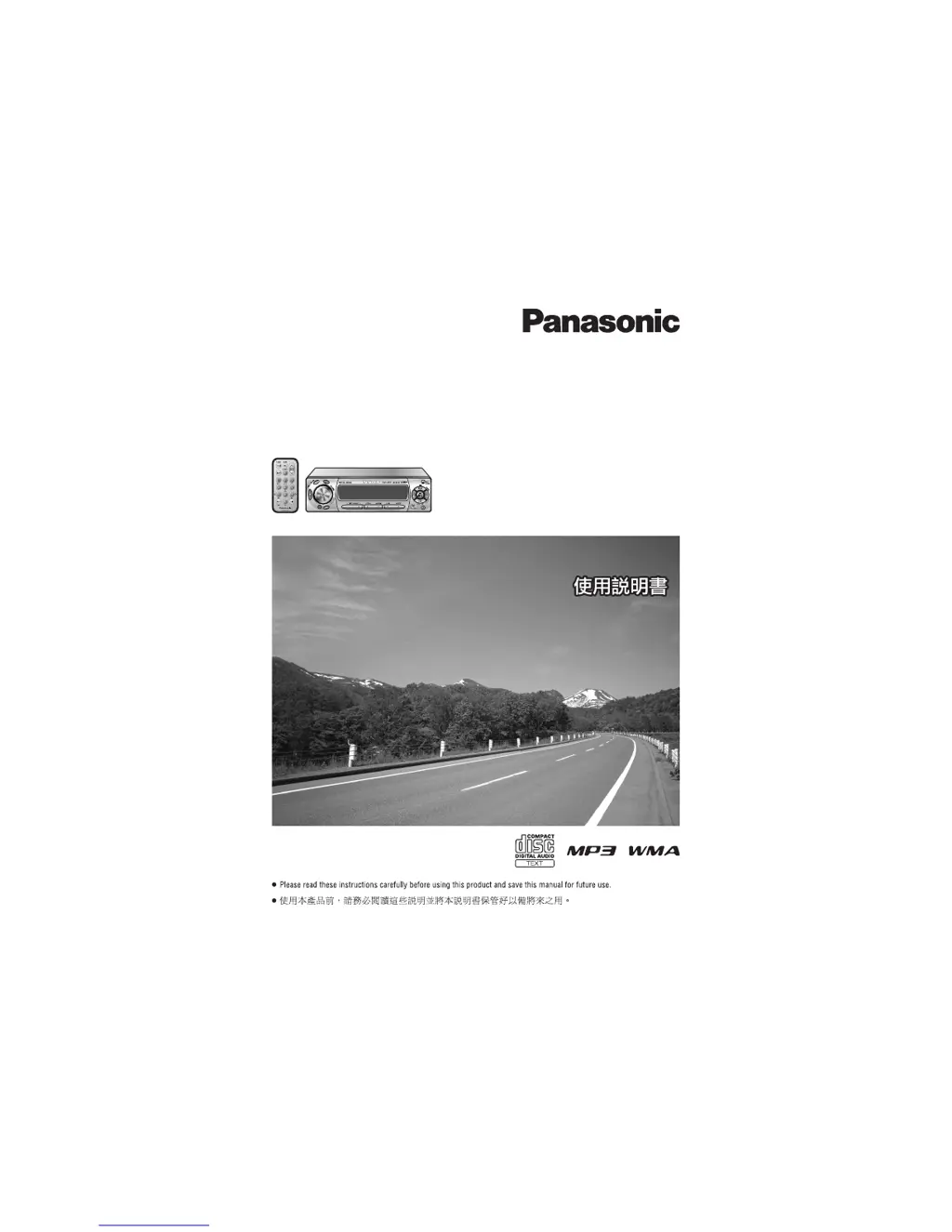
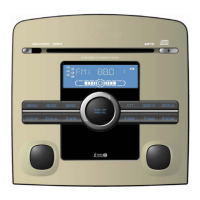
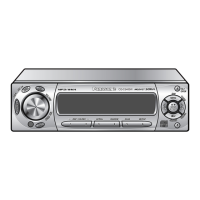
Removable Full Front MP3 WMA CD Player/Receiver with CD Changer Control
CQ-C5400/C5300W
Removable Full Front CD Player/Receiver with CD Changer Control
CQ-C5100W
(CQ-C5400W)
Operating InstructionsOperating Instructions

Questions and Answers

  • S
    sandranelsonAug 11, 2025
    What to do if there is no sound from my Panasonic CQ-C5400?
    • J
      Joseph HurleyAug 11, 2025
      First, check the wiring to ensure the power cord (battery, ACC, and ground) is correctly connected. Verify that the MUTE function is set to OFF. Also, make sure the speaker lines are correctly wired, and there are no breaks or poor contacts. If a demonstration screen is active, press the display button to exit it. If the demonstration screen appears frequently, check the battery wiring, ensuring it's correctly connected and always powered.
  • R
    rebeccalopezAug 20, 2025
    Why is my Panasonic CD Player making noise?
    • R
      raymond93Aug 20, 2025
      The noise could be due to several factors. An electromagnetic-wave generator, like a cellular phone, might be too close to the unit or its wiring. Try moving such devices away. Ensure the ground lead is securely connected to an unpainted part of the chassis. If the noise is alternator-related, try changing the wiring position of the ground lead. Also, check and readjust the balance/fader settings.
  • L
    laurarussoAug 31, 2025
    Why is my Panasonic CD Player having poor reception or noise?
    • J
      Jeffrey GregoryAug 31, 2025
      Check the antenna installation and wiring to ensure they are correct, and the antenna ground is securely connected to the chassis. If using a film antenna, verify that power is supplied to the antenna amplifier by checking the wiring of the antenna battery lead. If the number of receivable stations is less than 6, move to an area with maximum receivable stations and try presetting again. Ensure the battery lead is securely connected and always powered; then, preset stations again.

Panasonic CQ-C5400 Specifications

General IconGeneral
BrandPanasonic
ModelCQ-C5400
CategoryCD Player
LanguageEnglish

Related product manuals