EasyManua.ls Logo

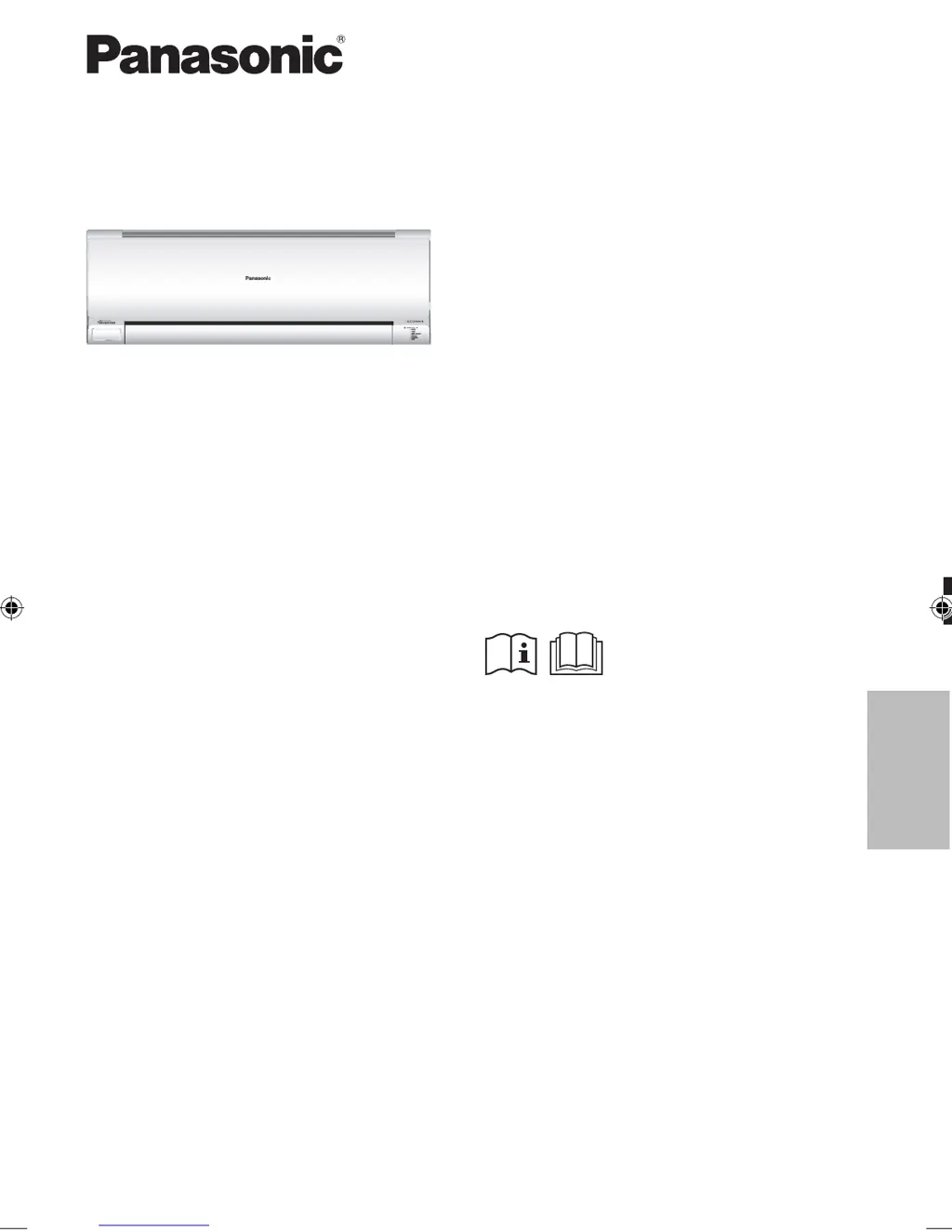
Panasonic CS-E18PKR - User Manual

Panasonic CS-E18PKR
12 pages
Print Icon
To Next Page IconTo Next Page
Loading...
AAF
English
F569361
Model No.
Indoor Unit Outdoor Unit
CS-E7PKR
CS-E9PKR
CS-E12PKR
CS-E15PKR
CS-E18PKR
CS-E21PKR
CS-E24PKR
CS-E28PKR
CU-E7PKR
CU-E9PKR
CU-E12PKR
CU-E15PKR
CU-E18PKR
CU-E21PKR
CU-E24PKR
CU-E28PKR
Operating Instructions
Air Conditioner
Operating Instructions
Air Conditioner
Thank you for purchasing Panasonic Air Conditioner.
Installation instructions attached.
Before operating the unit, read these operating
instructions thoroughly and keep them for future
reference.
F569361_EN.indd 1F569361_EN.indd 1 7/9/2013 8:48:42 AM7/9/2013 8:48:42 AM

Other manuals for Panasonic CS-E18PKR

Questions and Answers

  • D
    Dr. Nicole Cervantes DDSAug 8, 2025
    What to do if my Panasonic CS-E18PKR remote control does not work?
    • J
      Jason FischerAug 8, 2025
      If the remote control for your Panasonic Air Conditioner isn't working, make sure you have inserted the batteries correctly or try replacing weak batteries.
  • A
    Aaron NixonAug 15, 2025
    What to do if my Panasonic Air Conditioner stops and the TIMER indicator blinks?
    • J
      Jason HahnAug 16, 2025
      If your Panasonic Air Conditioner stops and the TIMER indicator blinks, use the remote control to retrieve the error code.
  • A
    Andrew SmithAug 22, 2025
    How to improve HEAT/COOL mode efficiency in my Panasonic CS-E18PKR?
    • C
      Charles CantuAug 22, 2025
      If your Panasonic Air Conditioner isn't working efficiently in HEAT/COOL mode, try the following: * Ensure the temperature is set correctly. * Close all doors and windows to maintain the desired temperature. * Clean or replace the filters for optimal airflow. * Clear any obstructions from the air inlet and outlet vents.
  • S
    Scott McmillanAug 30, 2025
    What to do if my Panasonic CS-E18PKR unit does not receive the signal from the remote control?
    • T
      taylorcharlesAug 30, 2025
      If the Panasonic Air Conditioner unit isn't receiving the signal from the remote control, ensure that nothing is obstructing the receiver. Certain fluorescent lights may interfere with signal transmitter. Please consult authorised dealer.

Summary

Quick Guide

Inserting the Batteries

Instructions for inserting AAA or R03 batteries into the remote control.

Clock Setting

Steps to set the clock on the remote control.

Basic Operation

Guide to selecting modes, starting, stopping, and setting temperature.

Safety Precautions

Indoor and Outdoor Unit Safety

Important safety warnings related to the indoor and outdoor units.

Remote Control Safety

Safety guidelines for handling the remote control.

Power Supply Safety

Precautions regarding the power supply and electrical connections.

How to Use

ECONAVI and Energy Saving

Using ECONAVI feature to optimize energy consumption.

Operation Modes

Explanation of AUTO, HEAT, COOL, DRY, and FAN modes.

Humidity and Moisture Control

Using MILD DRY mode to improve humidity and moisture level.

Powerful and Quiet Operation

Switching between POWERFUL and QUIET fan modes.

Fan Speed Selection

How to select the fan speed for operation.

Auto ON;OFF Button Usage

Instructions for using the Auto ON/OFF button when the remote is lost.

Maximizing Comfort

Using AUTO COMFORT and NANOE-G features for comfort.

Airflow Direction Adjustment

How to adjust the airflow direction using the remote control.

Timer Settings

Guide to setting ON and OFF timers for the air conditioner.

To Learn More

Operation Mode Details

Detailed explanation of operation modes like AUTO, HEAT, COOL, DRY, FAN.

nanoe-G In-Filter Deactivation

Explanation of the nanoe-G deactivation process after operation.

ECONAVI and AUTO COMFORT

How ECONAVI and AUTO COMFORT utilize sensors for efficiency and comfort.

Human Activity Sensor Operation

How the human activity sensor detects presence and adjusts settings.

Sunlight Sensor Operation

How the sunlight sensor detects intensity to save energy.

Operation Conditions

Recommended indoor and outdoor temperature ranges for operation.

Cleaning Instructions

Indoor Unit Cleaning

Instructions for cleaning the indoor unit, front panel, and sensors.

nanoe-G Generator Cleaning

How and when to clean the nanoe-G generator.

Air Filter Cleaning

Procedure for cleaning the air filters regularly.

Seasonal Inspection

Checks to perform for seasonal inspection and extended non-use.

Troubleshooting

Symptoms Not Indicating Malfunction

Common symptoms and their causes that do not indicate a fault.

Checks Before Calling for Service

Basic checks to perform for common operational issues.

Non-Serviceable Criteria

Conditions requiring professional service and when to turn off power.

Retrieving Error Codes

Steps to use the remote control to retrieve error codes.

Information

Disposal of Old Equipment and Batteries

Information on collecting and disposing of old equipment and batteries.

Panasonic CS-E18PKR Specifications

General IconGeneral
BrandPanasonic
ModelCS-E18PKR
CategoryAir Conditioner
LanguageEnglish

Related product manuals