4
PRODUCT OVERVIEW & OPERATIONS PRODUCT OVERVIEW & OPERATIONS
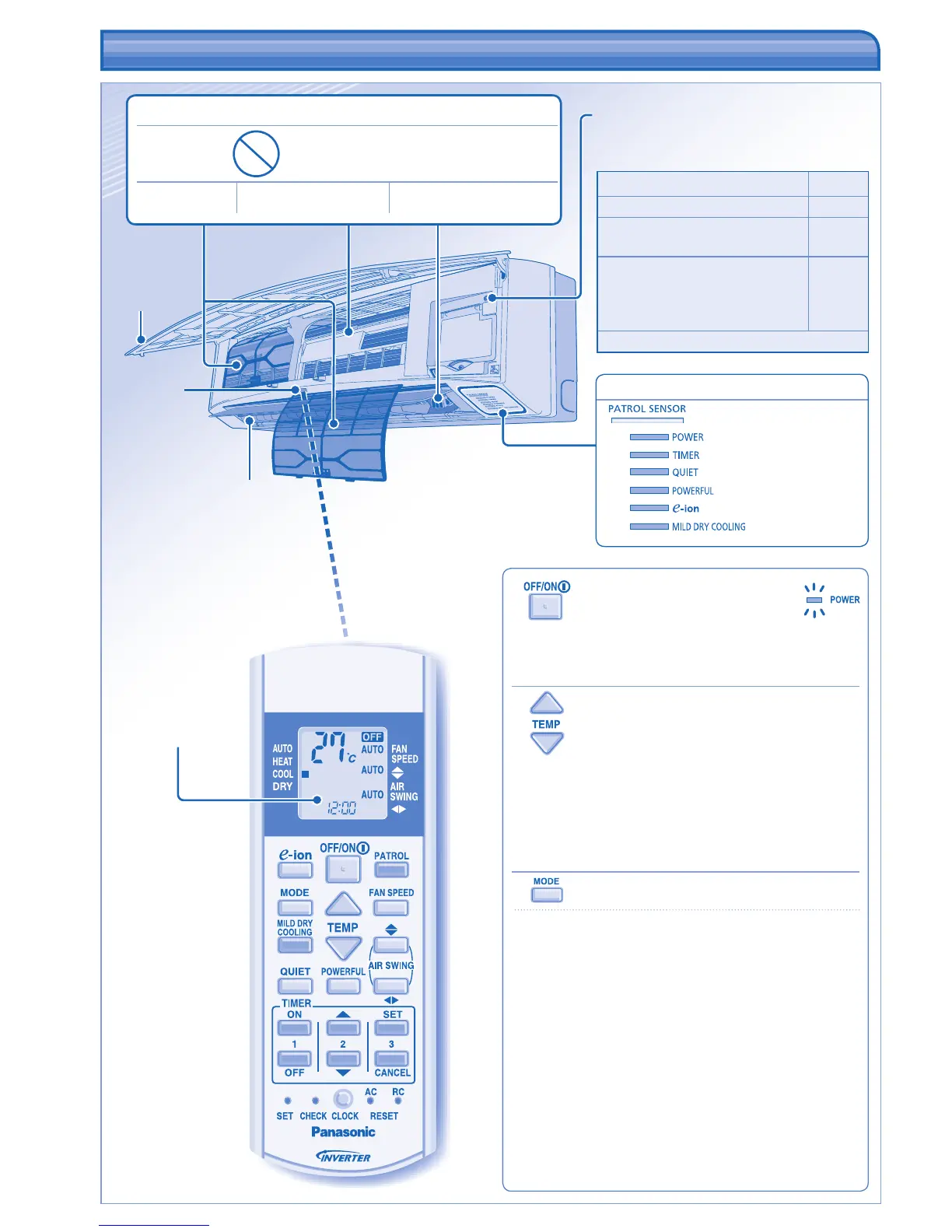
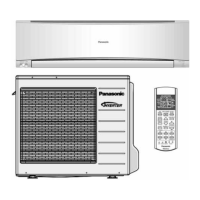
Remote control
display
Front panel
Receiver
e-ion AIR PURIFYING SYSTEM
Do not touch during operation
e-ion fi lters e-ion charging wire
Active e-ion Generator
Airfl ow direction
louver
• Do not adjust
by hand.
Maximum distances: 8m
INDICATOR
(Blue)
(Green)
(Orange)
(Orange)
(Orange)
(Blue)
(Blue)
Auto OFF/ON button
• Used when remote control is misplaced or
malfunction.
Action Mode
Press once. Auto
Press and hold until 1 beep is
heard, then release.
Cooling
Press and hold until 1 beep is
heard, then release.
Press again until 2 beeps, then
release.
Heating
Press the button to turn off.
TO TURN ON OR OFF THE UNIT
• Please be aware of the OFF indication on the remote
control display to prevent the unit from starting/
stopping improperly.
TO SET TEMPERATURE
• Selection range: 16°C ~ 30°C.
• Operating the unit within the recommended
temperature could induce energy saving.
HEAT mode : 20°C ~ 24°C.
COOL mode : 26°C ~ 28°C.
DRY mode : 1°C ~ 2°C lower than room temperature.
TO SELECT OPERATION MODE
AUTO mode - For your convenience
• During operation mode selection the power indicator
blinks.
• Unit selects operation mode every 30 minutes
according to temperature setting, outdoor and room
temperature.
HEAT mode - To enjoy warm air
• Unit takes a while to warm up. The power indicator
blinks during this operation.
COOL mode - To enjoy cool air
DRY mode - To dehumidify the environment
• Unit operates at low fan speed to give a gentle cooling
operation.



 To Next Page