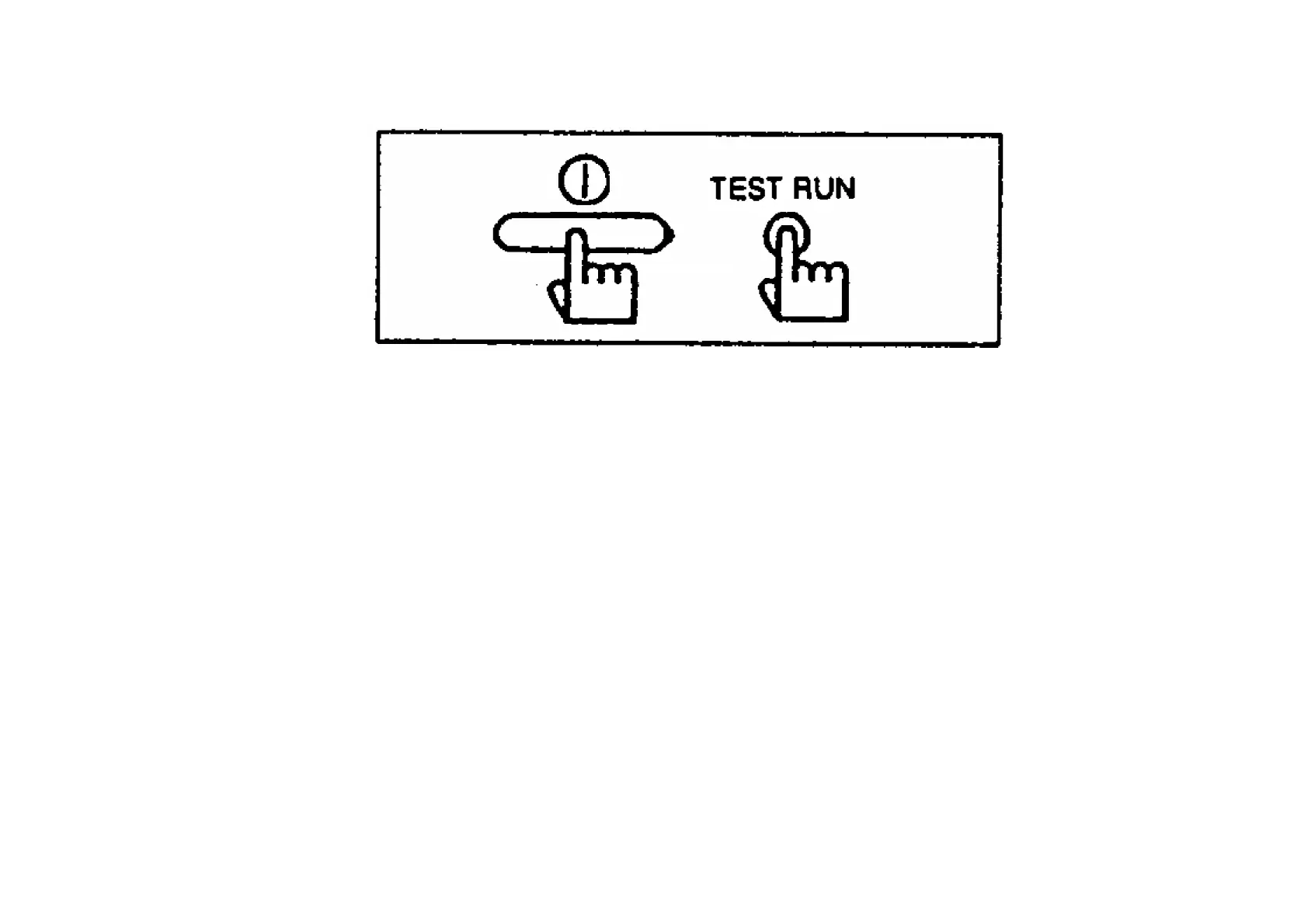
If no remote control unit displays appear
- Check whether LED1 (green) on the indoor unit printed circuit board is illuminated or switched off.
If it is switched off, check the circuits on the indoor unit printed circuit board.
- Check once more that the remote control cord is securely connected. (Check for loose terminals,
poor contacts, connection positions on terminal block, etc.)
- If the above checks show that nothing is wrong but nothing appears on the remote control unit
display, it is possible that the remote control unit was connected while the main power was still
turned on. If such is the case, carry out the following.
- Set DIP switch (DSW1) Nos 1 to 4 to the ON position, and then turn the power back on. If the
display appears after about 30 seconds, turn DIP switches 1 to 4 back to OFF.
27.8. ELECTRICAL WIRING
- All wiring must comply with local requirements.
- Select a power source that is capable of supplying the current required by the air conditioner.
253



 To Next Page