5. 6K/4K Photo and Drive Settings
140
∫ About [More settings] (step 2 in P139)
¢ Not available for burst recording. When using burst recording, if you press and hold the
shutter button, recording will be performed continuously until a specified number of pictures
are taken.
[Step]: [3•1/3], [Sequence]: [0/s/r]
Not available in these cases:
• Bracket recording is disabled in the following cases.
– [Rough Monochrome]/[Silky Monochrome]/[Miniature Effect]/[Soft Focus]/[Star Filter]/
[Sunshine] (Creative Control Mode)
– When recording motion pictures
– When recording 6K/4K photos
– When recording with the Post Focus function
– When using [Multi Exp.]
– When using [Time Lapse Shot]
– When using [Stop Motion Animation] (only when [Auto Shooting] is set)
• Exposure Bracket is disabled in the following cases.
– When recording using the flash
• White Balance Bracket and White Balance Bracket (Color Temperature) are disabled in the
following cases:
– Intelligent Auto Plus Mode
– Creative Control Mode
– When recording in Burst Mode
– When [Quality] is set to [ ], [ ] or [ ]
Exposure Bracket
[Step]
Sets the number of pictures to be taken and the exposure
compensation range.
[3•1/3] (Takes three pictures with an interval of 1/3 EV) to [7•1]
(Takes seven pictures with an interval of 1 EV)
[Sequence] Sets the order in which pictures are taken.
[Single Shot Setting]
¢
[ ]: Takes one picture each time you press the shutter button.
[ ]: Takes all the pictures set to be taken when you press the
shutter button once.
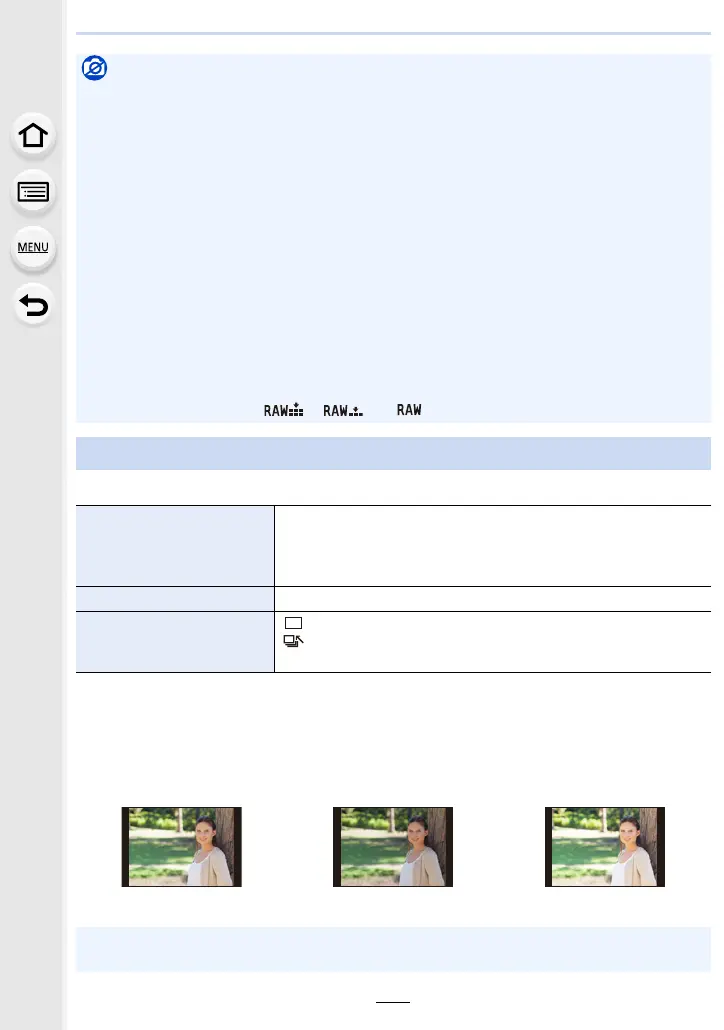
1st picture 2nd picture 3rd picture
d0EV j1/3 EV i1/3 EV
• When taking pictures using Exposure Bracket after setting the Exposure Compensation value,
the pictures taken are based on the selected Exposure Compensation value.













 To Next Page