VQT3Q87 (ENG)
40
• If you set [MENU RESUME] in the [CUSTOM] menu to [ON], the screen shows the last
selected menu item when the camera was turned off.
It is set to [ON] at the time of purchase.
Setting menu items
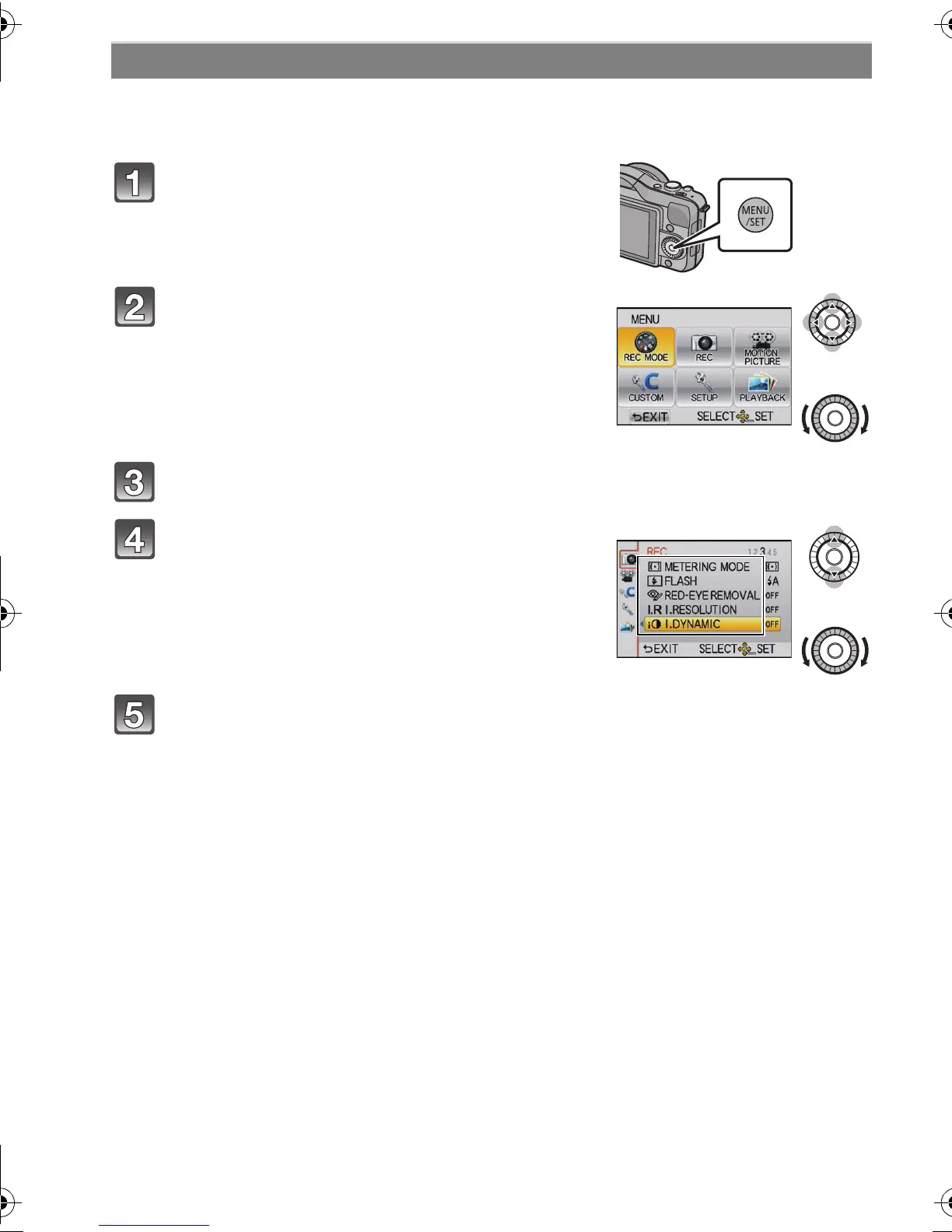
Press [MENU/SET].
Select the menu by pressing 3/4/2/1 or
by rotating the control dial.
• It can also be set by the touch operation.
Press [MENU/SET] to display the menu.
Select the menu item by pressing 3/4 or
by rotating the control dial.
• Select the item at the very bottom, and press 4 or
rotate the control dial to move to the next screen.
Press [MENU/SET].
• Depending on the menu item, its setting may not appear or it may be displayed in a
different way.
DMC-GF3C&GF3K&GF3W&GF3EB-VQT3Q87_eng.book 40 ページ 2011年6月1日 水曜日 午後2時4分
Ofrecido por www.electromanuales.com









 To Next Page