6
SQT1269
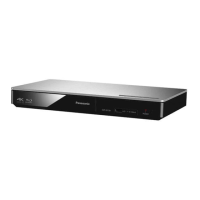
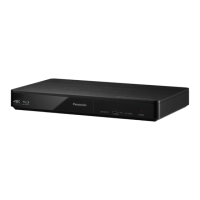
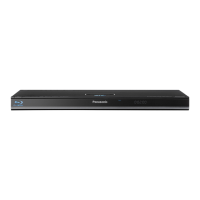
1 Disc tray
2 USB port
3 POWER LED
The LED lights when the unit is turned on,
and flashes when error occurs.
4 Remote control signal sensor
Distance: Within approx. 7 m (23 feet)
Angle: Approx. 20e up and down, 30e left and
right
5 Open or close the disc tray
6
[BDT280] Stop
7
[BDT280] Start play
8 Standby/on switch (Í/I)
Press to switch the unit from on to standby
mode or vice versa. In standby mode, the unit
still consumes a small amount of power.
1 234
1 2 3 4
875 6
85
(6)
DMP-BDT280_Basic-SQT1296.book 6 ページ 2015年12月3日 木曜日 午後2時36分





 To Next Page


