9
English
Follow the steps outlined below if the status
lamp blinks or glows.
Blinks Glows
Correctly set the
detergent cartridge and
then restart a course.
Remo
ve the shaver from the self‑
cleaning recharger and then
check that the [CLEAN] lamp has
gone out. (Be careful as the blade
may be hot or wet.) Check that
the water tank is correctly
attached, the water tank cap is
securely closed and the self‑
cleaning recharger is placed
horizontally.
If the status lamp goes
out
Continue a course.
When an abnormality has
been corrected
When no abnormality was
found
Press and hold [SELECT] for
appro
ximately 2 seconds to
turn off the status lamp and
then restart a course.
It is time to replace the
detergent cartridge and
cleaning liquid inside the water
tank.
Wash away the old cleaning
liquid and then rinse the water
tank. Restart the course.
When the status lamp
goes out
When the status lamp glows
again
Continue a course. Contact an authorized service
center.
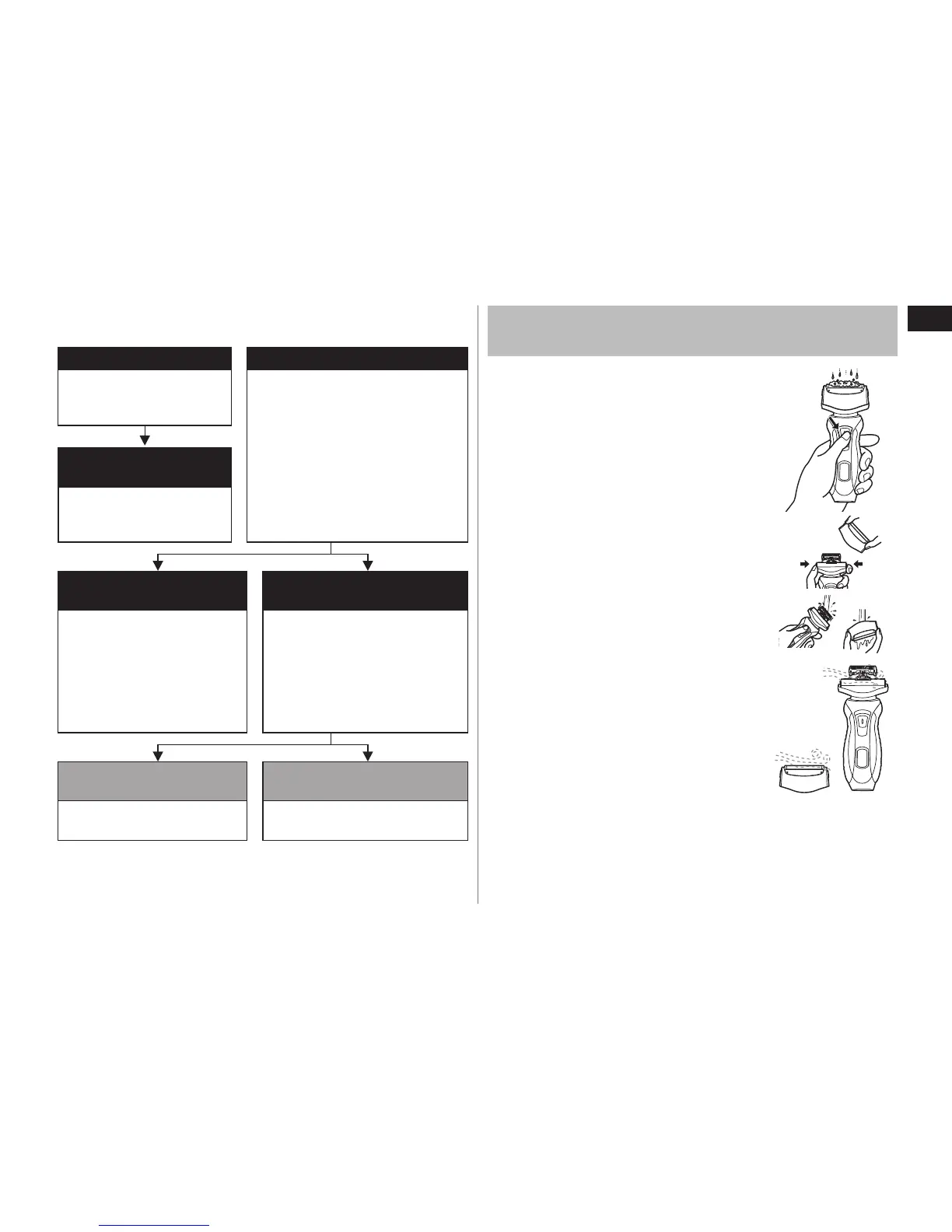
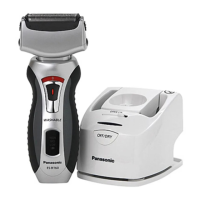
Cleaning the shaver without the self-cleaning
recharger
1. Disconnect the power cord from the
shaver.
2. Apply some hand soap and some water
to the outer foil.
3. Turn the shaver on.
4. Turn the shaver off after 10‑20 seconds.
5. Remove the outer foil section and turn the
shaver on.
6. Clean the shaver and the outer foil
section with running water.
7. Wipe off any drops of water with a dry
cloth.
8. Dry the outer foil section and the shaver
completely.
9. Attach the outer foil section to the shaver.



 To Next Page