17
RO H SK CZ PL FIN S N P DK E NL I F D GB
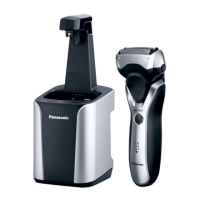
• Use the self‑cleaning recharger in temperatures between
5 °C and 35 °C.
The Clean or Dry function may not work out of recommended
ambient temperature range. In such a case, “AUTO” mode
cannot be selected and the STATUS lamp will glow for
approximately 5 seconds.
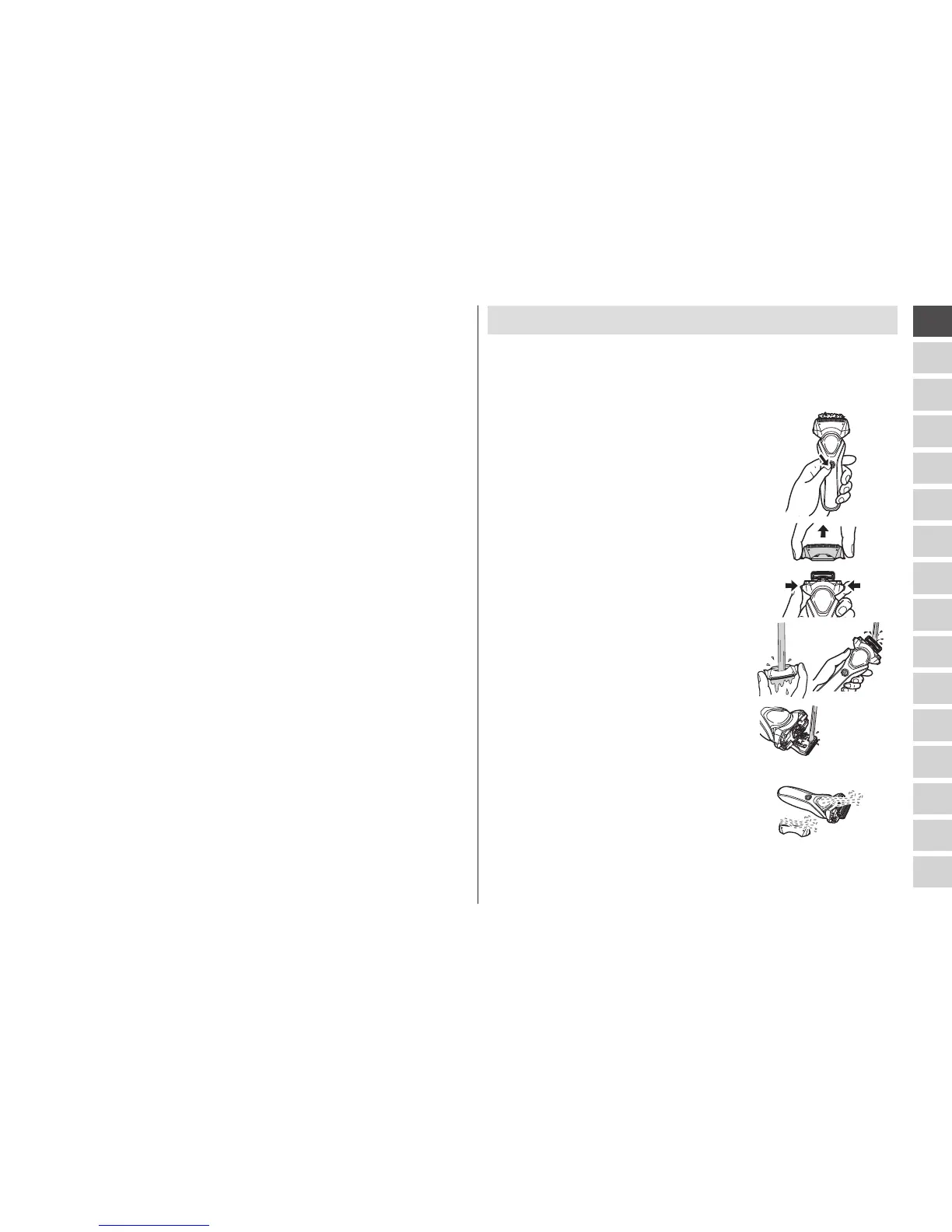
Cleaning the shaver without the self-cleaning recharger
1. Disconnect the cord from the shaver.
2. Apply some hand soap and some water to the system
outer foil.
3. Turn the shaver on.
4. Turn off the shaver after 10 to 20
seconds.
5. Remove the outer foil section [A:].
6. Clean the shaver, the outer foil
section, and the trimmer with
running water.
7. Wipe off any drops of water with a dry cloth.
8. Dry the outer foil section, the shaver,
and the trimmer completely.
9. Attach the outer foil section to the shaver.



 To Next Page