1
1
Press the 0/1
switch.
2
2
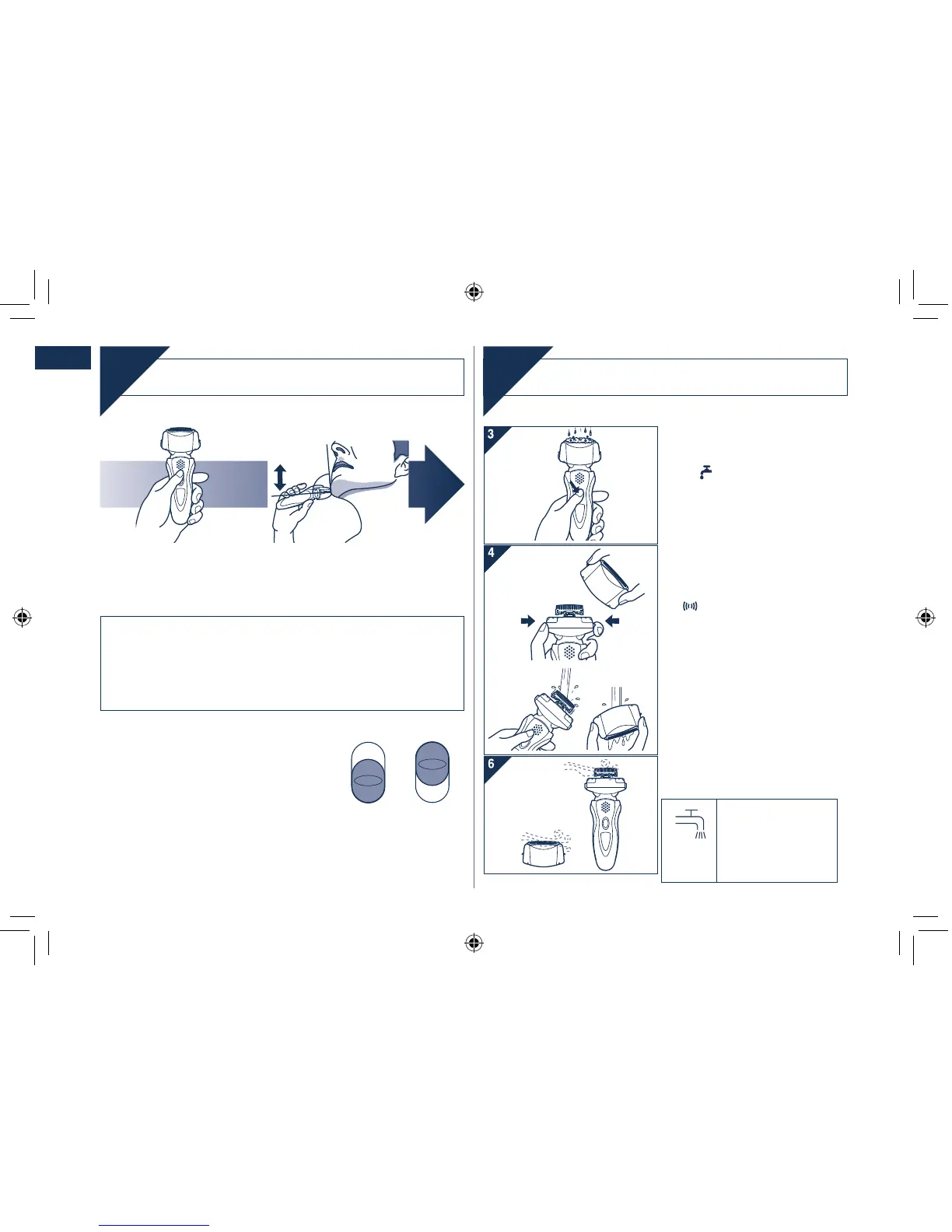
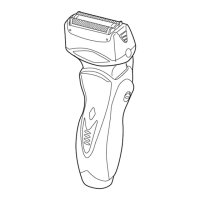
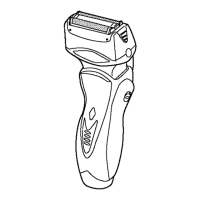
Hold the shaver as
illustrated above and
shave.
Start out shaving by applying gentle pressure to your face.
Stretch your skin with your free hand and move the shaver
back and forth in the direction of your beard. You may gently
increase the amount of pressure as your skin becomes
accustomed to this shaver. Applying excessive pressure does
not provide a closer shave.
•
Pivot action selector
Use to select “SOFT” (soft) or “LOCK”
(lock).
You can change the pivot action whether
the shaver is turned on or off.
Cleaning
Clean
We recommend that you clean your
shaver with the “sonic” vibration
turbo-cleaning mode when the faucet
symbol
appears on the LCD
panel.
1. Disconnect the po
wer cord from
the shaver.
2
. Apply some hand soap and some
water to the outer foil.
3. Press the 0/1 s
witch for more than
2 seconds to activate the turbo
mode for “sonic” vibration
cleaning.
appears on the LCD panel.
After about 20 seconds, it will be
automatically turned off, or you
can turn it off by pressing the 0/1
switch.
4. Remo
ve the system outer foil and
press the 0/1 switch for more than
2
seconds to activate the turbo
mode for “sonic” vibration cleaning
and clean it with running water.
5. Wipe off any drops of water with a
dry cloth.
6. Remo
ve the system outer foil and
the foil frame to allow them to dry
completely.
The mark on the left
is for a washable
shaver and indicates
it can be cleaned
with water.
•
•



 To Next Page