4
English
The charger may stop functioning when charging at 0 °C or
less.
The main unit may become warm during use and charging.
However, this is normal.
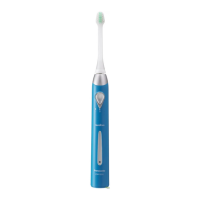
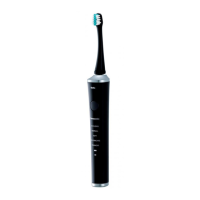
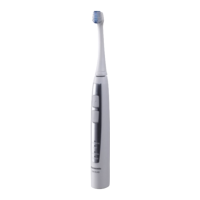
Use the EW‑DL40 toothbrush with the RE8‑42 charger only.
Mounting the charger to the wall
1. Attach two screws
to the wall as
illustrated.
Please be careful
as to not drill a
cable or water
pipe in the wall.
Screws and
anchors are sold
separately.
•
•
2. Hook the charger onto these screws.
3. Plug the power cord into a household outlet.
About the LED display
When the battery
capacity is low
While charging
After charging is
completed
The battery
capacity lamp
blinks.
The charge status
lamp glows.
The charge status
lamp glows.
The battery capacity
lamp blinks.
•
•
►
Use
Using the toothbrush
1
1
Place the brush firmly onto
the toothbrush shaft.
There will be a small gap
between the brush and the main
unit.
2
2
Place the toothbrush in your
mouth before turning it on.
Apply a small amount of
toothpaste to the brush, if
desired, before turning the power
on to prevent the toothpaste from
spattering.
•
•
3
3
Press the mode selector to select
the mode.
Pressing the mode selector toggles the
operation mode between “POWERFUL”
and “SOFT”.
Mode Description
For standard brushing
Brush moves horizontally only.
When teeth or gums are sensitive.
When brushing in the POWERFUL
mode is too strong.
Brush moves horizontally only.
•


 To Next Page