EasyManua.ls Logo

Panasonic KX-NSX2000 - User Manual

Panasonic KX-NSX2000
456 pages
Print Icon
To Next Page IconTo Next Page
Loading...
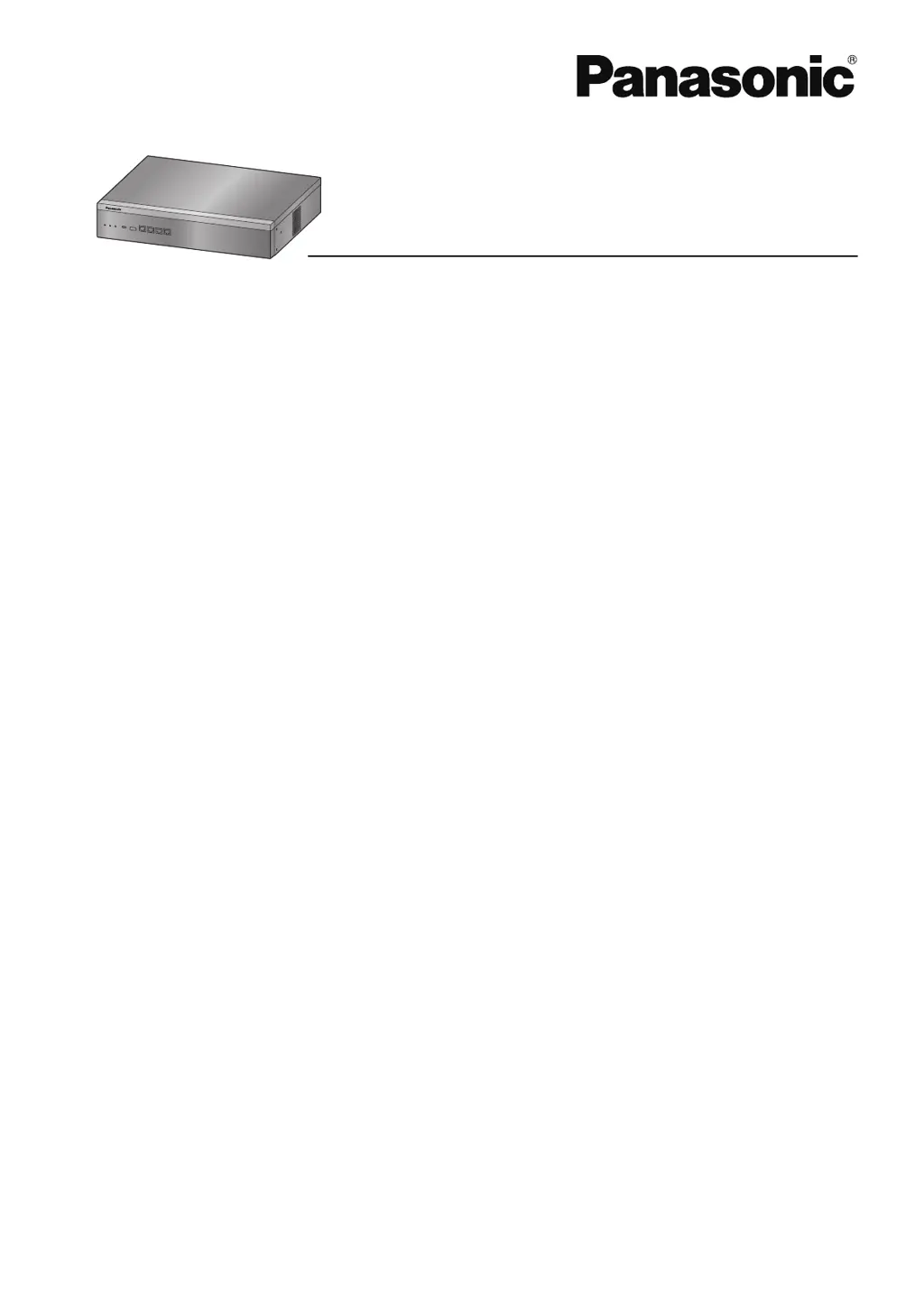
Feature Manual
Business Communication Server
Model No.
KX-NSX1000
KX-NSX2000
Thank you for purchasing this Panasonic product.
Please read this manual carefully before using this product and save this manual for future use.
In particular, be sure to read "1.1.1 For Your Safety, page 18" before using this product.
KX-NSX series: PNMPR Software File Version 001.00000 or later
Manuals and supporting information are provided on the Panasonic Web site at:
http://www.panasonic.net/pcc/support/pbx/

Table of Contents

Other manuals for Panasonic KX-NSX2000

Questions and Answers

  • B
    Benjamin CainSep 3, 2025
    Why I cannot have a conversation using the Bluetooth headset on Panasonic KX-NSX2000 Server?
    • Z
      zsilvaSep 3, 2025
      Make sure that: - the headset is properly registered to the module; - the headset is properly charged according to the manual of the headset; - the wired headset is removed from the headset jack.
  • S
    Sherry StephensSep 18, 2025
    Why I cannot use the secondary Ethernet port on Panasonic Server?
    • M
      Melinda CannonSep 18, 2025
      ECO mode is enabled. Ask your dealer to disable ECO mode.
  • G
    Gina DawsonSep 16, 2025
    Why an SDN button does not work on Panasonic KX-NSX2000?
    • T
      tracey28Sep 16, 2025
      A PDN button is not assigned on the extension corresponding to your SDN button. Create a PDN button on the desired extension.
  • D
    Denise BrownSep 14, 2025
    How to improve the display visibility on Panasonic KX-NSX2000?
    • E
      ericdunnSep 14, 2025
      Change the Display contrast level.
  • Q
    qwardSep 12, 2025
    How to correct the date and time on Panasonic KX-NSX2000?
    • M
      Michael DiazSep 12, 2025
      Set the date and time by system programming.
  • A
    Austin AlvarezSep 12, 2025
    How to turn off the background music on Panasonic KX-NSX2000 Server?
    • M
      Michael ReyesSep 12, 2025
      Turn off the music.
  • M
    Michelle MckinneySep 9, 2025
    Why PC and fax machine communication failed on Panasonic KX-NSX2000 Server?
    • J
      Jacob RossSep 9, 2025
      An indication tone may have interrupted communication. Follow data line security guidelines.
  • M
    Mary HarveySep 7, 2025
    Why I cannot send a call waiting tone on Panasonic Server?
    • A
      Anne MyersSep 7, 2025
      This may be because the other party has not set the Call Waiting feature, so ensure the other party has enabled the Call Waiting feature. It could also be that the other party has set Data Line Security, so consult with the other party.
  • J
    Jordan RogersSep 5, 2025
    Why I cannot register the Bluetooth headset on Panasonic KX-NSX2000?
    • M
      Mrs. Andrea FarrellSep 5, 2025
      Make sure that the module is properly installed in the IP-PT/DPT.
  • A
    Amy HollowayAug 20, 2025
    Why some features do not work on my Panasonic KX-NSX2000?
    • J
      Jeanne GonzalesAug 20, 2025
      System management may restrict certain features; in this case, consult your manager. Alternatively, the feature numbers may have changed, so confirm the revised number and try again.

Panasonic KX-NSX2000 Specifications

General IconGeneral
Product colorBlack
Weight and Dimensions IconWeight and Dimensions
Dimensions (WxDxH)430 x 340 x 88 mm

Related product manuals