EasyManua.ls Logo

Panasonic KX-TGA20AZ - User Manual

Panasonic KX-TGA20AZ
10 pages
Print Icon
To Next Page IconTo Next Page
Loading...
Installation Manual
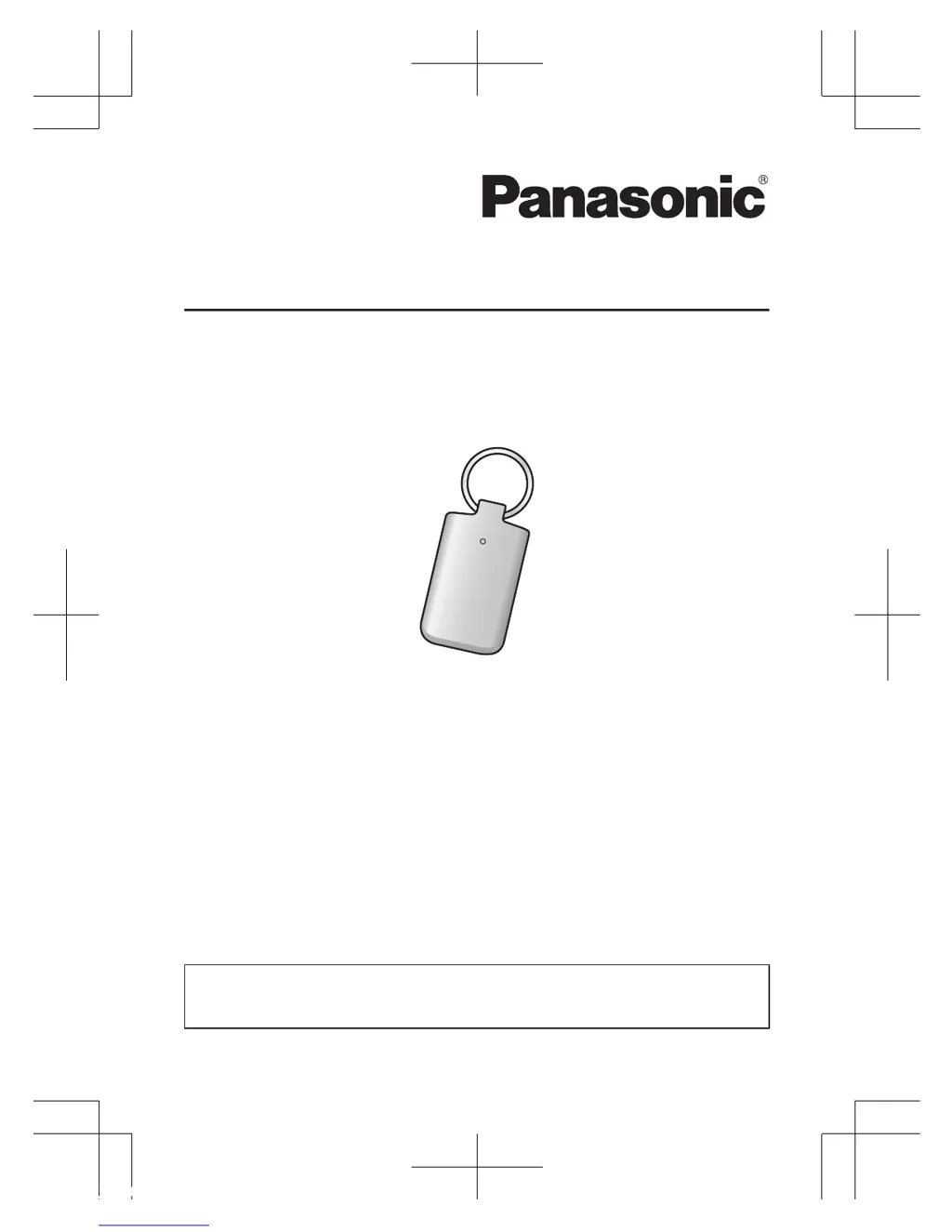
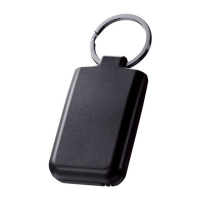
Key Finder
Model No. KX-TGA20EX
KX-TGA20FX
KX-TGA20AZ
Thank you for purchasing a Panasonic product.
Please read this installation manual before using the unit and save it for future
reference.
This unit is an accessory for use with a Panasonic Digital Cordless Phone.
For more details, visit our Web site:
http://panasonic.net/pcc/products/telephone/p/tga20/
Supplied accessory (Replacement accessory)
Battery (CR2032): 1 pc
Battery type: CR coin cell lithium battery
TGA20EX_FX_AZ(en)_0206_ver103.pd1 1 2013/02/06 16:38:01

Questions and Answers

  • S
    Sheila HernandezAug 9, 2025
    What to do if my Panasonic KX-TGA20AZ Camera Accessories key finder doesn't work?
    • G
      Gerald MoralesAug 9, 2025
      If your Panasonic Camera Accessories key finder is not working, the battery may be dead and it is time to replace it. Other possible causes include incorrect battery installation, which you can verify. Also, the key finder might be out of range, so check the range guidelines.
  • R
    Rebecca TaylorAug 23, 2025
    How to fix Panasonic Camera Accessories key finder after liquid damage?
    • J
      Jennifer ReeseAug 23, 2025
      If liquid or other moisture has entered your Panasonic Camera Accessories key finder, remove the battery and let it dry for at least 3 days. Once completely dry, reinsert the battery. If it still doesn't work, no answer.

Panasonic KX-TGA20AZ Specifications

General IconGeneral
BrandPanasonic
ModelKX-TGA20AZ
CategoryCamera Accessories
LanguageEnglish

Related product manuals