14
Removing Dust / Đổ Bụi
Note / Lưu ý
• Empty the Dust Compartment when it is full or is low suction power.
Làm sạch Ngăn Chứa Bụi khi Hộp Chứa Bụi đã đầy hoặc khi lực hút thấp.
• Before cleaning the Dust Compartment, turn off the power supply and disconnect the Plug from the socket’s outlet.
Trước khi làm vệ sinh Ngăn Chứa Bụi, cần tắt điện và rút Phích Cắm khỏi ổ điện.
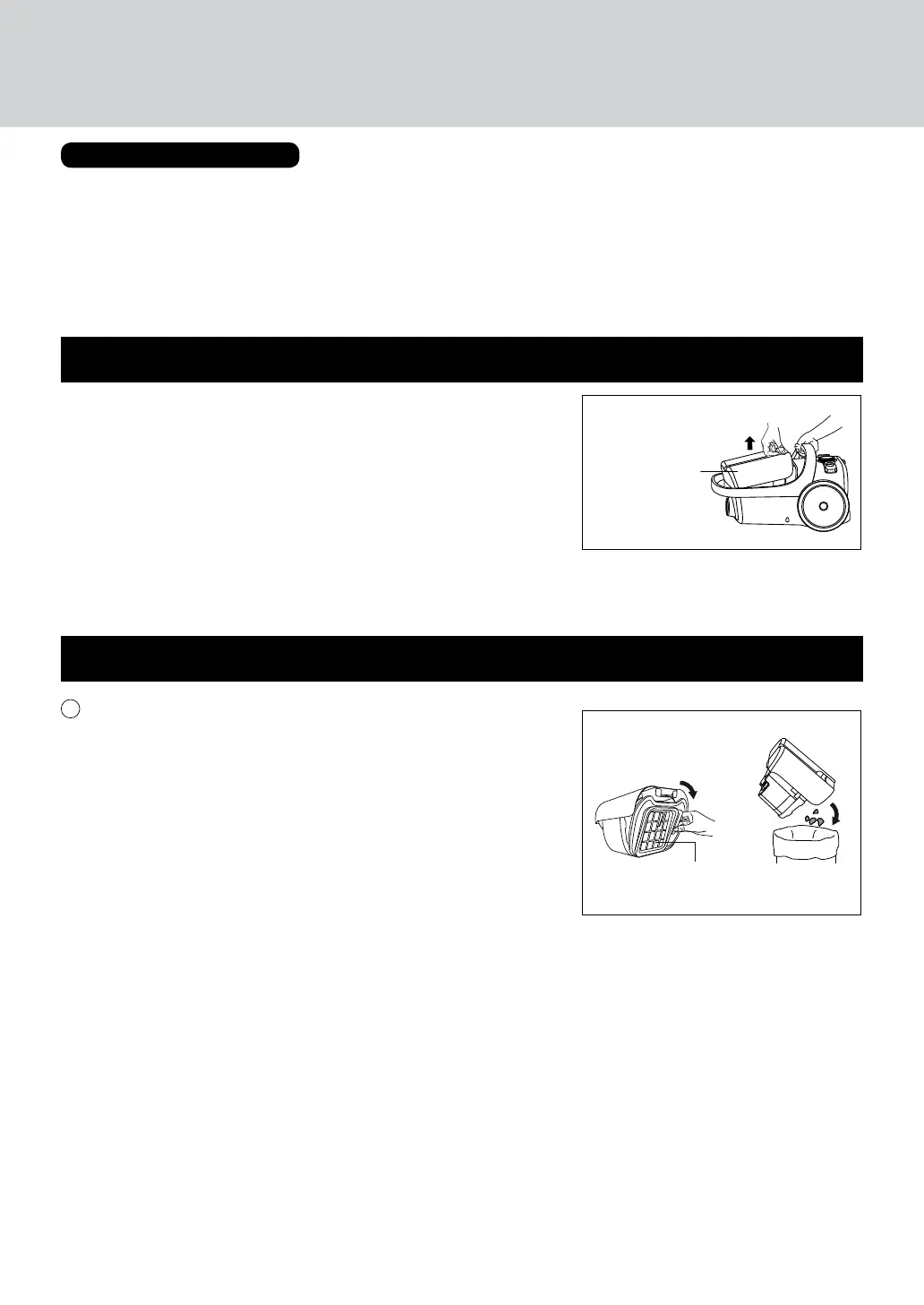
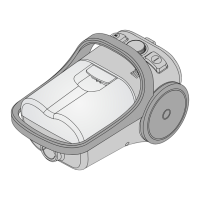
Hold on the body and take out the Dust Compartment.
Giữ thân máy và gỡ Ngăn Chứa Bụi ra.
Removing the Dust Compartment / Cách tháo Ngăn Chứa Bụi
Dust Compartment
Ngăn Chứa Bụi
1
• Find a plastic bag or similar item.
• Open the Dust Compartment to discard the dust.
• Tìm một Túi Ni Lon hoặc một thứ gì đó tương tự.
• Mở Ngăn Chứa Bụi để đổ bụi vào đó.
Filter Assembly
Bộ lọc bụi
HOW TO CLEAN DUST COMPARTMENT
CÁCH LÀM SẠCH NGĂN CHỨA BỤI



 To Next Page