EasyManua.ls Logo

Panasonic NC-ZP1 - User Manual

Panasonic NC-ZP1
18 pages
Print Icon
To Next Page IconTo Next Page
Loading...
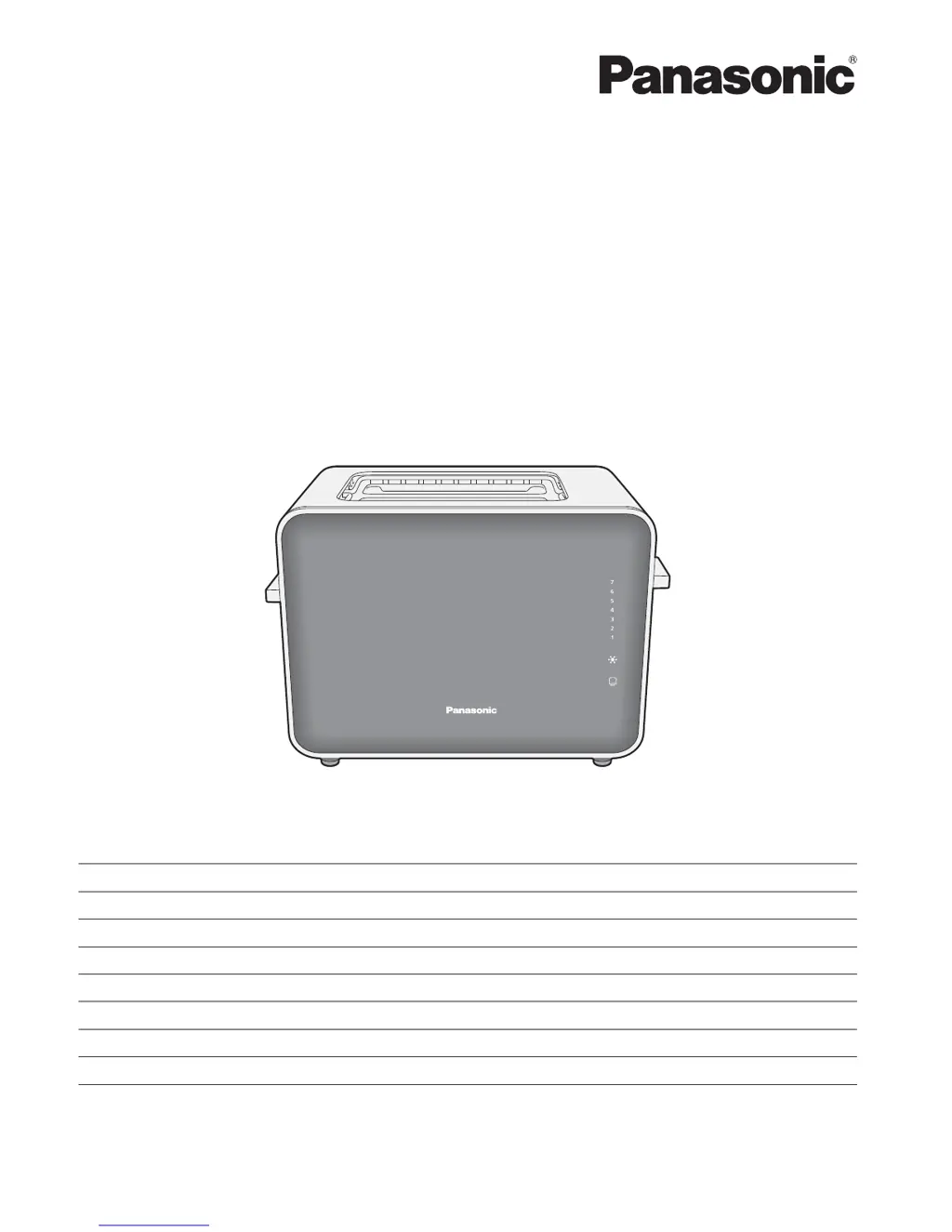
Operating Instructions
Toaster
(Household Use)
Model No.
NT-ZP1
NT-DP1
Contents Page
Safety Precautions 2
Important Information 7
Electrical Requirement 8
Parts Names and Handling Instructions 9
How to Use 10
How to Clean 12
Troubleshooting 12
Specifications 13
Thank you for purchasing the Panasonic product.
This product is intended for household use only.
Please read these instructions carefully to use the product correctly and safely.
Before using this product please give your special attention to "Safety Precautions" (Page 2~7).
Please keep this Operating Instructions for future use.
NT-ZP1

Questions and Answers

  • K
    kathy26Aug 9, 2025
    Why doesn't the lever lock when lowered on my Panasonic NC-ZP1 Toaster?
    • K
      Karen FisherAug 9, 2025
      If the lever on your Panasonic Toaster doesn't lock when lowered, first ensure the toaster is properly plugged into the mains. If it is, and you're toasting multiple cycles consecutively, allow the toaster to rest for over 1 minute after every 4 cycles.
  • M
    Melissa FarmerAug 12, 2025
    Why is my Panasonic Toaster toasting too dark or too light?
    • V
      Vanessa McbrideAug 13, 2025
      If your Panasonic Toaster is producing toast that is too dark or too light, it could be due to the browning control not being set correctly. Also, if you are toasting bread consecutively, allow the toaster to rest for more than 1 minute after every 4 cycles.
  • V
    vincentjessicaAug 17, 2025
    What to do if browning control, defrost and reheat buttons don't work on Panasonic NC-ZP1?
    • H
      harperericAug 17, 2025
      If the browning control, defrost, and reheat buttons on your Panasonic Toaster aren't working, make sure the toast lever is lowered first before selecting any of these buttons. Note that the browning control button will not function while the reheating function is active.
  • S
    Suzanne TateAug 21, 2025
    What to do if bread doesn't pop up in Panasonic NC-ZP1?
    • N
      Nicole StevensonAug 21, 2025
      If the bread doesn't pop up after toasting in your Panasonic Toaster, it might be deformed. If this happens, manually lift the lever. Also, ensure you're using the appropriate size of bread.
  • K
    Kathleen RichardsAug 26, 2025
    What to do if Panasonic Toaster lever does not lock?
    • J
      James PeckAug 26, 2025
      If the toast lever on your Panasonic Toaster doesn't lock when lowered, it might be due to a couple of reasons. First, ensure the mains plug is firmly plugged in. Second, if you're toasting bread consecutively for more than 4 cycles, give the toaster a rest for at least 1 minute after each cycle.
  • K
    Karen MillerAug 30, 2025
    What to do if bread does not pop up after toasting in Panasonic NC-ZP1?
    • H
      holdenchadAug 30, 2025
      If your bread doesn't pop up after toasting in your Panasonic Toaster, it could be because the bread is deformed. If this occurs, lift the lever up manually. It may also happen if the bread is too large or too small.
  • D
    David MendezSep 3, 2025
    Why Browning control, Defrost, and Reheat buttons not working on Panasonic NC-ZP1 Toaster?
    • A
      Amy GlassSep 4, 2025
      If the browning control, defrost, and reheat buttons on your Panasonic Toaster aren't working, make sure the toast lever is lowered first before selecting any of these buttons. The browning control button does not work while the reheating function is on.

Panasonic NC-ZP1 Specifications

General IconGeneral
Defrost FunctionYes
Crumb TrayYes
Reheat FunctionYes
Number of Slices/Slots/Bread Capacity2
Browning/Toasting Levels7

Related product manuals