Edit mode
45
VQT0N43
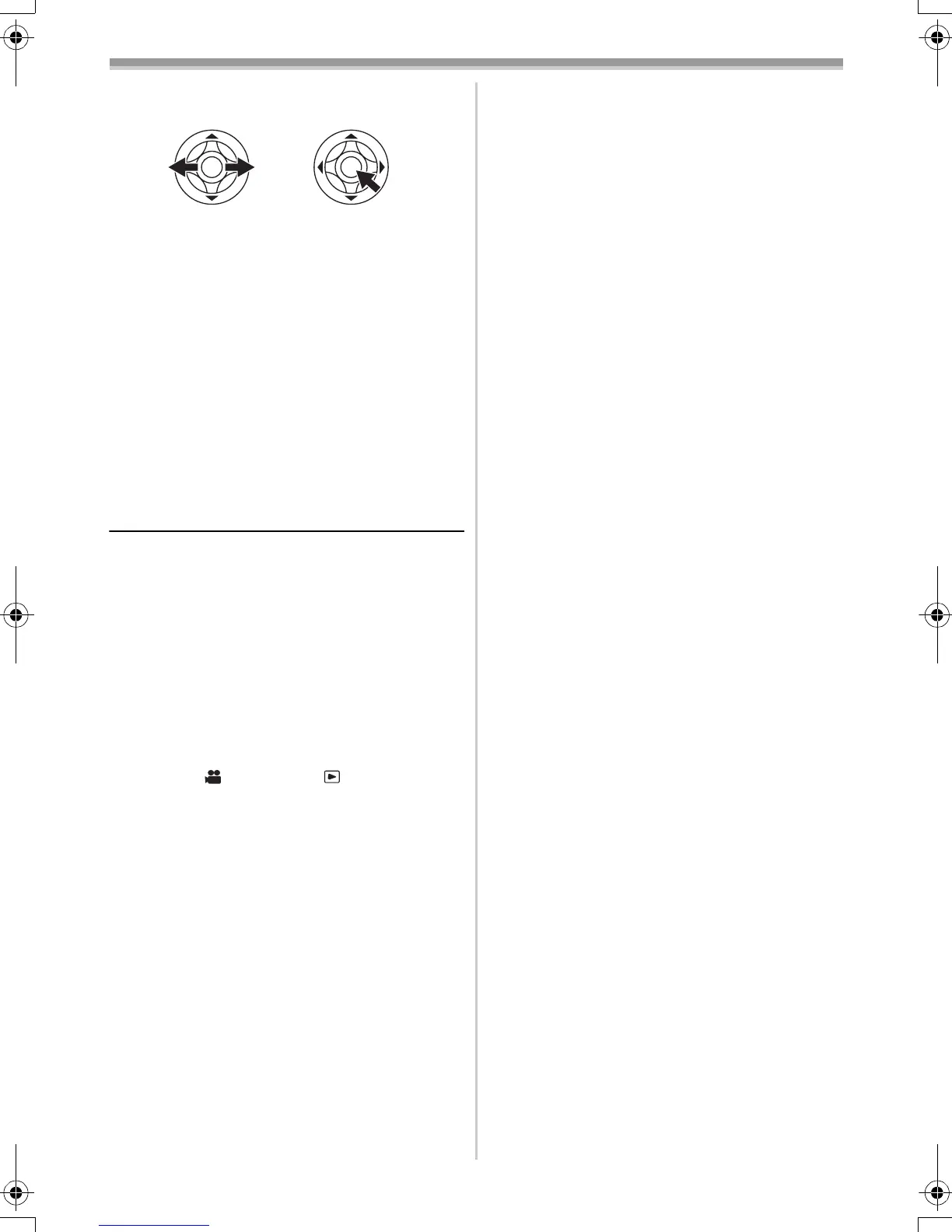
3 Move the joystick left and right to select a
desired picture, and then press it.
4 Select the desired number of prints.
≥You can set up to 9 prints.
5 Select the setting for date printing.
≥If the printer is not capable of date printing,
this setting is unavailable.
6 Select the paper size.
[STANDARD]: Size specific to the printer
[4a5 INCH]
[5a7 INCH]
[4a6 INCH]
[A4]
≥You cannot set paper sizes not supported on
the printer.
7 Set [PRINT] >> [YES] to start printing.
ª
When you stop printing halfway
Move the joystick down.
≥Avoid the following operations during printing.
These operations disable proper printing.
≥Disconnecting the USB cable
≥Removing the card
≥Switching the mode dial
≥Turning off the power
≥Check the settings for the paper size, quality of
print, etc. on the printer.
≥You cannot print pictures that cannot be played
on the movie camera.
≥When the movie camera and the printer are
connected in the Tape Recording/Playback
Mode, the [ WEB] or the [ WEB] Indication
may appear on the LCD monitor. However,
pictures cannot be printed.
GS150_140EB.book 45 ページ 2004年11月27日 土曜日 午後4時55分



 To Next Page