Edit mode
39
LSQT0891
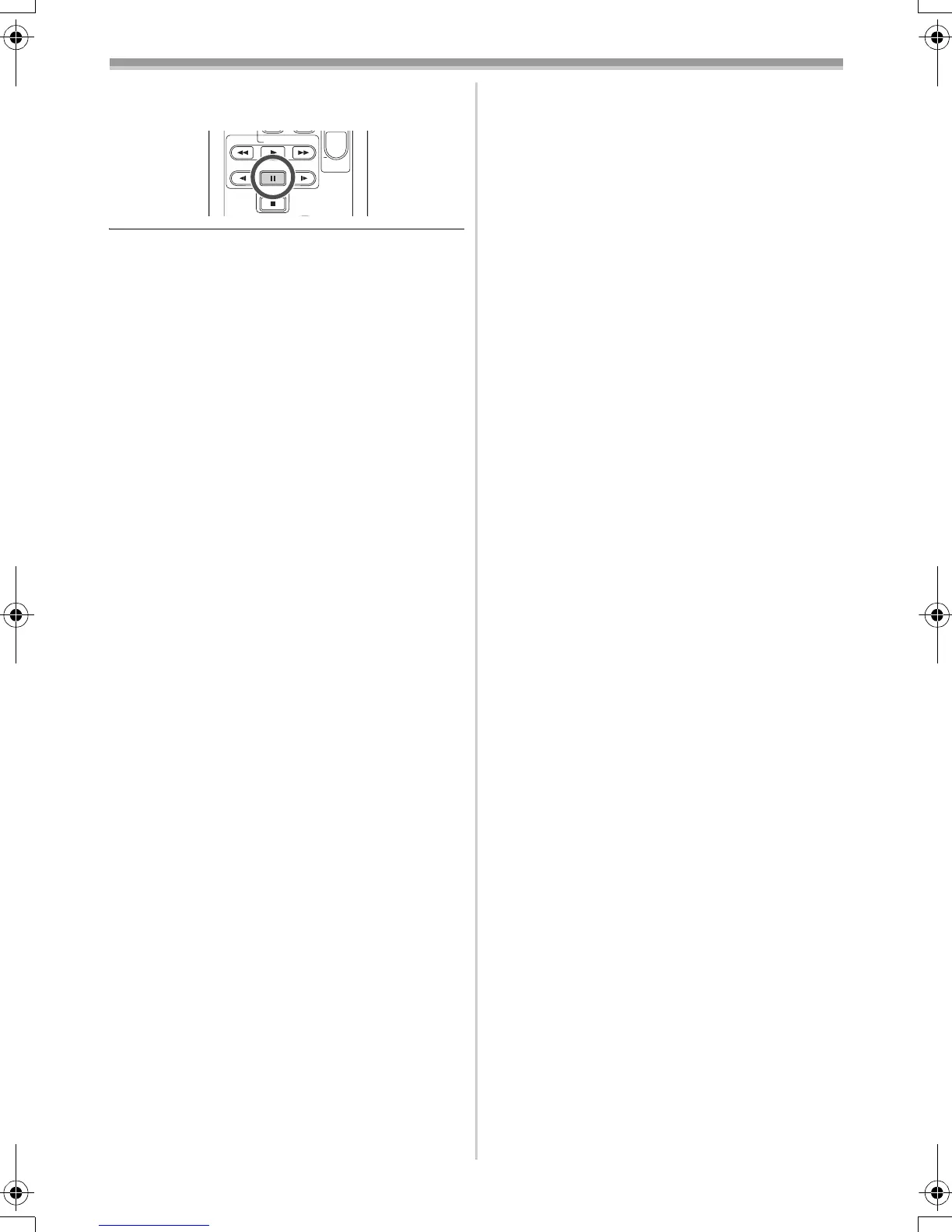
5 Press the [;] button on the remote control
to stop audio dubbing.
≥If a tape has a non-recorded portion when the
tape is dubbed, images and sounds may be
disturbed when this portion of the tape is played
back.
ª
Before recording with audio dubbing
≥Set to Tape Recording Mode.
≥When you want to preserve the original sound
taken during recording, set [SETUP] >>
[AUDIO REC] >> [12bit] to take pictures. (When
set [16bit], the sounds taken during recording
are erased after recording with audio dubbing.)
≥Set [BASIC] >> [REC SPEED] >> [SP] to take
pictures.
ª
To play back the sound recorded with
audio dubbing
You can switch between the sound recorded with
audio dubbing and the original sound.
Set [SETUP] >> [12bit AUDIO] >> [ST2] or [MIX].
[ST1]: It only plays back the original sound.
[ST2]: It only plays back the sound added by
audio dubbing.
[MIX]: It simultaneously plays back the original
sound and the sound added with audio
dubbing.
ª
To dub audio while listening to a
pre-recorded sound
≥When pausing the audio dubbing, set the
[12bit AUDIO] on the [SETUP] Sub-Menu to
[ST2] and you can check the pre-recorded
sound.
STOP
V
/REW
STILL ADV
VOL
PLAY
PAUSE
FF/
W
STILL ADV
W
GS35_21_17EB.book 39 ページ 2005年1月20日 木曜日 午前10時59分









 To Next Page