24
To Restart the Auto Setup, Restart the
Download or Return the VCR to the
Shipping Condition
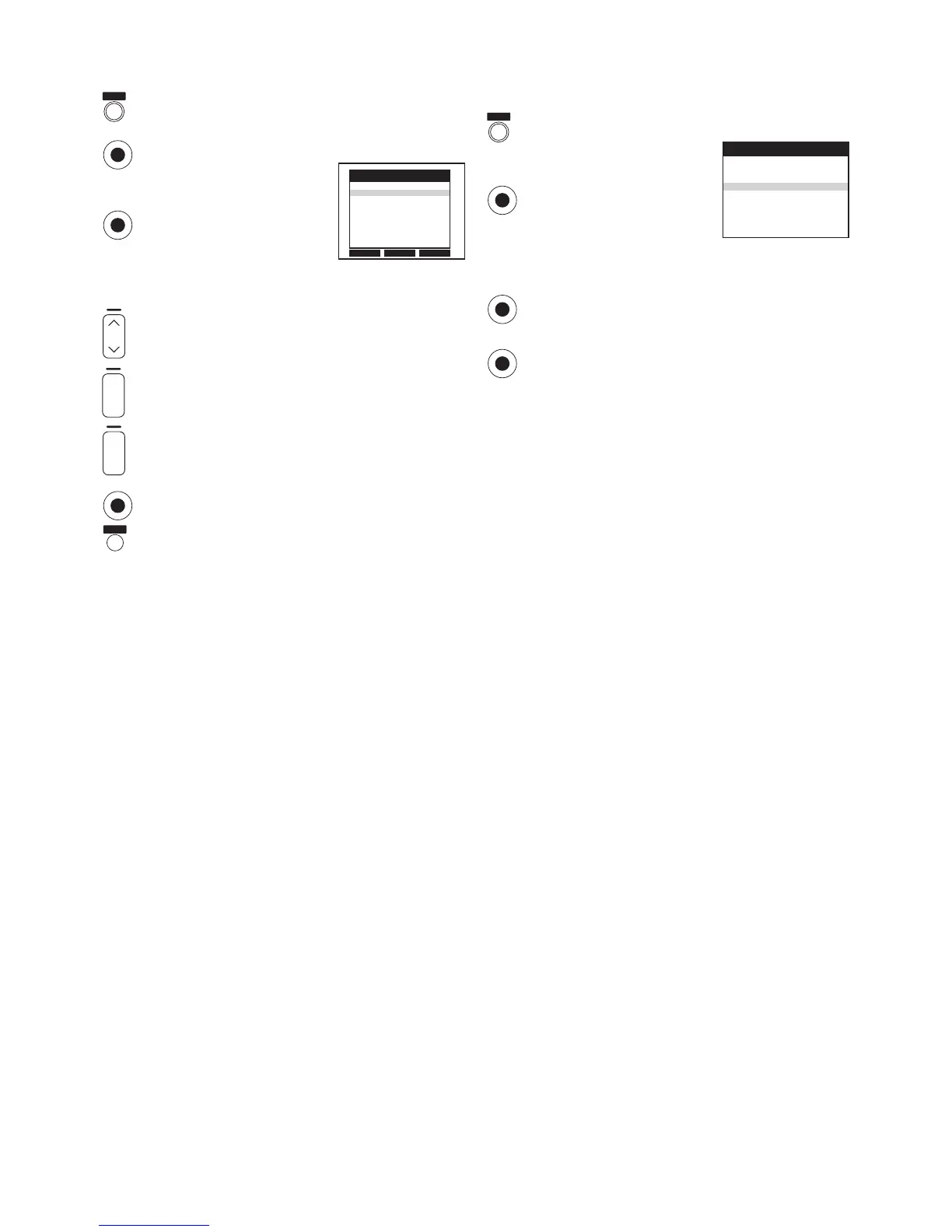
Press the [MENU] button to display the Main menu on
the TV screen.
Press the [Cursor] buttons 34
to select [Tuning].
Press the [OK] button to display
the Tuning menu on the TV
screen.
Press the [Cursor] buttons 34 to select [Auto-Setup
Restart], [Download] or [Shipping condition].
Press the [OK] button to prepare for Auto Setup start,
Download start or resetting the VCR to the shipping
condition.
Press the [OK] button again to actually start the Auto
Setup, start the Download or change the settings back
to the shipping condition.
– After returning the VCR to the shipping condition,
disconnect and reconnect the AC mains lead to
re-tune the VCR.
Delete
Add
Move
Pos Name Ch
1 ARD 1
2 ZDF 2
3N3 19
4 HR3 26
5 BR3 18
6 RB3 3
7 SFB3 36
8 SW3 29
Tuning
Panasonic VCR
Manual
Auto-Setup Restart
Download
Shipping condition
Tuning
Panasonic VCR
r
s
ON
DATE
r
s
OK
EXIT
MENU
OK
OK
OK
MENU
OK
OK
To Delete, Add or Move a Programme
Position
Press the [MENU] button to display the Main menu on
the TV screen.
Press the [Cursor] buttons 34 to select [Tuning].
Press the [OK] button to display the Tuning menu on
the TV screen.
Press the [Cursor] buttons 34
to select [Manual].
Press the [OK] button to display
the list of tuned TV stations.
Press the [Cursor] buttons 34 to select the desired TV
station.
Follow the operations below.
To delete a programme position [Delete]:
Press the [Channel] button (J, red).
To insert a blank programme position [Add]:
Press the [DATE] button (r, green).
To move a TV station to another programme position
[Move]:
Press the [ON] button (r, yellow), and then use the
[Cursor] buttons 34 to select the new programme
position to which you want to assign the TV station.
Press the [OK] button to conclude the setting.
Press the [EXIT] button to exit the On Screen Display.
Note:
– If downloading of the setup data has been performed, only
the instruction indication [Delete] appears.
Hint:
– If you have performed Manual Tuning to enter TV stations,
the [––] indication may appear under [Pos/Name] on the
On Screen Display when programming a ShowView timer
recording.




 To Next Page