27
Language or Country Setting
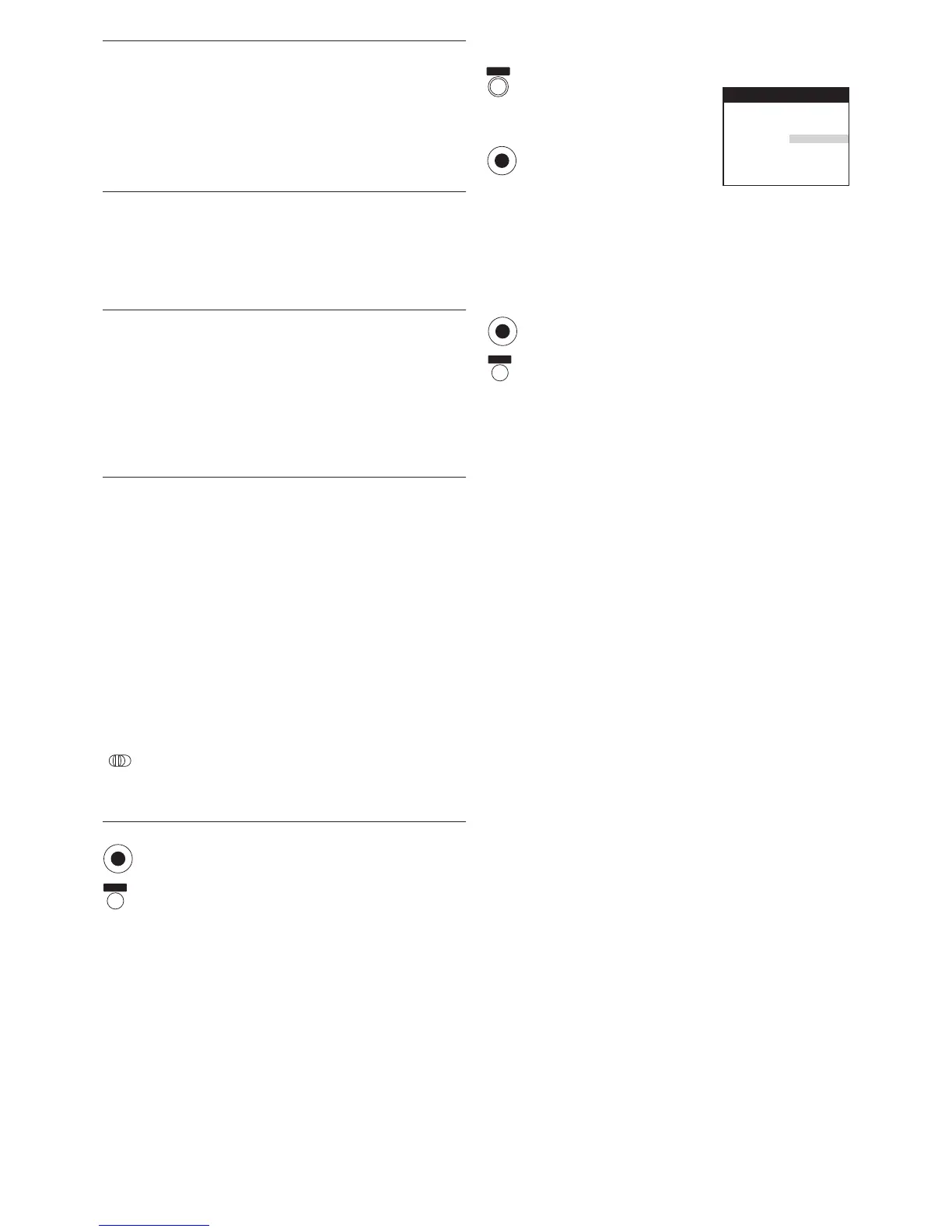
Press the [MENU] button to display the Main menu
on the TV screen.
Press the [Cursor] buttons 34
to select [Other settings].
Press the [OK] button to display
Other settings menu.
Press the [Cursor] buttons 3421 to select
[Language] or [Country] and the entry field for
[Language] or [Country] in this order.
Press the [Cursor] buttons 34 to select the desired
language or country.
Press the [OK] button to conclude the setting.
Press the [EXIT] button to exit the On Screen Display.
NTSC playback
Audio playback
Remote
Language
Country
: PAL TV
: MIX
: VCR1
: English
: others
Other settings
Panasonic VCR
2/2
MENU
OK
OK
EXIT
EXIT
OK
Picture: To set the playback picture
sharpness (sharper or softer)
– Adjust the picture sharpness as follows:
[AUTO]: To select automatic sharpness
adjustment of the playback picture.
[SHARP]: To make the playback picture
sharper.
[SOFT]: To make the playback picture
softer.
NTSC playback: To play back a video cassette
recorded in the NTSC signal.
– Set the type of colour TV system as follows:
[PAL TV]: For TVs that can receive PAL
signal.
[4.43]: For TVs that can receive NTSC 4.43
signal.
Audio playback: To set the audio mode to be used
during playback
– Select the type of Audio mode as follows:
[NORMAL]: Normally set to this position.
[MIX]: Use this setting when playing back
a cassette tape on which audio
dubbing has been performed. The
Hi-Fi sound track and the normal
sound track (mono) are played
back together.
Remote: To set the remote control mode
– Select the desired Remote control mode as follows:
[VCR 1]: Select this setting on both the VCR
and the remote control for normal
use with one VCR.
[VCR 2]: Select this setting on both the VCR
and the remote control when using
this VCR and another Panasonic
VCR in the same place.
This ensures that you can operate
both VCRs independently with their
respective remote control.
It also allows you to operate both
VCRs with a single remote control,
simply by changing the remote
control mode on the remote control.
– To change the remote control mode on the remote
control itself, change the position of the [VCR 1/2]
switch to match the setting. If these settings are not
matched, the remote control cannot be used to
operate the VCR.
Press the [OK] button to conclude the setting.
(Press it twice on the Remote control setting.)
Press the [EXIT] button to exit the On Screen Display.
VCR
12




 To Next Page