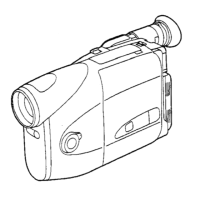
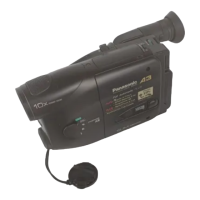
How to use the Panasonic NVGS300/280 digital video camera - New version
Generated by Clearspace on 2009-11-19Z
3
A.
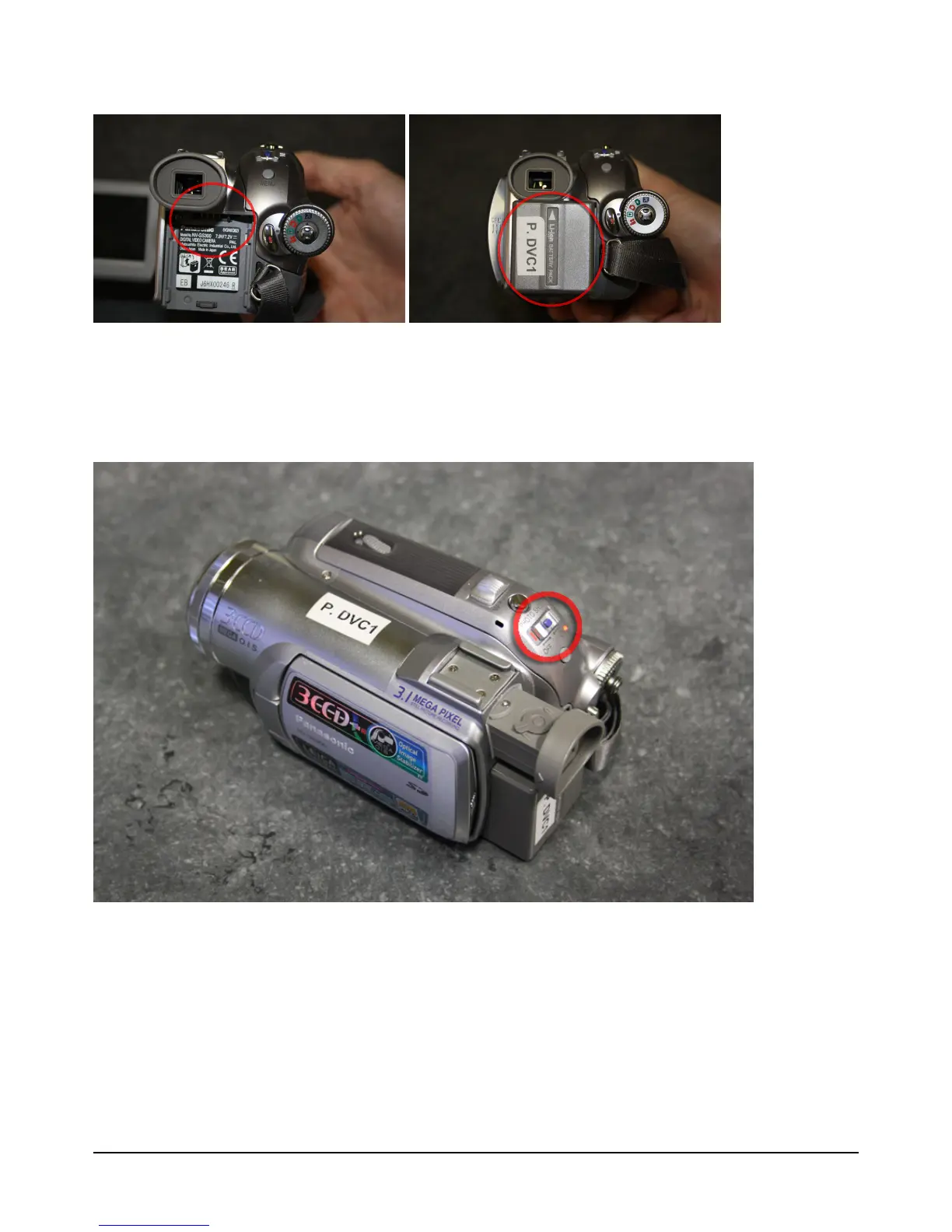
Connect battery at back of video camera by sliding it upward until both terminals
click together
1.
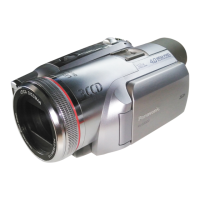
Press and slide power button at top/ back of video camera to your right
Note: If battery power level is low, charge it (see 'Charging battery')


 To Next Page