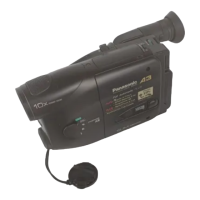
How to use the Panasonic NVGS300/280 digital video camera - New version
Generated by Clearspace on 2009-11-19Z
2
6.
DV Cassette
7.
Optional - USB / Firewire cable
Switching on
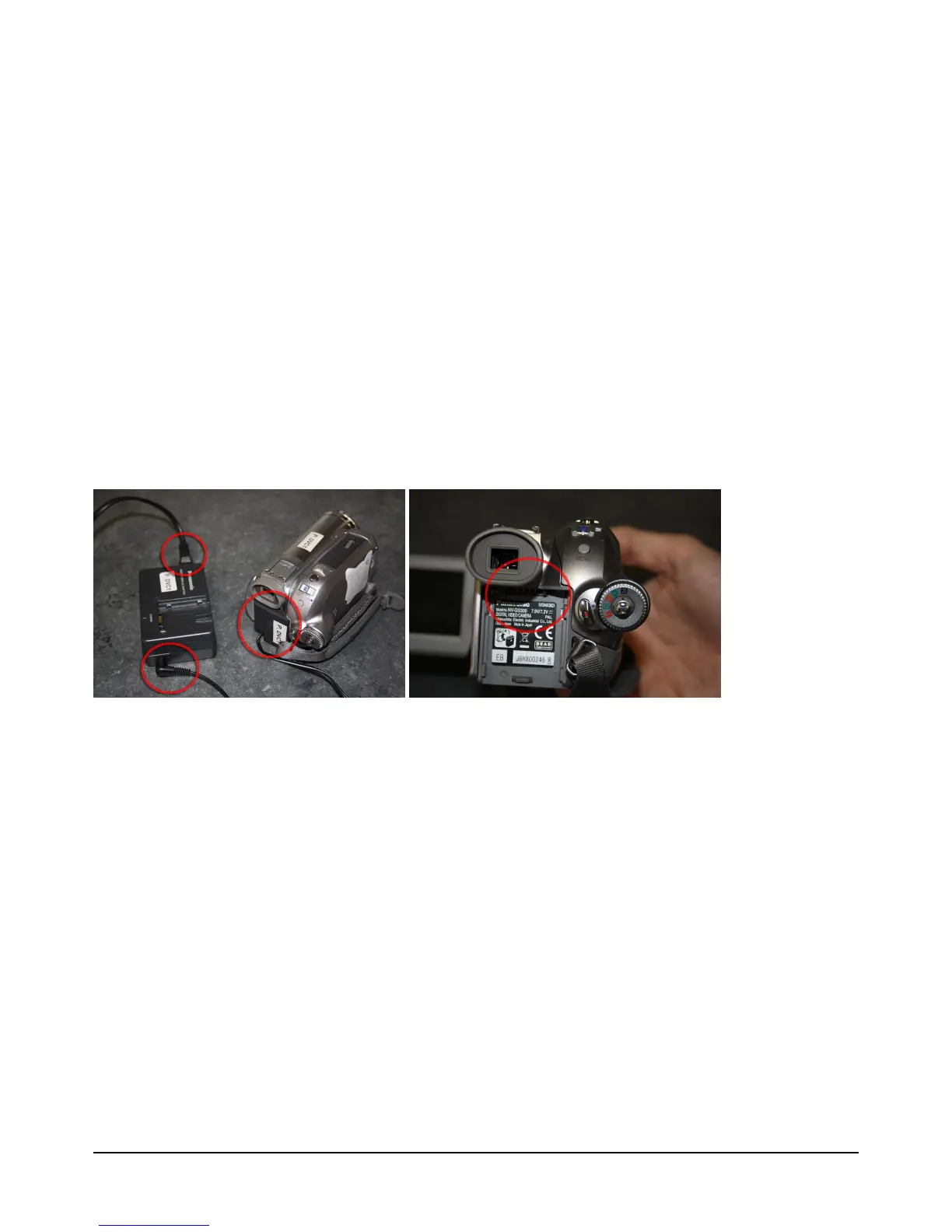
Recommend: Using mains power at all times where possible to prevent recording to fail
due to battery power loss
If using mains power:
A.
Connect power cables to power adapter
B.
Connect plug to power source
C.
Connect power to back of video camera by sliding connector (looks like a slim
battery) upward until it both terminals click together
If using battery:


 To Next Page