Slide # 41
Models:
SA-PT660
SA-PT760
SA-PT960
SA-PT1060
SH-FX67, 85
Outline
Wireless
Mech
Pwr Supply
Protection
Audio
Sample Audio Problems – Troubleshooting Methods
Audio Troubleshooting Isolation Methods
1. No Audio Causes (all inputs dead)
a) Pwr Supply loss – check for + 30Vdc at pwr on. (see layout diagram)
b) No Osc input – check for 4.5Vp-p (375kHz) at pin 1 of each output IC5000-5400/pin 1.
c) Mute input – check for normal (unmute) 5Vdc at CN2009/pins 12, 13, 17.
d) Mute input – check for broken headphone jack Sw at CN2007/pin 11 [5V = hp in, 3.5V = hp out]
2. Missing 1 or more channels (remote is needed)
a) Mute – check for normal 5Vdc at each output IC5000-5400/pin 23 (last pin).
b) No Osc – check for 4.5Vp-p (375kHz) at each output IC5000-5400/pin 1.
c) Use the Audio Process diagram info to select “S Music” then scope the audio at CN2003 pins.
3. Hum - Unplug CN5050 and power the unit on.
a) Hum still present? – “Damp” board problem. The board’s gnd should not touch the chassis.
b) Hum gone? – SMPS or Main board problem. (Main transformer T5701 if lightning damage)
4. Mute Causes
a) Headphone plugged in instructs the micro to mute the spk output (ck sw at CN2007/pin 11) .
b) Unplug the tuner (from the main board) to see if it is killing data communications.
c) Check the mute voltages at CN2009/pins 17(all spk mute), pin 13 (frt & Sw mute), pin 12 (cent
& Surr mute). Normal voltage = 5Vdc. 0V = mute.
d) DVD board no communications or its 50 pin cable is defective / damaged.
5. Low volume
Normal signal levels when the volume control is max at 50 are at the audio processing concepts
diagram, lower left corner box. Vp-p Levels are with the “S Music” On and Off.
Refer to the Audio simplified diagram and layout
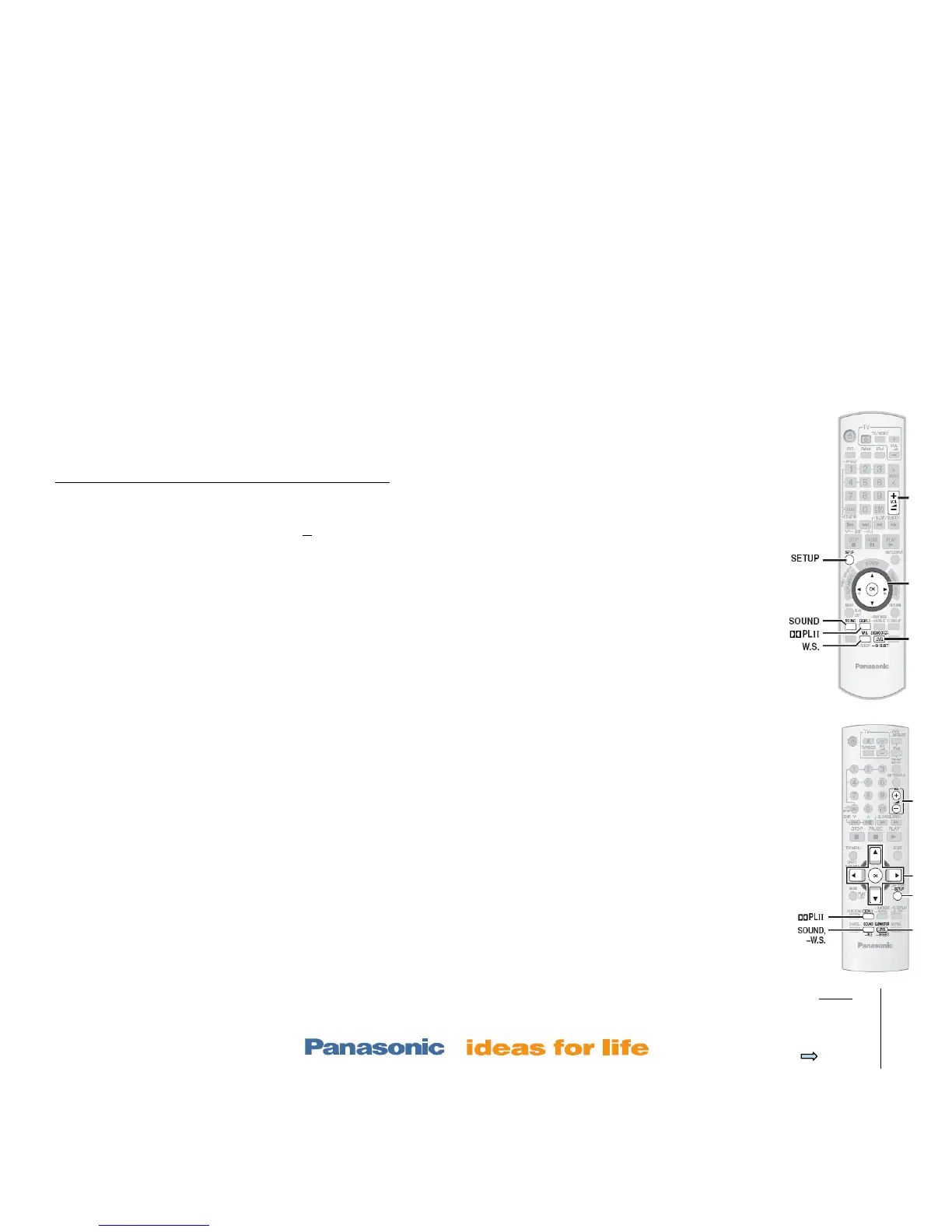
PT760/960 remote
N2QAYB 000 214
PT660 remote
N2QAYB 000 210













 To Next Page