U_J_I[ I,;U._|UIIII_I
II
Thank you for purchasing this product.
For optimum performance and safety, please mad these instruc-
tions carefully.
These operating instructions are applicable to the following system.
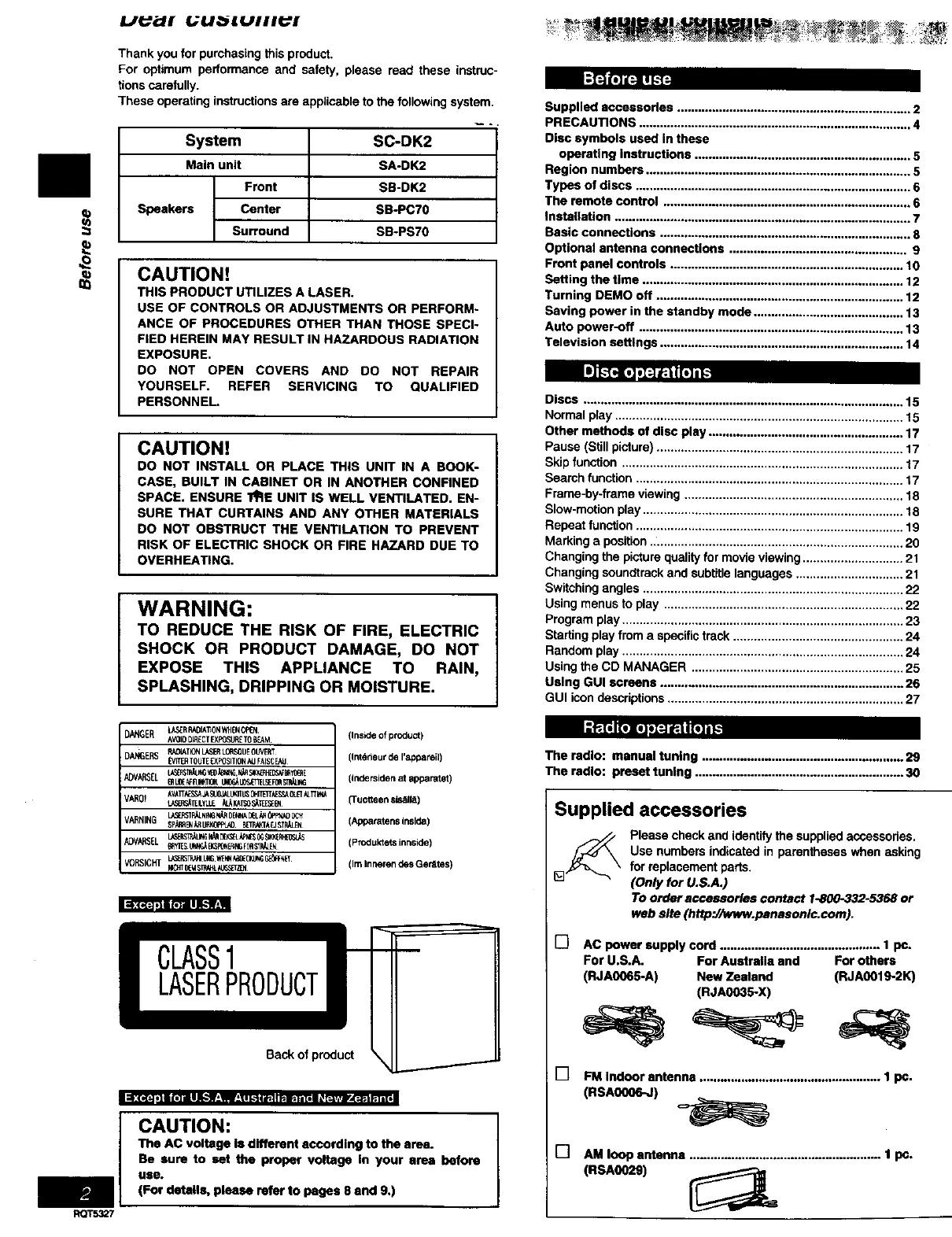
System
Main unit
Front
Speakers Center
Surround
SC-DK2
SA-DK2
SB-DK2
SB-PCTO
SB-PS70
CAUTIONt
THIS PRODUCT UTILIZES A LASER.
USE OF CONTROLS OR ADJUSTMENTS OR PERFORM-
ANCE OF PROCEDURES OTHER THAN THOSE SPECI-
FIED HEREIN MAY RESULT IN HAZARDOUS RADIATION
EXPOSURE.
DO NOT OPEN COVERS AND DO NOT REPAIR
YOURSELF. REFER SERVICING TO QUALIFIED
PERSONNEL.
[i][T4r_ ,_'J;FItFT;_
CAUTION!
DO NOT INSTALL OR PLACE THIS UNIT IN A BOOK-
CASE, BUILT IN CABINET OR IN ANOTHER CONRNED
SPACE. ENSURE I_E UNIT IS WELL VENTILATED. EN-
SURE THAT CURTAINS AND ANY OTHER MATERIALS
DO NOT OBSTRUCT THE VENTILATION TO PREVENT
RISK OF ELECTRIC SHOCK OR FIRE HAZARD DUE TO
OVERHEATING.
WARNING:
TO REDUCE THE RISK OF FIRE, ELECTRIC
SHOCK OR PRODUCT DAMAGE, DO NOT
EXPOSE THIS APPLIANCE TO RAIN,
SPLASHING, DRIPPING OR MOISTURE.
Supplied accessories ................................................................... 2
PRECAUTIONS .............................................................................. 4
Disc symbols used in these
operating instructions .............................................................. 5
Region numbers ............................................................................ 5
Types of discs ............................................................................... 6
The remote control ....................................................................... 6
Installation .................................................................................... 7
Basic connections ........................................................................ 8
Optional antenna connections ................................................... 9
Front panel controls ................................................................... 10
Setting the time ........................................................................... 12
Turning DEMO off ....................................................................... 12
Saving power in the standby mode ........................................... 13
Auto power-off ............................................................................ 13
Television settings ...................................................................... 14
Discs ............................................................................................ 15
Normal play ................................................................................... 15
Other methods of disc play ........................................................ 17
Pause (Still picture) ....................................................................... 17
Skip function ................................................................................. 17
Search function ............................................................................. 17
Frame-by-frame viewing ............................................................... 18
Slow-motion play ........................................................................... 18
Repeat function ............................................................................. 19
Marking a position ..L...................................................................... 20
Changing the picture quality for movie viewing ............................. 21
Changing soundtrack and subtitle languages ............................... 21
Switching angles ........................................................................... 22
Using menus to play ..................................................................... 22
Program play ................................................................................. 23
Starting play from a specific track ................................................. 24
Random play ................................................................................. 24
Using the CD MANAGER ............................................................. 25
Using GUI screens ...................................................................... 26
GUI icon descriptions .................................................................... 27
_1(( "-1, ]IB (=] ill IFF.'_r_*W_=_ I k.'ti Wqi p.II_*| i [ol i_ _Jl_ R'[_
RQT5327
DANGER L_S_RRN)IAT]0NWdEN0PEN
AV010D_ECTEXPOSUET0BEAM
DANGERS P,A01ATIONLASERL0flSgUE0U_RT
P/IT_ TOUTE_XPOSITION_J FAISCENJ
VAR0! AVATT&E_CA_ S_0_JJ_rlL_ 0HTEITAESSA0LET_LTT_tk_
LZ_TEILYLLE _L_I_TS0_T_I_I_
YARNING SPdeF_U_0PPL_ B[TWC3A_JSTF_N
ADV_SEL _ES U_; _3=_E_ F_ S_EN
V0RSICHT L_ST_t L_ _,N _UNG G_N_
(Insideofproduct)
(Int_)rieurdeI'_pamil)
(InderSidenat apparatet)
(Tuo_eensis_ll_)
(ApparatensInside)
(Produkletsinnside)
(IraInnemndesGenltes)
Back of product
CAUTION:
The AC voltage Is different according to the area.
Be sure to set the proper voltage In your area before
use.
(For details, please refer to pages 8 and 9.)
The radio: manual tuning .......................................................... 29
The radio: preset tuning ............................................................ 30
Supplied accessories
Please check and identify the supplied accossodes,
Use numbers indicated in parentheses when asking
for replacement parts.
(Only for U.S.A.)
To order accessories contact 1-800-332-5368 or
web site (http://www.panasonlc.com).
[] AC power supply cord .............................................. 1 pc.
For U.S.A. For Australia and For others
(RJA(X)65-A) New Zealand (RJA0019-2K)
(RJA0035-X)
[] FM Indoor antenna .................................................... 1 pc.
(RSAOOO6-J)
[] AM loop antenna .......................................................1 pc.
(RSA0029) _L


 To Next Page
 Loading...











