EasyManua.ls Logo

Panasonic SC-DM3 - User Manual

Panasonic SC-DM3
36 pages
Print Icon
To Next Page IconTo Next Page
Loading...
P PC
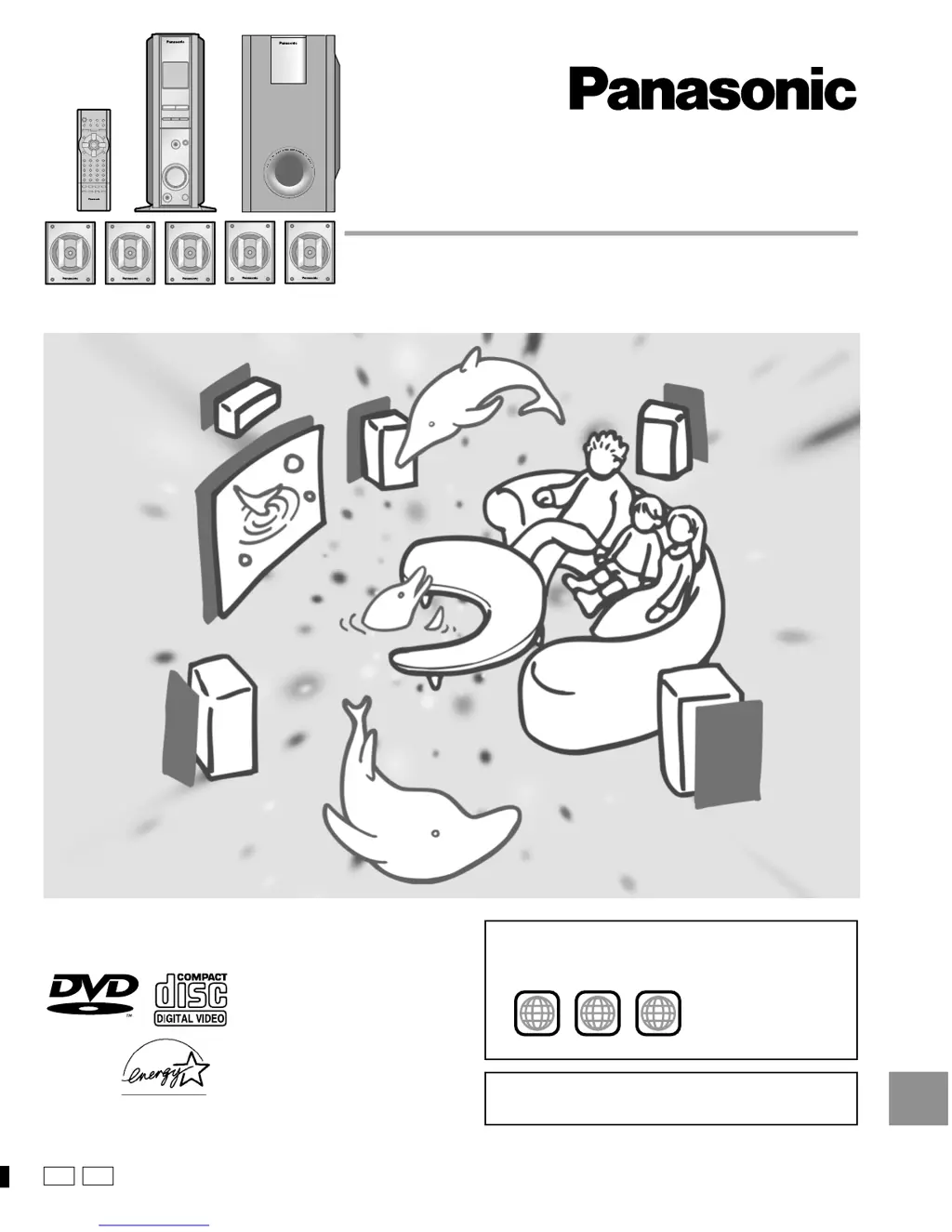
DVD Home Theater Sound System
Operating Instructions
Model No. SC-DM3
RQT6220-2P
[For\U.S.A.\only]
The warranty can be found on page 34.
Before connecting, operating or adjusting this product, please read
these instructions completely.
Please keep this manual for future reference.
AUDIO
/
VIDEO
As an ENERGY STAR
®
Partner, Panasonic has
determined that this product meets the ENERGY
STAR
®
guidelines for energy efficiency.
The region number of this unit is “1”.
You can play DVD-Video marked “1”, “ALL”, or with a re-
gion number including “1”.
Example:
See page 4 for details.
1 ALL
2
4
1

Table of Contents

Questions and Answers

Summary

IMPORTANT SAFETY INSTRUCTIONS

Simple setup

STEP 1 Setup

Instructions for setting up the unit in standing or lying down positions.

STEP 2 Locating Speakers

Guidance on speaker placement for optimal sound quality and positioning.

STEP 3 Speaker Connections

How to attach speaker-cord stickers and notes on speaker usage and wall mounting.

STEP 4 Connecting to Television

Instructions for connecting the unit to a television using a video cable.

STEP 5 Antennas and Power

How to connect AM/FM antennas and the AC power cord, plus power saving tips.

Getting started

Disc operations

Basic Playback and Navigation

Loading discs, basic play, chapter/track skipping, search, slow-motion, and frame-by-frame.

Radio operations

The radio: manual tuning

How to manually tune FM and AM radio stations and adjust volume.

Sound quality;sound field operations

Other functions

Reference

Troubleshooting Guide

Solutions for common power, operation, and sound issues.

Summary

IMPORTANT SAFETY INSTRUCTIONS

Simple setup

STEP 1 Setup

Instructions for setting up the unit in standing or lying down positions.

STEP 2 Locating Speakers

Guidance on speaker placement for optimal sound quality and positioning.

STEP 3 Speaker Connections

How to attach speaker-cord stickers and notes on speaker usage and wall mounting.

STEP 4 Connecting to Television

Instructions for connecting the unit to a television using a video cable.

STEP 5 Antennas and Power

How to connect AM/FM antennas and the AC power cord, plus power saving tips.

Getting started

Disc operations

Basic Playback and Navigation

Loading discs, basic play, chapter/track skipping, search, slow-motion, and frame-by-frame.

Radio operations

The radio: manual tuning

How to manually tune FM and AM radio stations and adjust volume.

Sound quality;sound field operations

Other functions

Reference

Troubleshooting Guide

Solutions for common power, operation, and sound issues.

Panasonic SC-DM3 Specifications

General IconGeneral
Power Output20W
Speaker Configuration2.0
BluetoothYes
CD PlayerYes
FM RadioYes
USB PlaybackYes
Supported Audio FormatsMP3, WMA
RadioFM
Playable MediaCD, USB
ConnectivityUSB, AUX

Related product manuals