17
RQT6220
Disc operations
Random play
[DVD-A] [CD] [VCD]
Remote control only
[DVD-A]
1 While stopped
Press [RANDOM].
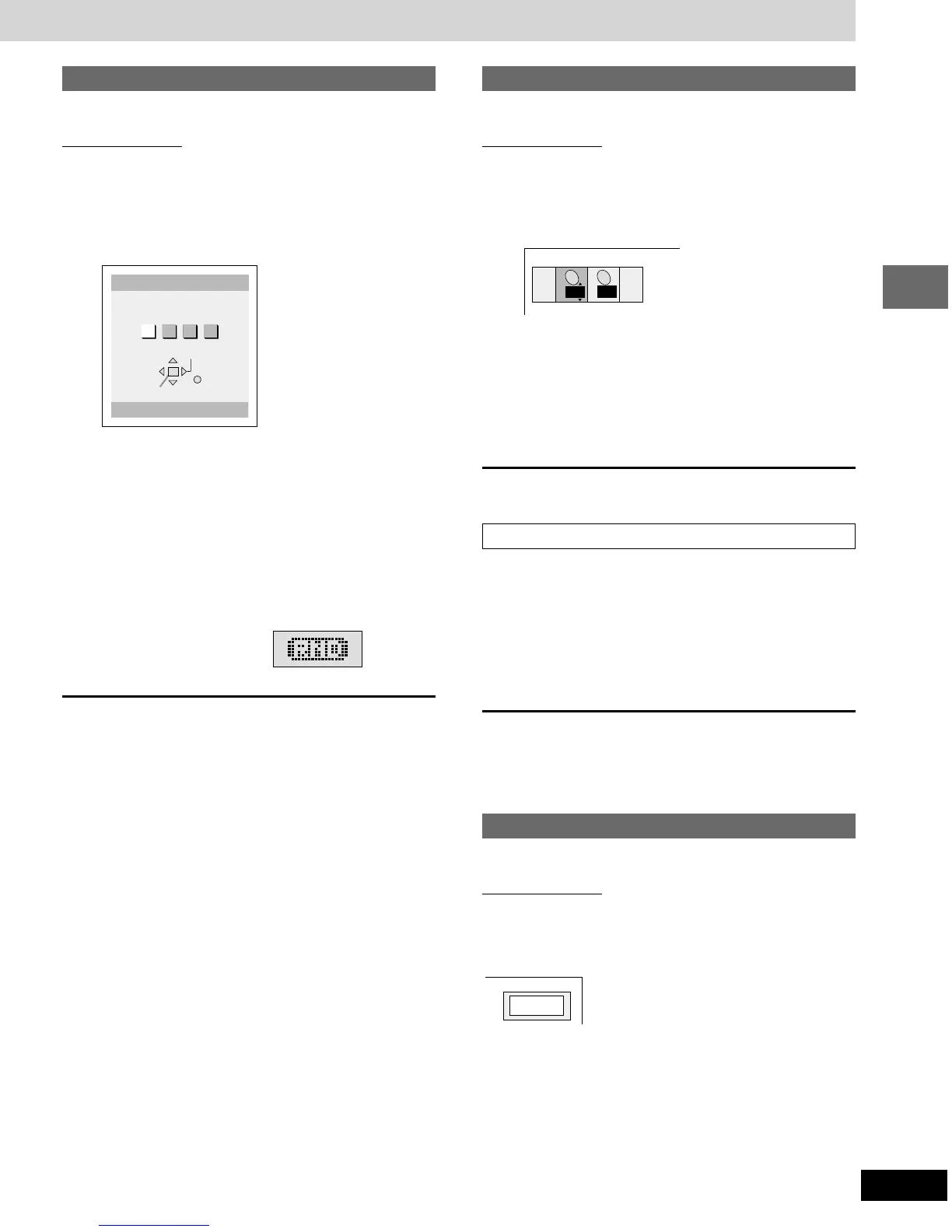
e.g. three groups
2 Press [2, 1] to select a group and
press [ENTER].
≥You can select more than one group.
≥To clear a group, select it again and press [ENTER].
3 Press [1 DVD/CD].
Play now begins in random order.
[CD] [VCD] (There is no on-screen display.)
While stopped
Press [RANDOM].
Play now begins in random order.
To cancel
Press [∫] until “RND” goes out.
Selecting groups to play
[DVD-A]
Remote control only
The tracks on DVD-Audio are divided into groups. How these groups
are played differs with the disc so read the instructions that came
with the disc for further details.
1 Press [SHIFT] r [GROUP].
2 Press the numbered buttons to select
the group and press [ENTER].
3 Press the numbered buttons to select
the track number and press [ENTER].
The selected group and track begin to play.
Playing all the groups in succession (➡ page 16, All group play)
Playing bonus groups
Some discs contain bonus groups. To enjoy these groups you may
have to enter a password. Refer to the disc’s jacket.
1. Repeat steps 1 and 2 above to select the bonus group.
2. Enter the 4-digit password with the numbered buttons and press
[ENTER].
≥If you enter the wrong password, you can erase a digit by press-
ing [CANCEL].
3. Press the numbered buttons to select a track and press [ENTER].
≥The bonus group can be played as many times as you like after the
password has been entered until you:
—Turn the unit off.
—Open the disc tray or select another source.
Selecting still pictures—Page Skip
[DVD-A]
Remote control only
During play
Press [SHIFT] r [PAGE].
The page changes each time you press the buttons.
Choose a group or groups.
All 1 2 3
Random Playback
0 Press PLAY to start
ENTER
RETURN
SELECT












 To Next Page