Installation
6
QQTG0684A
Concerning SD-JukeboxV2.4
While SD-Jukebox is running, we recommend disabling any power-saving functions on
your equipment (e.g., the PC).
CAUTION
• Double-click the
icon on the desktop.
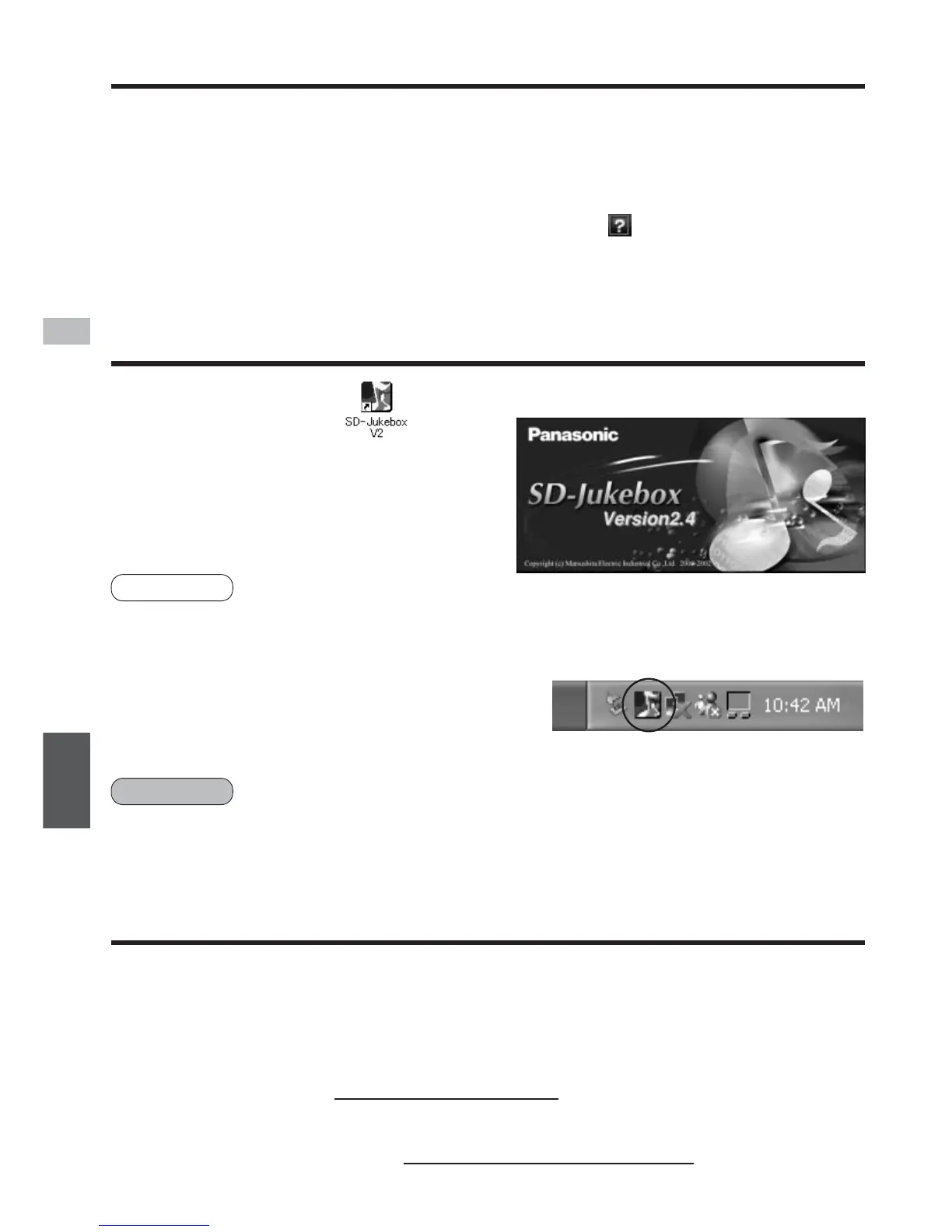
The <Main Screen> appears after
the <Title Screen>.
<Title Screen>
Starting the program
• Details that explain how to use the application software are provided in the
Operating Instructions (PDF on-line manual) which are installed at the same
time as the software.
• Adobe Acrobat Reader is required to read the Operating Instructions.
• When you read the "Operating Instructions", click on the <Main Screen>,
or select [start] → [programs] → [Cnc] → [SD-Jukebox V2] → [SD-Jukebox
V2.4 manual].
• Please see "Troubleshooting" in the "Operating Instructions (PDF on-line
manual)" if you have any trouble using this software.
• If you are in doubt about some of the check points, or if the remedies
indicated in the chart do not solve the problem, contact
For U.S.A.: The Panasonic Customer Call Center at 1-800-211-7262
or E-mail:consumerproducts@panasonic.com,
or Web site: http://www.panasonic.com
For other countries:Matsushita Electric Industrial Co.,Ltd.
Web site:http://www.panasonic.co.jp/global/
• If the icon does not appear on the desktop, then from the Start menu, select
[Programs]
→
[Cnc]
→
[SD-JukeboxV2]
→
[SD-JukeboxV2.4].
• SD-Jukebox version information
To check which version you have, start SD-
Jukebox and right-click the SD-Jukebox icon on
the task tray. Next, select "About SD-Jukebox".
SD-Jukebox icon
NOTE
Troubleshooting
ENGLISH



 To Next Page