EasyManua.ls Logo

Panasonic TH-103PF12W - User Manual

Panasonic TH-103PF12W
72 pages
Print Icon
To Next Page IconTo Next Page
Loading...
Model No.
Operating Instructions
High De nition Plasma Display
TH-103PF12W
Please read these instructions before operating your set
and retain them for future reference.
English
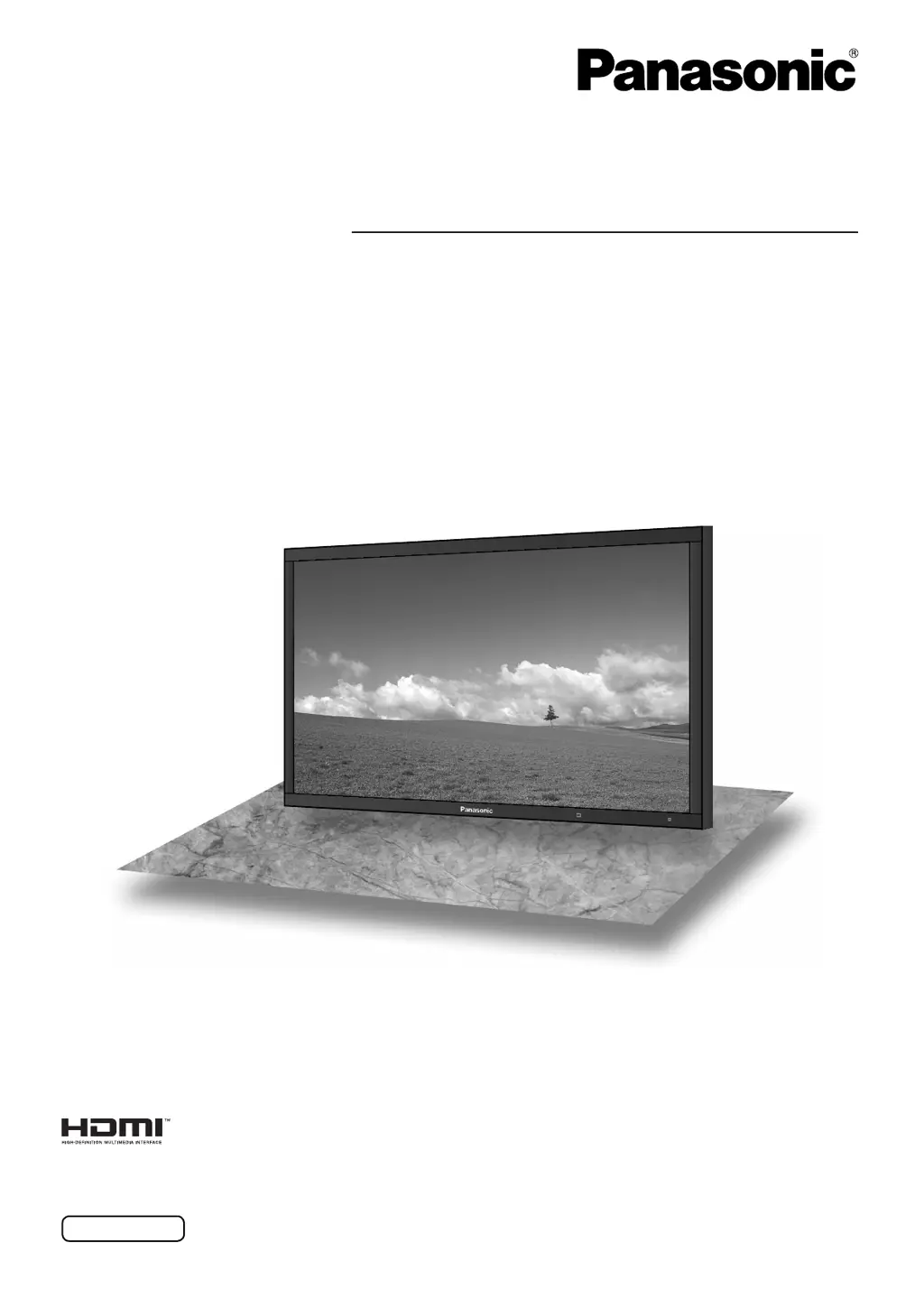
The illustration shown is an image.
TQBC2521

Table of Contents

Questions and Answers

Summary

Safety Warnings and Precautions

Risk of Electric Shock

Warnings about opening the unit and internal hazards.

Preventing Damage and Shock Hazards

Advice against exposing the unit to moisture or placing items on it.

Important Safety Instructions

General Safety Guidelines

A list of 15 essential instructions for safe operation and maintenance.

Important Safety Notice

Hazardous Situations and Precautions

Information on display stability, placement, and handling to avoid injury.

Safety Precautions

Accessory Compatibility

Use only specified optional accessories to ensure stability and safety.

Handling and Ventilation

Advice on keeping ventilation holes clear and avoiding contact with hot surfaces.

Operational Safety Guidelines

Setup and Placement Warnings

Instructions on stable placement, avoiding objects on top, and transport.

AC Power Cord Safety

Guidelines for safe handling and use of the power cord and plug.

Maintenance and Troubleshooting

Handling Operational Problems

Procedures for issues like smoke, odor, or unusual operation.

Cleaning the Display

Instructions for cleaning the panel and cabinet surfaces safely.

Connecting the Display

AC Cord Management

Securing the AC cord with clamps and fixing bands for safety.

PC Input Connection

PC Signal Compatibility

Details on supported PC signal formats, frequencies, and resolutions.

Serial Terminal Connection

Serial Control Interface

Using the serial terminal for computer control via RS-232C.

Video Input Connections

HDMI Terminal Configuration

Pin assignments for HDMI connection to various devices.

Component;RGB Signal Setup

Connecting Component or RGB signals and configuring input settings.

Powering the Display On and Off

Connecting to Power

Steps for connecting the AC cord to the display and wall outlet.

Basic Power Controls

Using the power switch and remote buttons for power on/off states.

Selecting Input Signals

Input Mode Selection

Using the INPUT button to cycle through connected sources.

Main Unit Controls

Power Indicator Status

Understanding the meaning of the power indicator light colors and states.

Remote Control Operations

Basic Remote Functions

Overview of key buttons like Standby, Aspect, Picture, Sound, and Input.

Picture Aspect Ratio Adjustment

Aspect Mode Selection

Changing the picture aspect ratio for different signal types.

Panasonic Auto Aspect

Automatic aspect ratio adjustment based on source content.

Multi-Picture Display (PIP)

PIP Display Modes

Selecting screen layouts for Picture-in-Picture and Advanced PIP.

Multi-PIP Advanced Features

Digital Zoom Functionality

Using Digital Zoom

Enlarging specific parts of the image and selecting magnification levels.

Navigating On-Screen Menus

Accessing Menu Screens

Steps to display and navigate through the various menu options.

Selecting and Setting Menu Items

How to select, adjust, and confirm settings within the menus.

Position and Size Adjustments

Manual Position;Size Control

Using buttons to adjust horizontal and vertical position and size.

Auto Setup Functionality

How the auto setup feature works for position and size adjustments.

Detailed Pos.;Size Adjustments

Fine-Tuning Image Alignment

Adjusting H-Pos, V-Pos, H-Size, V-Size, Dot Clock, and Clock Phase.

1:1 Pixel Mode Settings

Picture Quality Adjustments

Basic Picture Settings

Adjusting Picture Mode, Contrast, Brightness, Colour, Hue, and Sharpness.

Advanced Picture Tuning

Picture Profile Management

Storing Picture Settings

Saving up to 8 combinations of picture adjustments as profiles.

Saving Custom Picture Profiles

Managing Picture Profiles

Locking Picture Profiles

Audio Settings

Basic Sound Controls

Adjusting Bass, Mid, Treble, Balance, and Surround sound settings.

Timer and Time Settings

Programming Power Timers

Setting scheduled power on and off times for the display.

Screensaver Functionality

Screensaver Time Configuration

Reducing Image Retention

Extended Life Settings Overview

Utilizing settings to prolong display life and reduce image burn-in.

Image Retention Prevention Features

Power Saving Features

Power Save Modes

Enabling Power Save, Standby Save, and Power Management for reduced consumption.

Display Orientation Settings

Multi-Display Configuration

Portrait Mode Setup

Input Signal Configuration

Signal Menu Options

Network Setup and Configuration

System Options Adjustments

Weekly Command Timer Programming

Troubleshooting Common Issues

Picture and Sound Problems

Diagnosing and resolving issues related to interference, sound, and picture quality.

Supported Input Signals

Summary

Safety Warnings and Precautions

Risk of Electric Shock

Warnings about opening the unit and internal hazards.

Preventing Damage and Shock Hazards

Advice against exposing the unit to moisture or placing items on it.

Important Safety Instructions

General Safety Guidelines

A list of 15 essential instructions for safe operation and maintenance.

Important Safety Notice

Hazardous Situations and Precautions

Information on display stability, placement, and handling to avoid injury.

Safety Precautions

Accessory Compatibility

Use only specified optional accessories to ensure stability and safety.

Handling and Ventilation

Advice on keeping ventilation holes clear and avoiding contact with hot surfaces.

Operational Safety Guidelines

Setup and Placement Warnings

Instructions on stable placement, avoiding objects on top, and transport.

AC Power Cord Safety

Guidelines for safe handling and use of the power cord and plug.

Maintenance and Troubleshooting

Handling Operational Problems

Procedures for issues like smoke, odor, or unusual operation.

Cleaning the Display

Instructions for cleaning the panel and cabinet surfaces safely.

Connecting the Display

AC Cord Management

Securing the AC cord with clamps and fixing bands for safety.

PC Input Connection

PC Signal Compatibility

Details on supported PC signal formats, frequencies, and resolutions.

Serial Terminal Connection

Serial Control Interface

Using the serial terminal for computer control via RS-232C.

Video Input Connections

HDMI Terminal Configuration

Pin assignments for HDMI connection to various devices.

Component;RGB Signal Setup

Connecting Component or RGB signals and configuring input settings.

Powering the Display On and Off

Connecting to Power

Steps for connecting the AC cord to the display and wall outlet.

Basic Power Controls

Using the power switch and remote buttons for power on/off states.

Selecting Input Signals

Input Mode Selection

Using the INPUT button to cycle through connected sources.

Main Unit Controls

Power Indicator Status

Understanding the meaning of the power indicator light colors and states.

Remote Control Operations

Basic Remote Functions

Overview of key buttons like Standby, Aspect, Picture, Sound, and Input.

Picture Aspect Ratio Adjustment

Aspect Mode Selection

Changing the picture aspect ratio for different signal types.

Panasonic Auto Aspect

Automatic aspect ratio adjustment based on source content.

Multi-Picture Display (PIP)

PIP Display Modes

Selecting screen layouts for Picture-in-Picture and Advanced PIP.

Multi-PIP Advanced Features

Digital Zoom Functionality

Using Digital Zoom

Enlarging specific parts of the image and selecting magnification levels.

Navigating On-Screen Menus

Accessing Menu Screens

Steps to display and navigate through the various menu options.

Selecting and Setting Menu Items

How to select, adjust, and confirm settings within the menus.

Position and Size Adjustments

Manual Position;Size Control

Using buttons to adjust horizontal and vertical position and size.

Auto Setup Functionality

How the auto setup feature works for position and size adjustments.

Detailed Pos.;Size Adjustments

Fine-Tuning Image Alignment

Adjusting H-Pos, V-Pos, H-Size, V-Size, Dot Clock, and Clock Phase.

1:1 Pixel Mode Settings

Picture Quality Adjustments

Basic Picture Settings

Adjusting Picture Mode, Contrast, Brightness, Colour, Hue, and Sharpness.

Advanced Picture Tuning

Picture Profile Management

Storing Picture Settings

Saving up to 8 combinations of picture adjustments as profiles.

Saving Custom Picture Profiles

Managing Picture Profiles

Locking Picture Profiles

Audio Settings

Basic Sound Controls

Adjusting Bass, Mid, Treble, Balance, and Surround sound settings.

Timer and Time Settings

Programming Power Timers

Setting scheduled power on and off times for the display.

Screensaver Functionality

Screensaver Time Configuration

Reducing Image Retention

Extended Life Settings Overview

Utilizing settings to prolong display life and reduce image burn-in.

Image Retention Prevention Features

Power Saving Features

Power Save Modes

Enabling Power Save, Standby Save, and Power Management for reduced consumption.

Display Orientation Settings

Multi-Display Configuration

Portrait Mode Setup

Input Signal Configuration

Signal Menu Options

Network Setup and Configuration

System Options Adjustments

Weekly Command Timer Programming

Troubleshooting Common Issues

Picture and Sound Problems

Diagnosing and resolving issues related to interference, sound, and picture quality.

Supported Input Signals

Panasonic TH-103PF12W Specifications

General IconGeneral
Display TypePlasma
Screen Size103 inches
Brightness1000 cd/m²
Weight220 kg
Aspect Ratio16:9
Resolution1920 x 1080 pixels
Input TerminalsHDMI, DVI-D, Component, Composite, S-Video