EasyManua.ls Logo

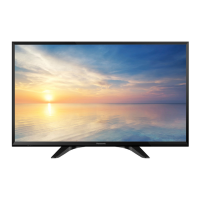
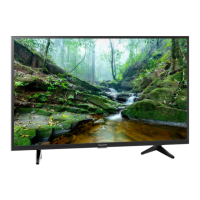
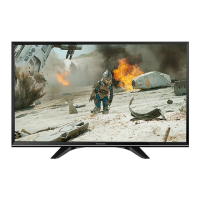
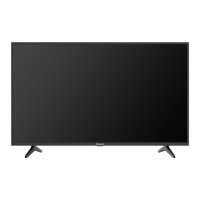
Panasonic TH-32G300K - User Manual

Panasonic TH-32G300K
22 pages
Print Icon
To Next Page IconTo Next Page
Loading...
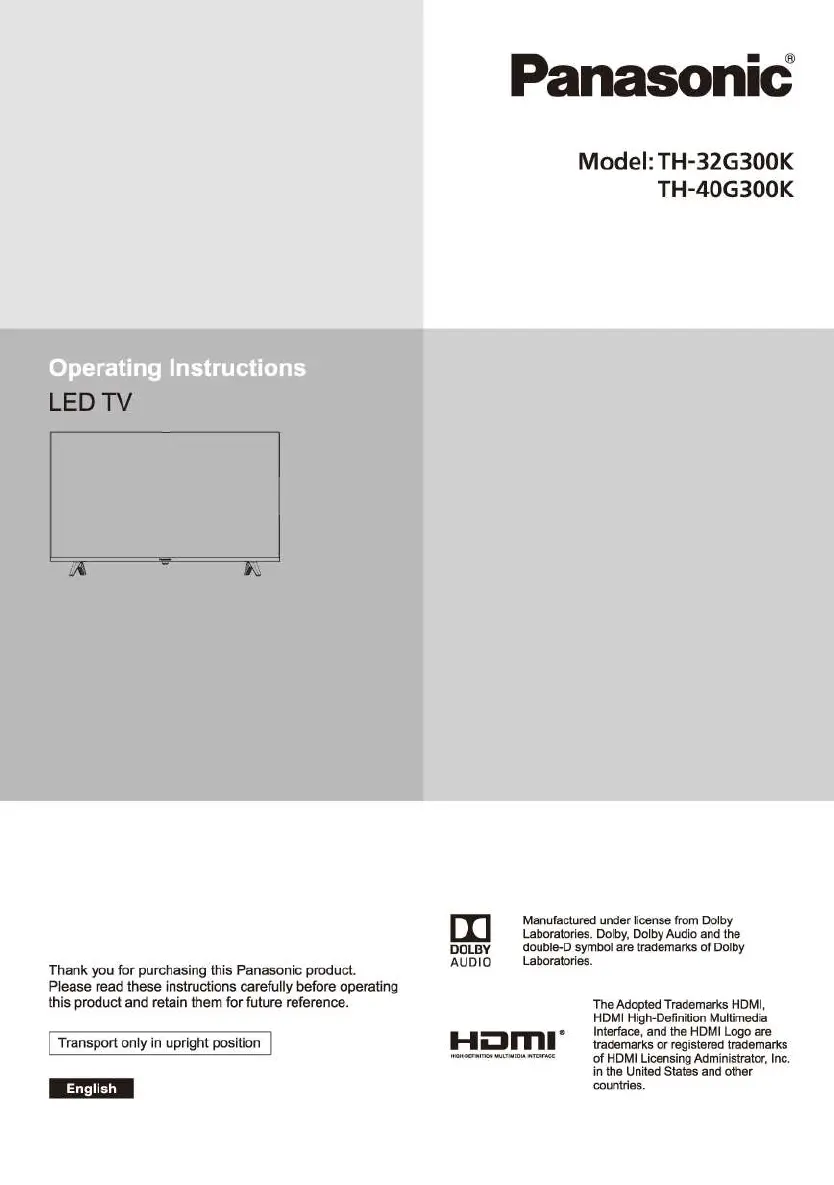
LED
TV
Thank you for purchasing this Panasonic product.
Please read these instructions carefully before operating
this product and retain them for future reference.
I Transport only
in
upright position
M#ffii@M
[I]
DOLBY
AUDIO
Panasonic
Model: TH-32G300K
TH-40G300K
Manufactured under license from Dolby
Laboratories. Dolby, Dolby Audio and the
double-D symbol are trademarks
of
Dolby
Laboratories.
Hi:Jffll"
The Adopted Trademarks HDMI,
HDMI High-Definition Multimedia
Interface, and the HDMI Logo are
trademarks
or
registered trademarks
of
HDMI Licensing Administrator, Inc.
in the United States and other
countries.

Questions and Answers

  • M
    Meghan LewisAug 12, 2025
    How to fix a Panasonic TH-32G300K LED TV with no picture and no sound?
    • C
      Christina FullerAug 12, 2025
      If your Panasonic LED TV has no picture and no sound, consider the following: - Check if the fuse or circuit breaker is working. - Plug another electrical device into the outlet to ensure it's working or turned on. - Ensure the power plug is making good contact with the outlet. - Check the signal source.
  • M
    Manuel WaltersAug 20, 2025
    What to do if my Panasonic LED TV has normal picture but no sound?
    • V
      Virginia GreenAug 20, 2025
      If your Panasonic LED TV shows a picture but you can't hear any sound, first, try pressing the Vol+ button to increase the volume. Also, check if the volume is muted and, if so, press the mute button to restore the sound.
  • A
    allenoliviaAug 27, 2025
    Why does my Panasonic LED TV have no color?
    • D
      davidharrisAug 27, 2025
      If your Panasonic LED TV has no color, try adjusting the saturation settings.
  • M
    Matthew BaileySep 3, 2025
    Why my Panasonic TH-32G300K remote control does not work?
    • P
      Paul RobertsSep 3, 2025
      If the remote control for your Panasonic LED TV isn't working, try the following: first, replace the batteries. If that doesn't work, make sure the batteries are installed correctly. Finally, ensure that the main power is connected.

Panasonic TH-32G300K Specifications

General IconGeneral
Screen Size32 inches
Display TypeLED
Resolution1366 x 768
HDMI Ports2
USB Ports1
Audio Output10 W
Smart TVNo
Resolution TypeHD
Operating SystemNot Applicable

Related product manuals