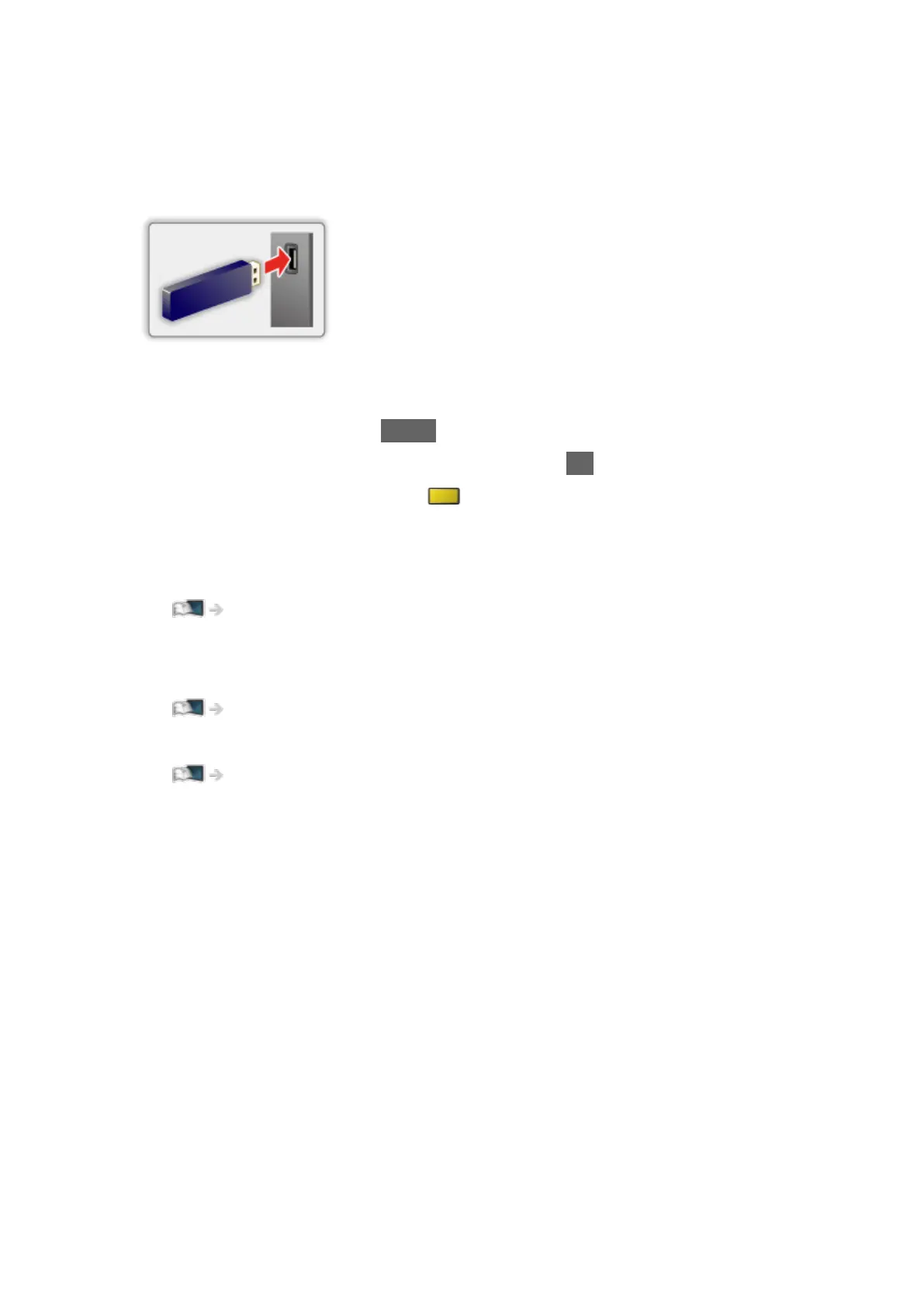
■ To insert or remove the USB Flash Memory
●
Depending on the model, it may be necessary to remove the terminal
cover / cable cover before inserting or removing the USB Flash Memory.
Ensure alignment is straight and complete when inserting or removing.
●
To remove the USB Flash Memory safely from the TV, perform Safely
remove USB in USB Device Setup.
1) Display the menu with MENU.
2) Select Setup > USB Device Setup and press OK to access.
3) Select the device and press
(yellow) to set.
= Note =
●
To connect the USB HDD
Recording > USB HDD setup
●
Check the terminal type and devices are correct for connection.
●
For details of the devices
Media Player > Connected device
●
For details of supported file formats
Media Player > Supported format
- 135 -



 To Next Page