English - 5 -
When using the
wall-hanging bracket
Please contact your local Panasonic dealer to
purchase the recommended wall-hanging bracket.
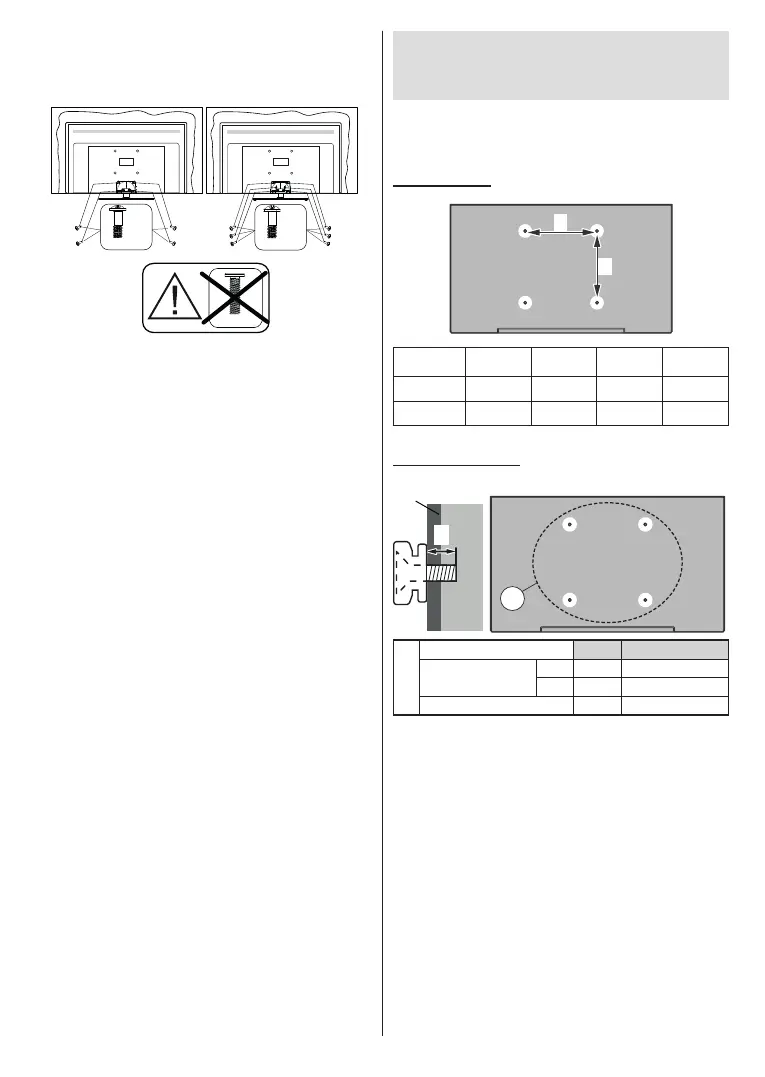
Holes for wall-hanging bracket installation;
Rear of the TV
a
b
43” 50” 55” 65”
a (mm) 100 200 200 400
b (mm) 100 200 200 200
View from the side
c
VESA
Bracket
d
(d)
43” 50”, 55”, 65”
Depth of screw (c)
min. 9 mm 12 mm
max. 10 mm 15 mm
Diameter M4 M6
Note: The screws for xing the TV onto the wall-hanging
bracket are not supplied with the TV.
3. Insert the screws (M4 x 12) provided and tighten
M6 x 20 mm
43”
50/55/65”
x6
M4 x 12 mm
x4
M4 x 12 mm
Removing the pedestal from the TV
Be sure to remove the pedestal in the following way
when using the wall-hanging bracket or repacking
the TV.
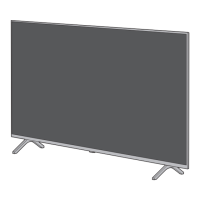
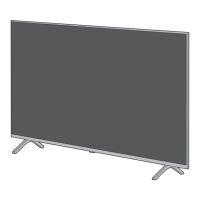
• Put the TV onto a work table with the screen panel
down on the clean and soft cloth. Leave the stand(s)
protruding over the edge of the surface.
•
• Remove the stand(s).





 To Next Page