- 11 -
How to use
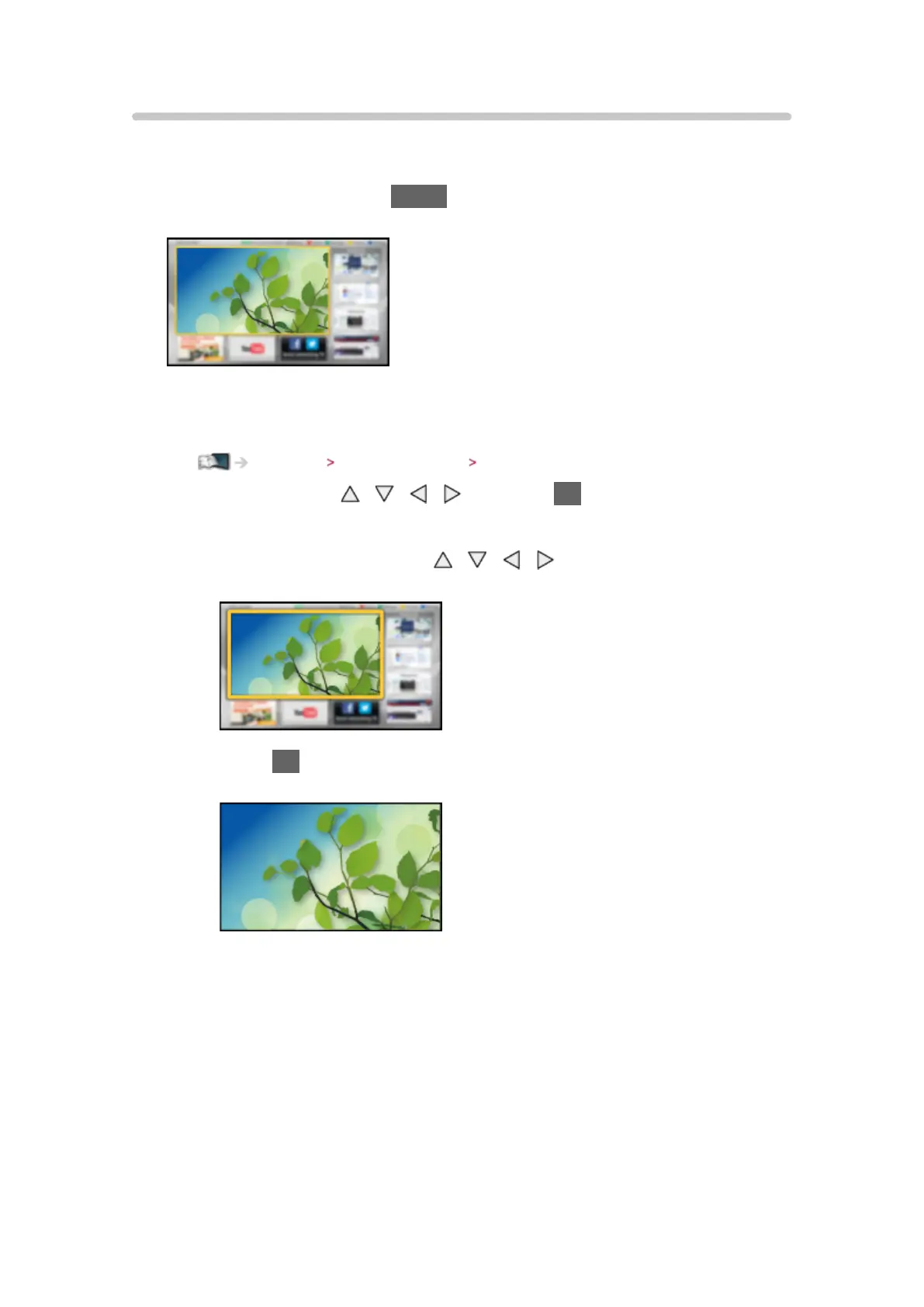
Home Screen provides access to special features such as the Media Player,
TV, internet content, data services, communication tools, etc.
1. Display Home Screen with HOME
(Example)
●
The last viewed Home Screen is displayed when the TV is turned on.
●
Press again to select or add your preferred Home Screen layout.
Watching my Home Screen Settings
2. Select a feature with / / / and press OK to access
●
To watch full-screen TV
1) Select the TV viewer with
/ / /
(Example)
2) Press OK to watch
(Example)
●
Also refer to Tutorial from the tool guide.



 To Next Page