Setting Up the TV
5
are
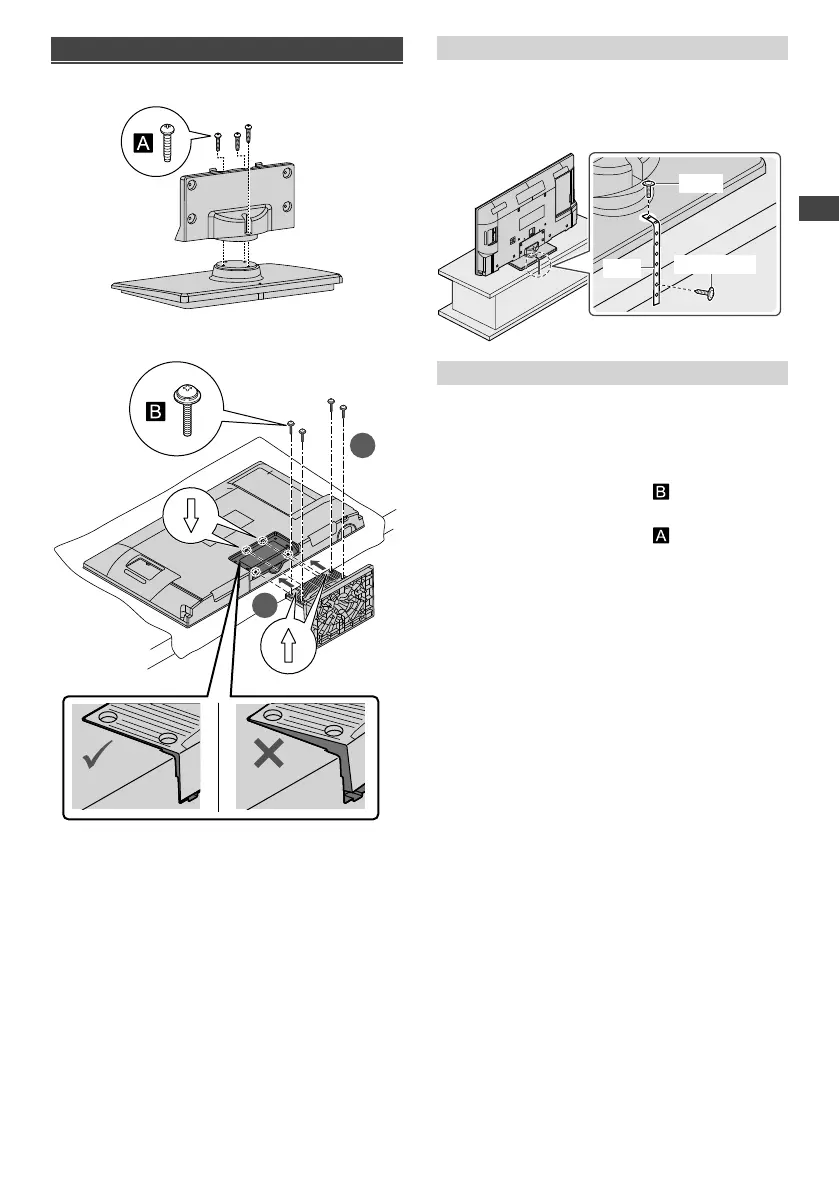
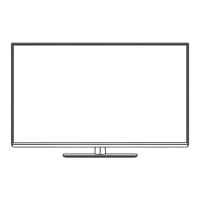
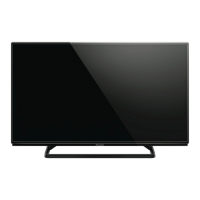
Attaching the pedestal
1 Assemble the pedestal
2 Attach the TV to the pedestal
2
1
Preventing the TV from falling over
It is recommended to secure the pedestal to a furniture
as shown to prevent the TV from falling over.
●
This information is designed to reduce the risk of
injuries caused by the TV falling over. However, no
measure can guarantee protection in all cases.
Screw
Wood screw
Band
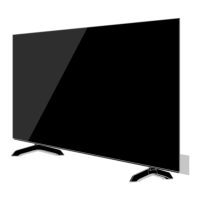
Removing the pedestal from the TV
Be sure to remove the pedestal in the following way
when using the wall-hanging bracket or repacking the
TV.
1 Lay the TV on a foam mat or thick soft cloth on a
table.
2 Remove the assembly screws from the TV.
3 Pull out the pedestal from the TV.
4 Remove the assembly screws from the bracket.
TH-32A400AZ.indd 5TH-32A400AZ.indd 5 1/10/2014 5:24:14 PM1/10/2014 5:24:14 PM





 To Next Page