EasyManua.ls Logo

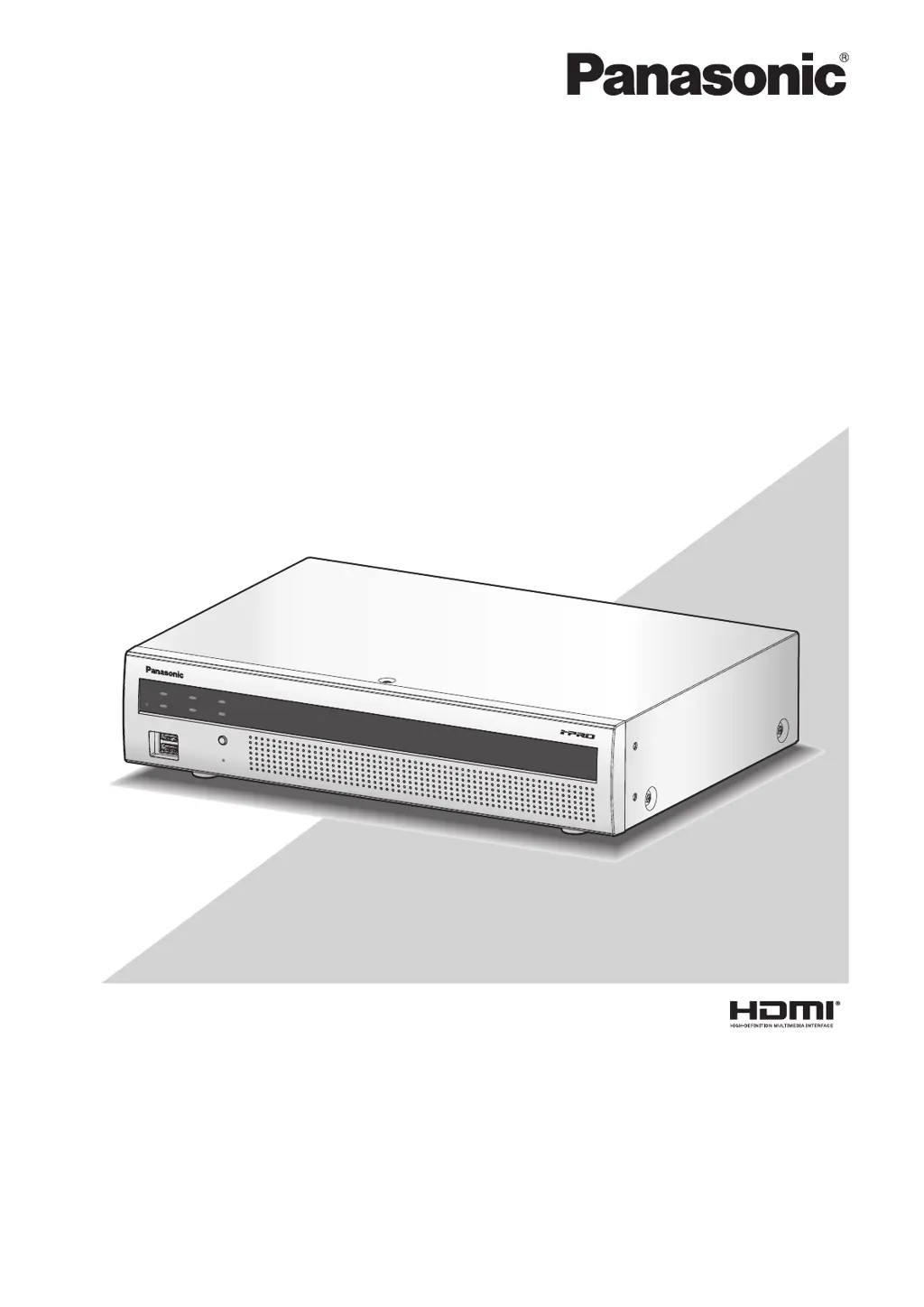
Panasonic WJ-NX200K - User Manual

Panasonic WJ-NX200K
36 pages
Print Icon
To Next Page IconTo Next Page
Loading...
Before attempting to connect or operate this product,
please read these instructions carefully and save this manual for future use.
The model number is abbreviated in some descriptions in this manual.
Installation Guide
Network Disk Recorder
Model No. WJ-NX200K
Network Disk Recorder WJ-NX200

Other manuals for Panasonic WJ-NX200K

Questions and Answers

Summary

Introduction and System Overview

Standard Accessories Included

Lists all bundled items provided with the network disk recorder for installation and operation.

User Manuals and Documentation

Details the different manuals provided for comprehensive understanding and operation of the recorder.

Optional Feature Kits

Overview of optional kits for expanding camera capacity, secure communication, and business intelligence functions.

Installation Site Precautions

Essential safety guidelines and recommended locations for installing the product to ensure proper operation and safety.

Basic Operations and Interface

Mouse and Navigation Guide

Instructions on connecting the mouse and navigating the recorder's interface and setup menus.

On-Screen Keyboard Usage

How to use the on-screen keyboard for character input during setup and configuration.

Setup Menu Configuration

Setup Menu Panel Overview

Explains the layout and buttons of the main setup menu panel.

Easy Start Configuration

Guides through the initial minimum settings required for basic recorder operation.

Basic and Advanced Setup Options

Details the options available for customizing settings under Basic and Advanced setup menus.

Operations Flow and Key Procedures

Obtain License (Registration Key)

Steps to acquire the recorder's registration key from the provided Activation Key Card.

Hard Disk Drive Installation

Procedures for installing the hard disk drive into the recorder.

Rack Mounting Procedures

Instructions for installing the recorder in a standard EIA rack.

System Connections

Connecting cameras, monitors, PCs, and other devices to the recorder.

Powering On and Initialization

Steps to power on the recorder, initialize settings, and register administrators.

License Registration

Process of entering license keys via the setup menu to activate features.

Initial Configuration [Easy Start]

Configuring date, time, cameras, and recording settings using the Easy Start menu.

Troubleshooting Common Issues

Power, Display, and Image Problems

Solutions for problems like power not turning on or images not displaying.

Menu Access and Alarm Issues

Troubleshooting for setup menu access, alarm actions, and communication errors.

Thermal, Clock, and Hardware Errors

Addresses thermal errors, clock inaccuracies, HDD issues, and power cord inspection.

Summary

Introduction and System Overview

Standard Accessories Included

Lists all bundled items provided with the network disk recorder for installation and operation.

User Manuals and Documentation

Details the different manuals provided for comprehensive understanding and operation of the recorder.

Optional Feature Kits

Overview of optional kits for expanding camera capacity, secure communication, and business intelligence functions.

Installation Site Precautions

Essential safety guidelines and recommended locations for installing the product to ensure proper operation and safety.

Basic Operations and Interface

Mouse and Navigation Guide

Instructions on connecting the mouse and navigating the recorder's interface and setup menus.

On-Screen Keyboard Usage

How to use the on-screen keyboard for character input during setup and configuration.

Setup Menu Configuration

Setup Menu Panel Overview

Explains the layout and buttons of the main setup menu panel.

Easy Start Configuration

Guides through the initial minimum settings required for basic recorder operation.

Basic and Advanced Setup Options

Details the options available for customizing settings under Basic and Advanced setup menus.

Operations Flow and Key Procedures

Obtain License (Registration Key)

Steps to acquire the recorder's registration key from the provided Activation Key Card.

Hard Disk Drive Installation

Procedures for installing the hard disk drive into the recorder.

Rack Mounting Procedures

Instructions for installing the recorder in a standard EIA rack.

System Connections

Connecting cameras, monitors, PCs, and other devices to the recorder.

Powering On and Initialization

Steps to power on the recorder, initialize settings, and register administrators.

License Registration

Process of entering license keys via the setup menu to activate features.

Initial Configuration [Easy Start]

Configuring date, time, cameras, and recording settings using the Easy Start menu.

Troubleshooting Common Issues

Power, Display, and Image Problems

Solutions for problems like power not turning on or images not displaying.

Menu Access and Alarm Issues

Troubleshooting for setup menu access, alarm actions, and communication errors.

Thermal, Clock, and Hardware Errors

Addresses thermal errors, clock inaccuracies, HDD issues, and power cord inspection.

Panasonic WJ-NX200K Specifications

General IconGeneral
ModelWJ-NX200K
TypeNetwork Video Recorder
Video Input Channels16
HDMI Output1
VGA Output1
Recording ResolutionUp to 4K
Video CompressionH.264, H.265
Network ProtocolsTCP/IP, HTTP, HTTPS, DHCP, DNS, DDNS, NTP, SMTP, FTP, SNMP, UPnP, RTP, RTSP, RTCP, IPv4, IPv6
Network Interface10BASE-T/100BASE-TX (RJ-45)
Audio Input/Output1 input, 1 output (RCA)
USB Ports2 (USB 2.0)
Power SupplyAC 100-240V, 50/60Hz
Operating Temperature0°C to 40°C
Weight2.5 kg (5.5 lbs)

Related product manuals