User’s Manual Wireless USB Adapter
Page 4
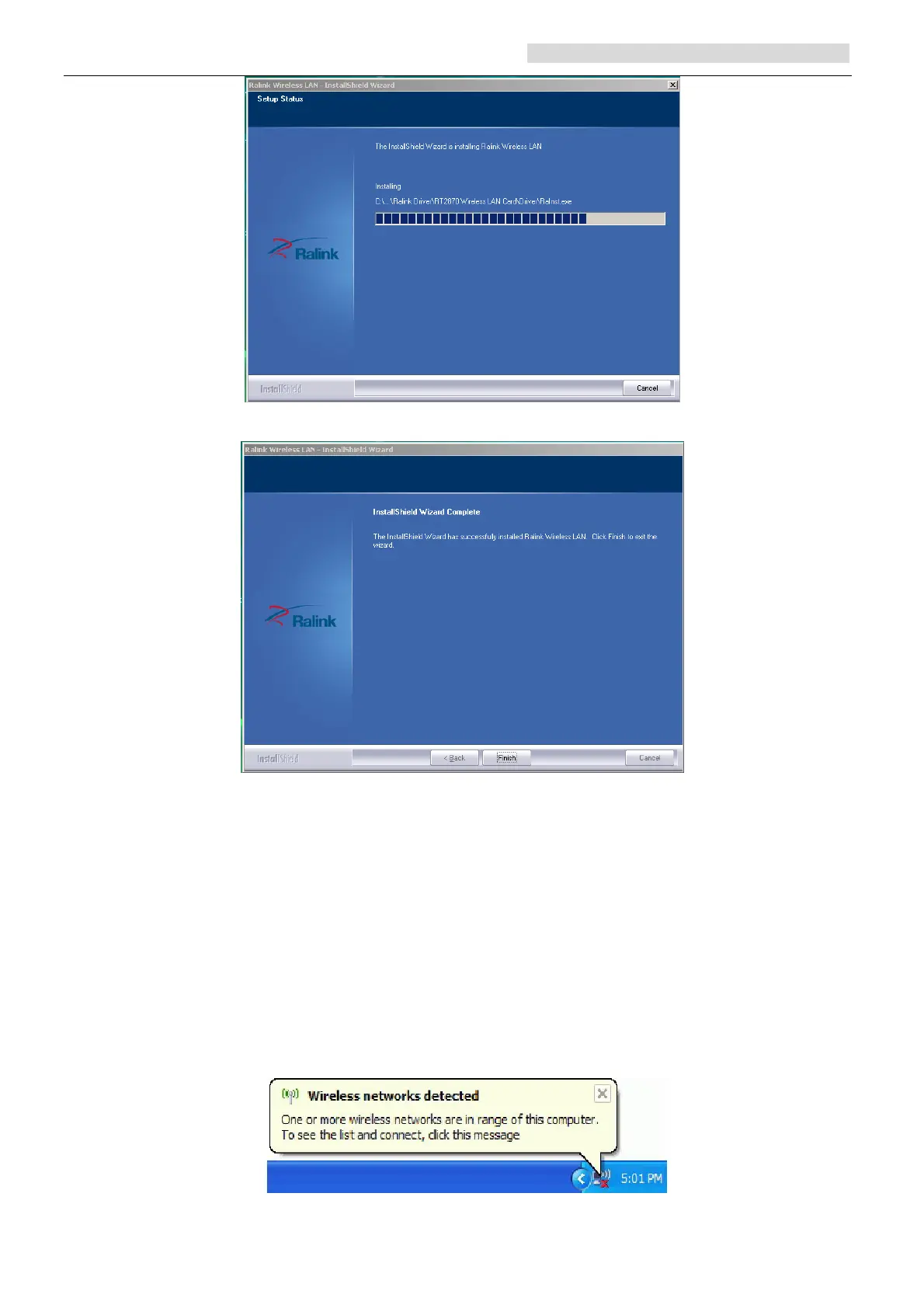
d. Click “finish” to finish the driver installation.
4. Wireless Connection
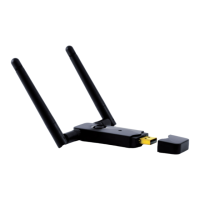
1. After finishing driver installation, insert the USB adapter to Notebook or PC that
supports USB 2.0/1.1 interface.
Remarks: Make sure to connect the adapter to an USB port on your computer
directly rather than an USB hub. Although it might work when connecting with an
USB hub, the likelihood of configuration problems will be higher.
2. The system shows a wireless utility icon in the Windows system tray, which locates in
the bottom-right corner of your computer screen, and pops up a message that indicates
a new hardware is found and installed, something like this:



 To Next Page