Panda Wireless User’s Manual
Page 14
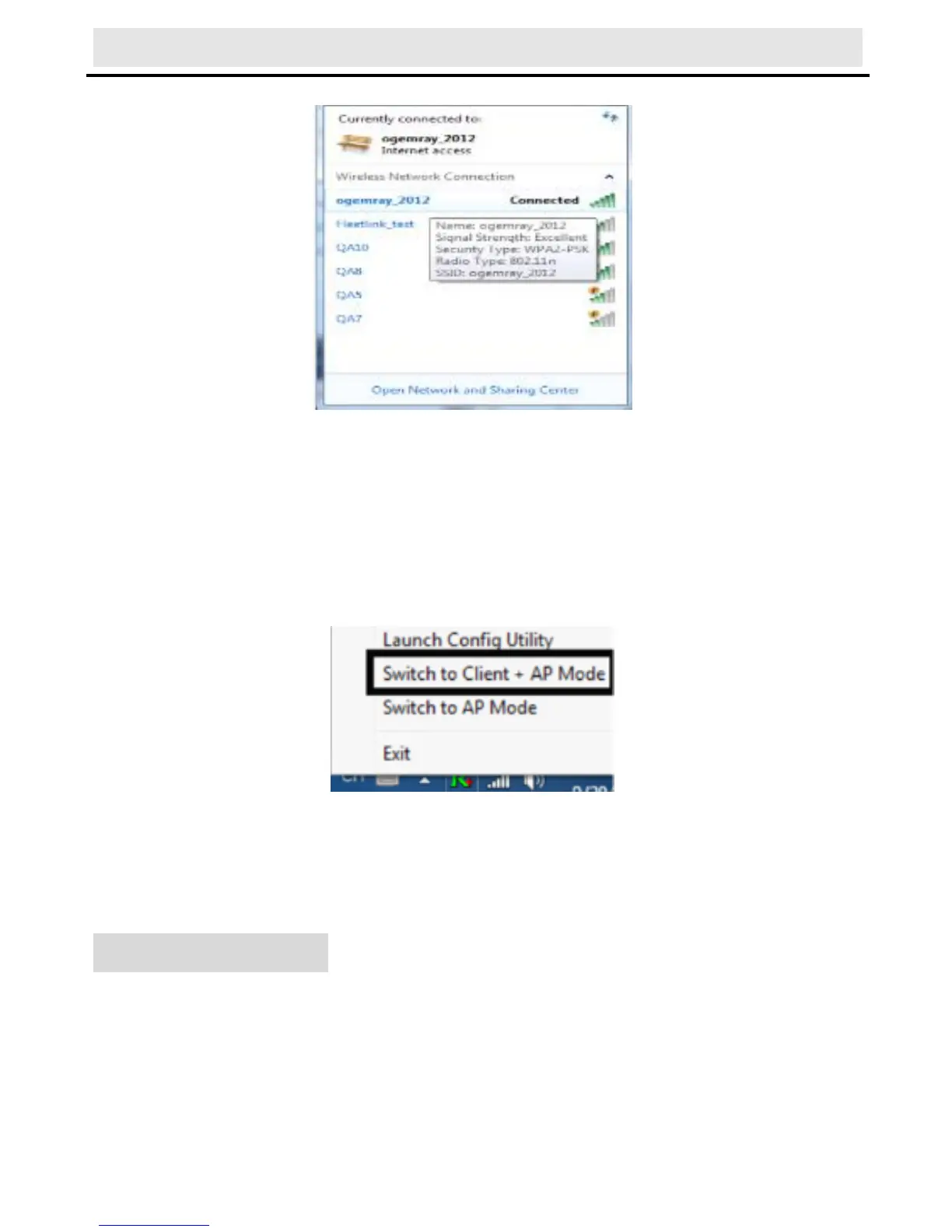
network icon.
Notes :The steps of using the Ralink Utility to connect to a
wireless network is the same as those described in Windows XP .
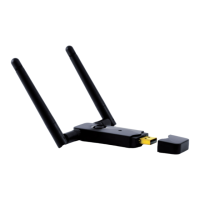
In addition to station and AP mode, there is the Client + AP Mode to
be selected in windows 7 as well.
Which means: other wireless devices connect to -> Soft-AP of
the adapter -> the adapter (Client mode with Internal ICS
sharing )-> connect to other AP or router -> Internet.
This mode lets you use the adapter both as a Soft-AP and client at
the same time. Switch to this mode, you can let a wireless adapter
be connect to a wireless (Soft-AP) with Internet connected, and let
others adapter be indirectly connect to Internet via the Soft-AP
wireless network.
For Windows 8:
1) Click on the networks icon in the task bar in the bottom right
hard corner of your screen to display the available wireless
networks.



 To Next Page